Locations define how your business is organized within the system. Each Location stores key information such as contact details, addresses, tax and time zone defaults, record prefixes, and operating hours. Locations also help distinguish records when multiple sales centers or offices are used.
This article provides a high-level overview of what can be managed within Locations and where to configure each setting.
Table of Contents
Accessing Locations
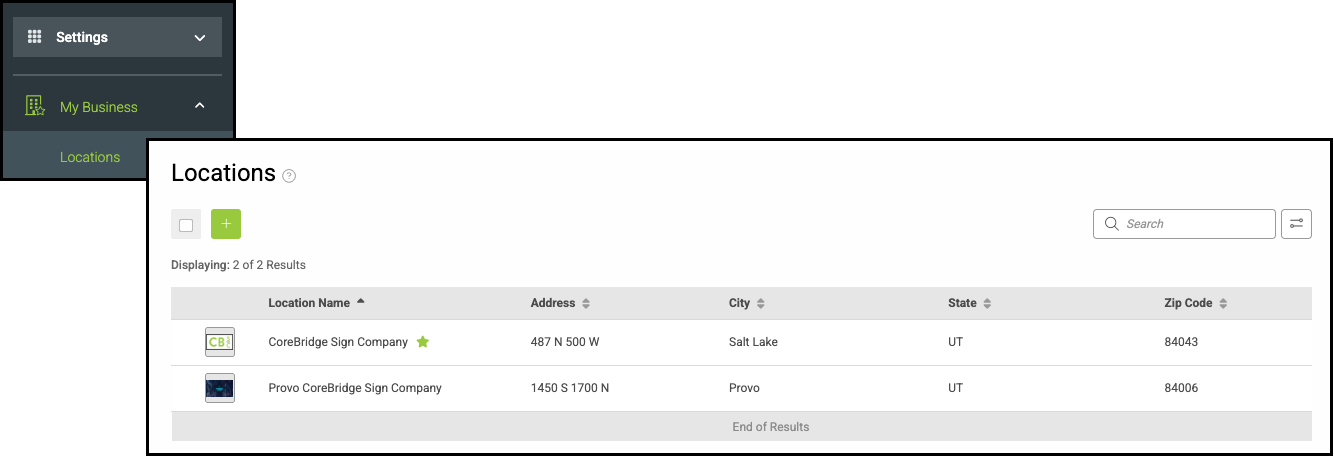
Navigate to Settings / My Business / Locations.
From this page, you can add a new Location or select an existing Location to view and update its details.
Location Details Tab
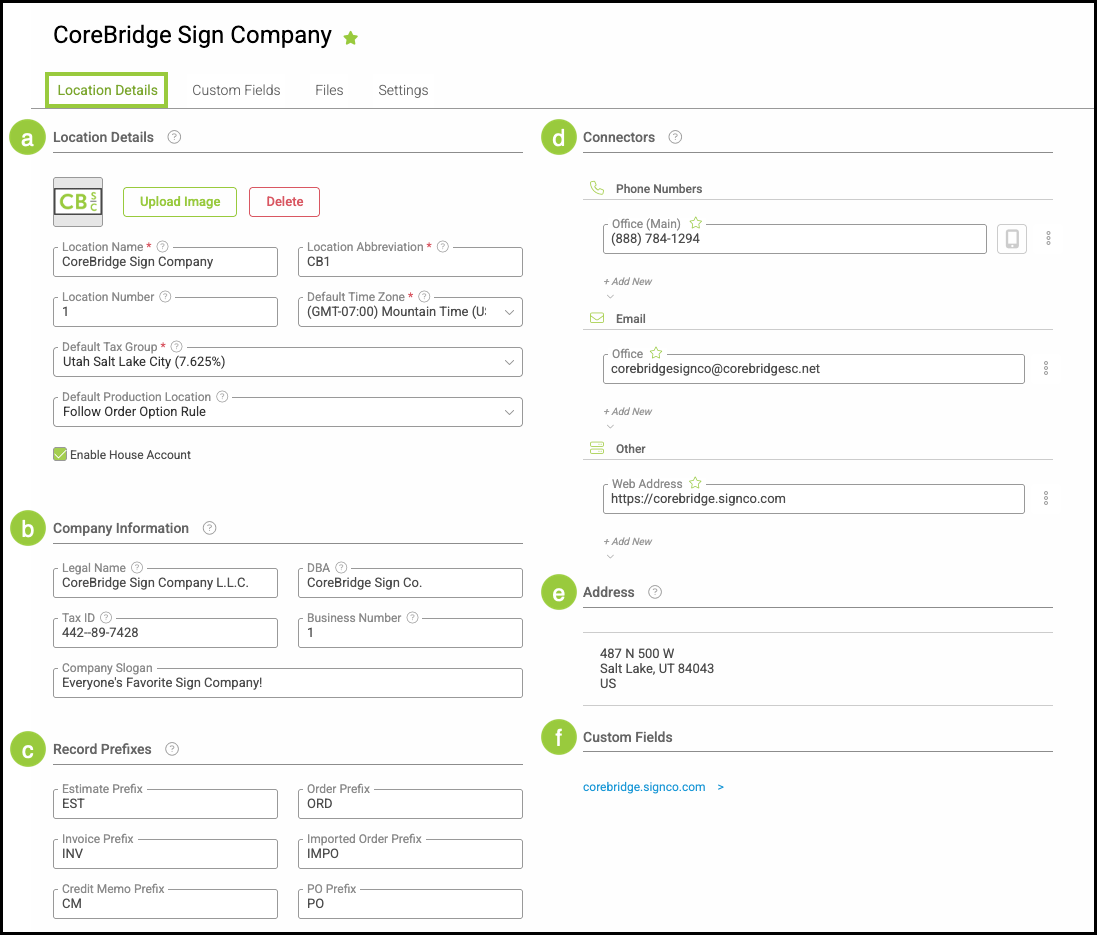
The Location Details page contains the core information used to define and configure a Location, including defaults that affect how records are created and displayed.
For more information on Location Details, please see Location Details.
a. Location Details contain the core configuration for each Location. Required fields are marked with a red asterisk.
b. Company Information fields are optional and used for additional identification purposes.
c. Record Prefixes determine the characters that appear before record numbers created under a Location.
d. Connectors store contact information for a Location.
e. Addresses identify the physical or mailing locations associated with a Location.
f. Custom Fields allow additional, location-specific data to be tracked.
Note: Custom Fields are created and managed in Settings / Custom Fields / Location and will appear within the Location Details once added. For more information, please see Custom Fields.
Custom Fields Tab
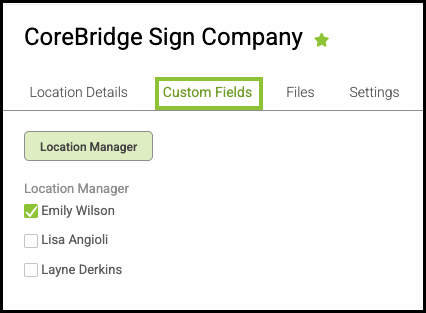
A Custom Fields subtab can be created to capture additional, location-specific information that isn’t included in the standard Location Details. This allows you to store and reference details that are unique to each Location without affecting core system settings.
For more information, please see Custom Fields.
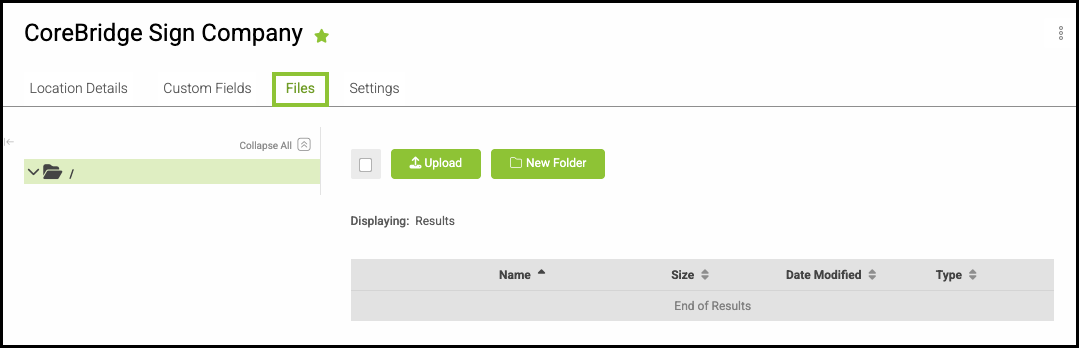
Files Tab
Files related to your Location can be uploaded and stored here, providing a centralized place to organize documents such as licenses, internal reference materials, or location-specific documentation.
For more information, please see File Management.
Settings Tab
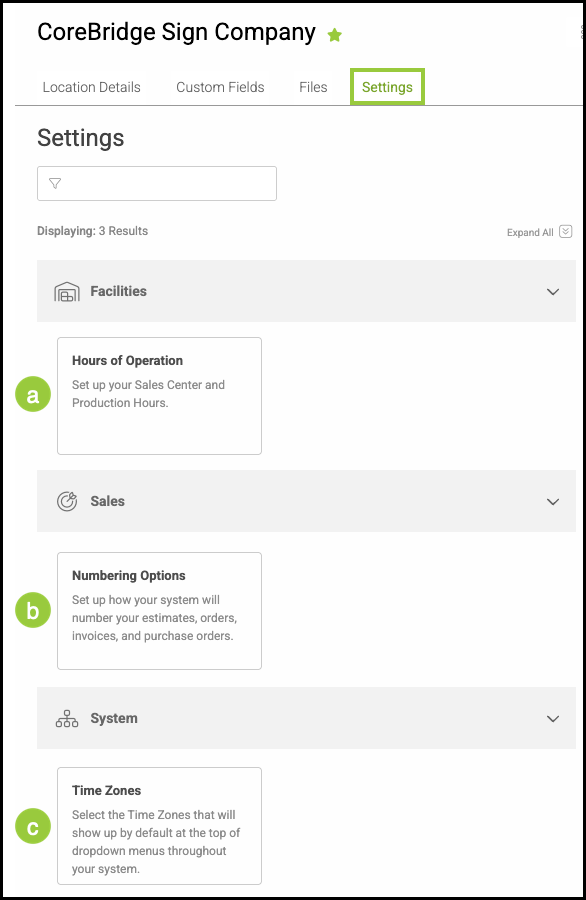
Manage hours of operation, numbering options, and time zone preferences for the Location in this section.
For more information, please see Location Settings.
a. Each Location has configurable Hours of Operation.
b. Numbering Options control how Estimate, Order, and Invoice numbers are generated.
c. Each Location has a default Time Zone that affects how dates and times are recorded.