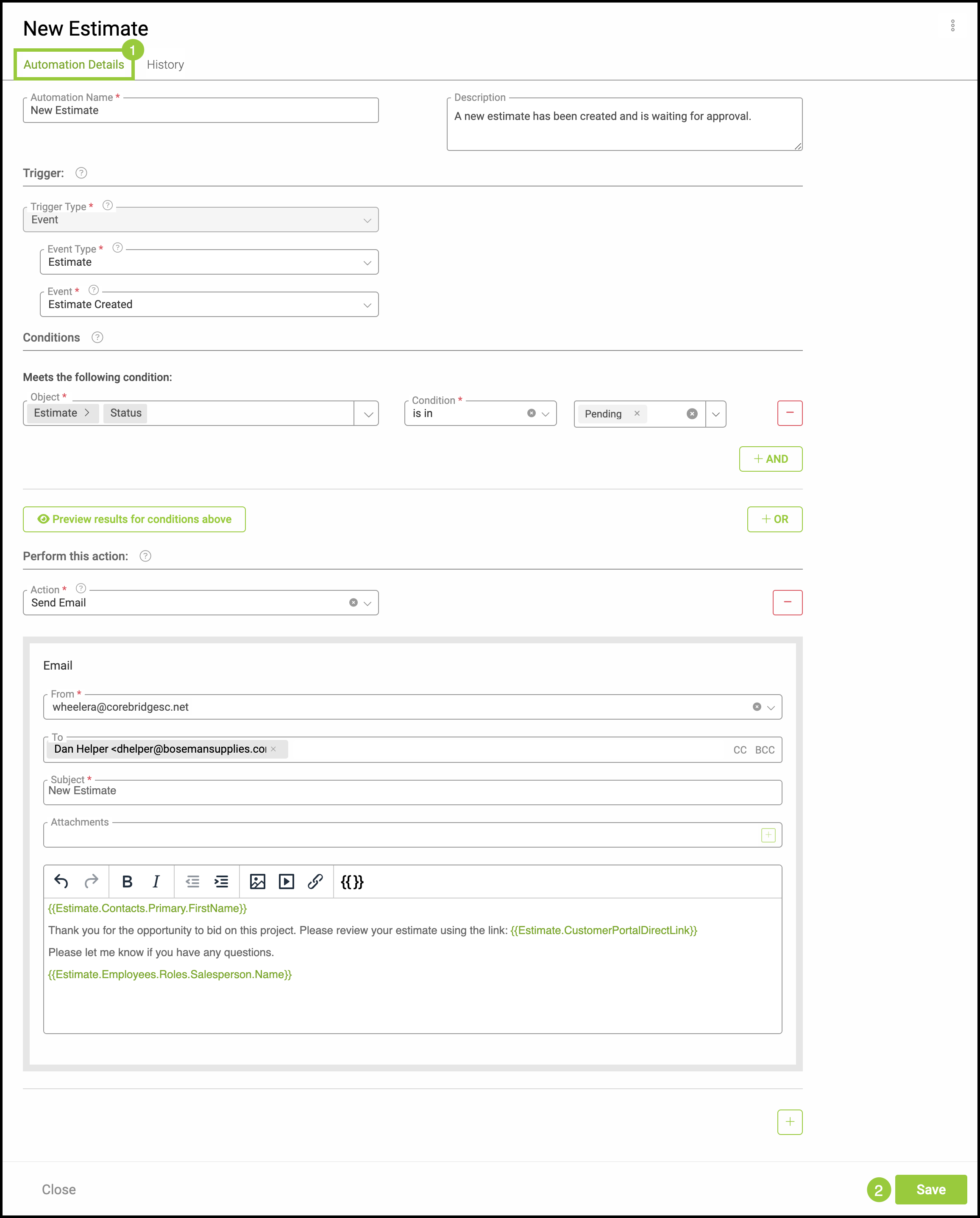
An Automation is similar to a Notification. However, an Automation is external and customer-facing. The purpose of an Automation is to help keep your customers informed and updated regarding any changes or items requiring their attention. These can be edited at any time.
For information on creating an Automation, please see Creating Automations.
Table of Contents
Editing an Automation
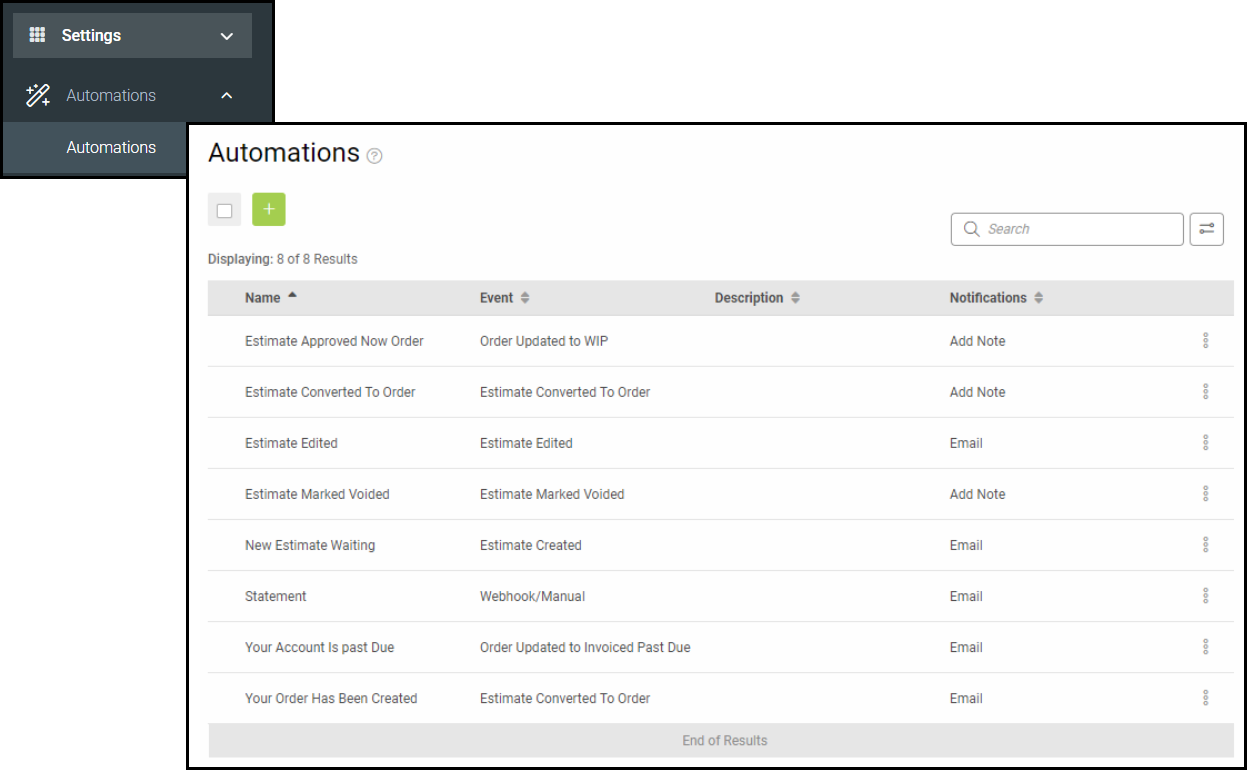
To edit an Automation navigate to Settings / Automations / Automations and select the desired notification.
1. While in the Automation Details Tab, make any necessary changes.
2. Click Save.