
Files enable you to organize documents and information in various parts of the system. Setting up defaults can help to ensure you have all of the folders and files your business will need.
Table of Contents
File and Folder Overview
To begin, navigate to Settings / File Management / Default Files and Folders.
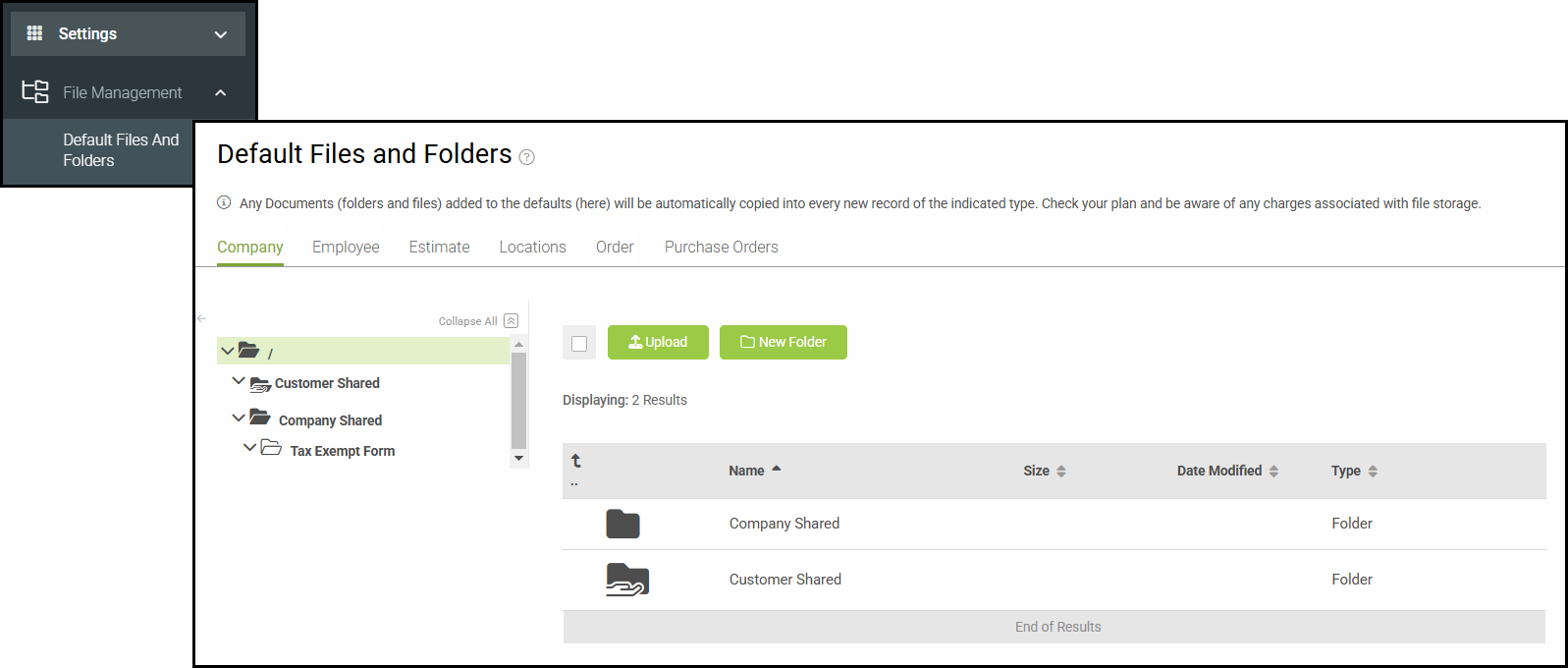
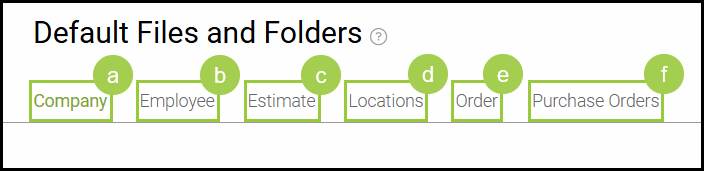
Files and Folders are organized into Companies, Employees, Estimates, Locations, Orders, and Purchase Orders.
a. Companies - files such as purchase orders or company logos can be stored here.
b. Employees - files such as contracts or resumes can be stored here.
c. Estimates - files such as preliminary designs or mockups can be stored here.
e. Locations - files such as lease agreements or permits can be stored here.
d. Orders - files such as designs or contracts can be stored here.
f. Purchase Orders - files such as vendor purchase orders or quotes from vendors can be stored here.
Related Articles
Enabling File Management in the Customer Portal