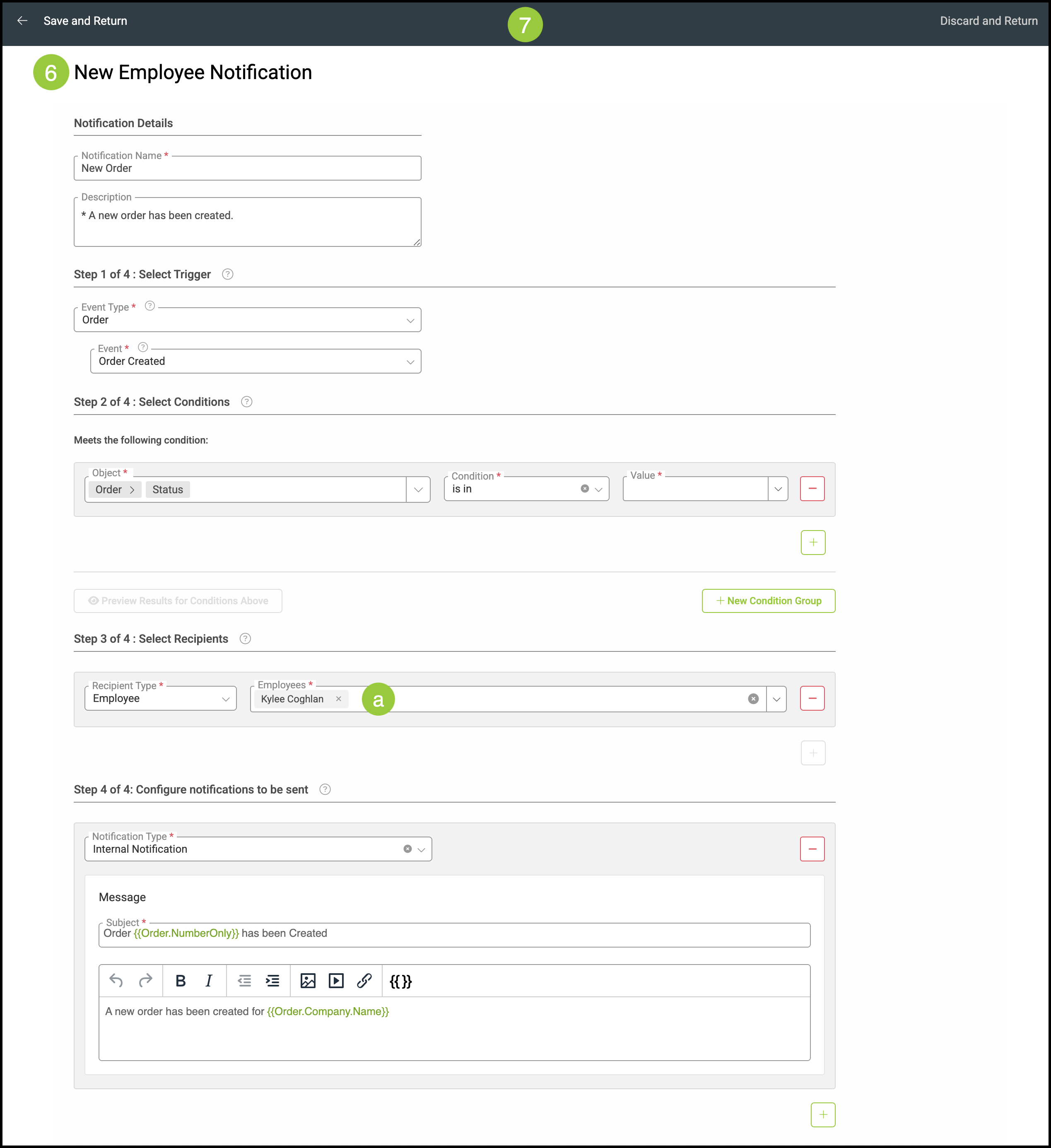
Notifications can help employees observe and follow pertinent updates for their specific role. Once created, the notifications can be edited by selecting them from the list.
Important Information
- All notification options are the same as what can be found in Settings / Notifications / Notifications.
- The only difference is the field for Employees will automatically select the employee that is currently selected.
- For more information on notifications, please see Understanding and Creating Notifications.
Table of Contents
Customizing Employee Notifications
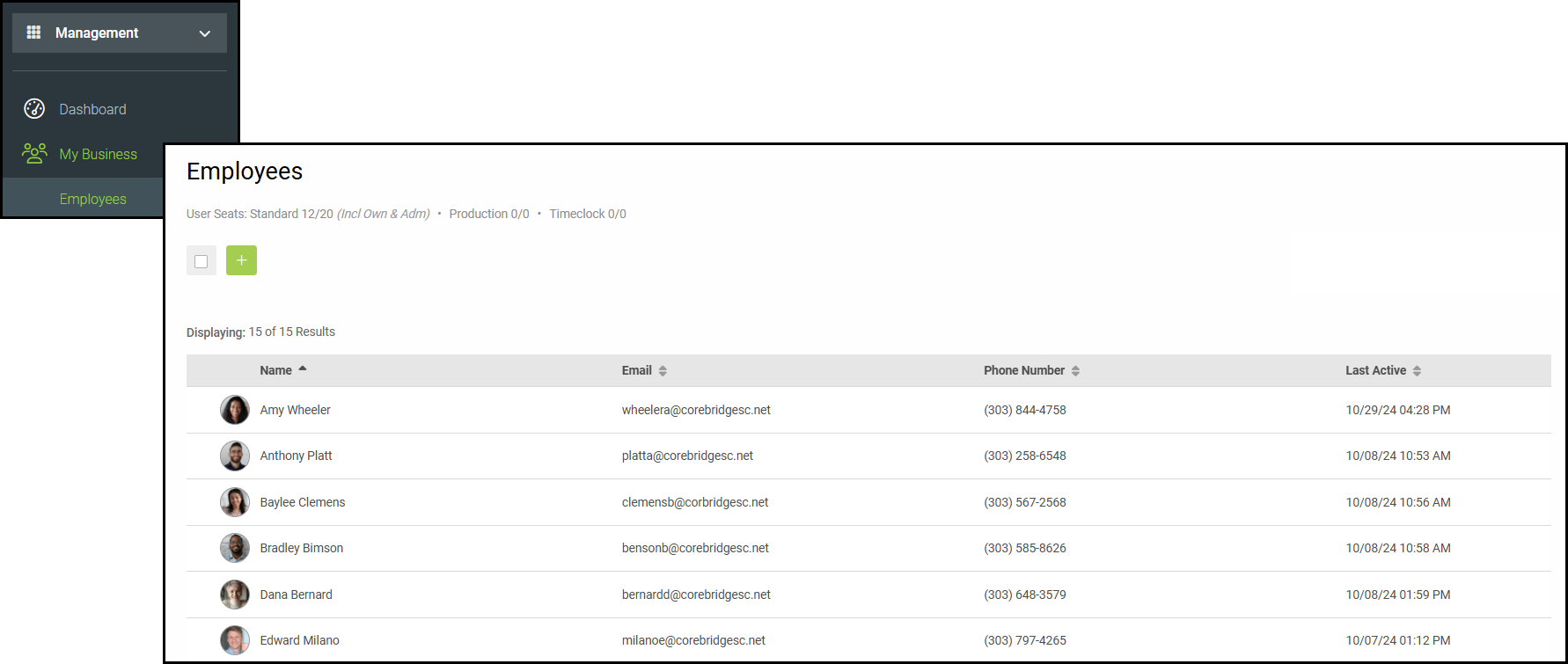
Navigate to Management / My Business / Employees.
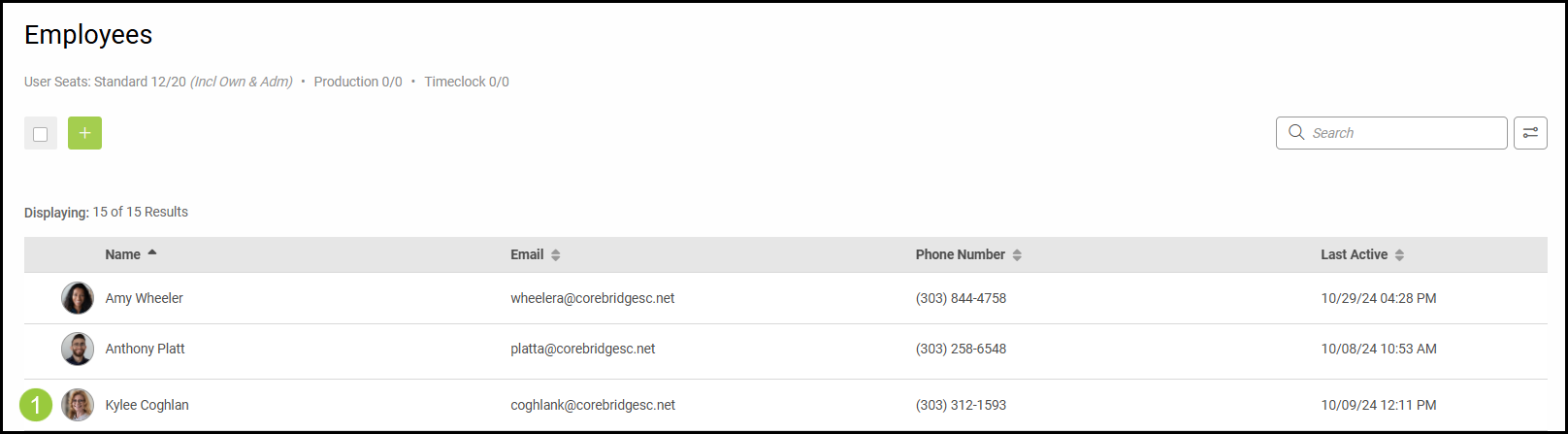
1. Select an employee.
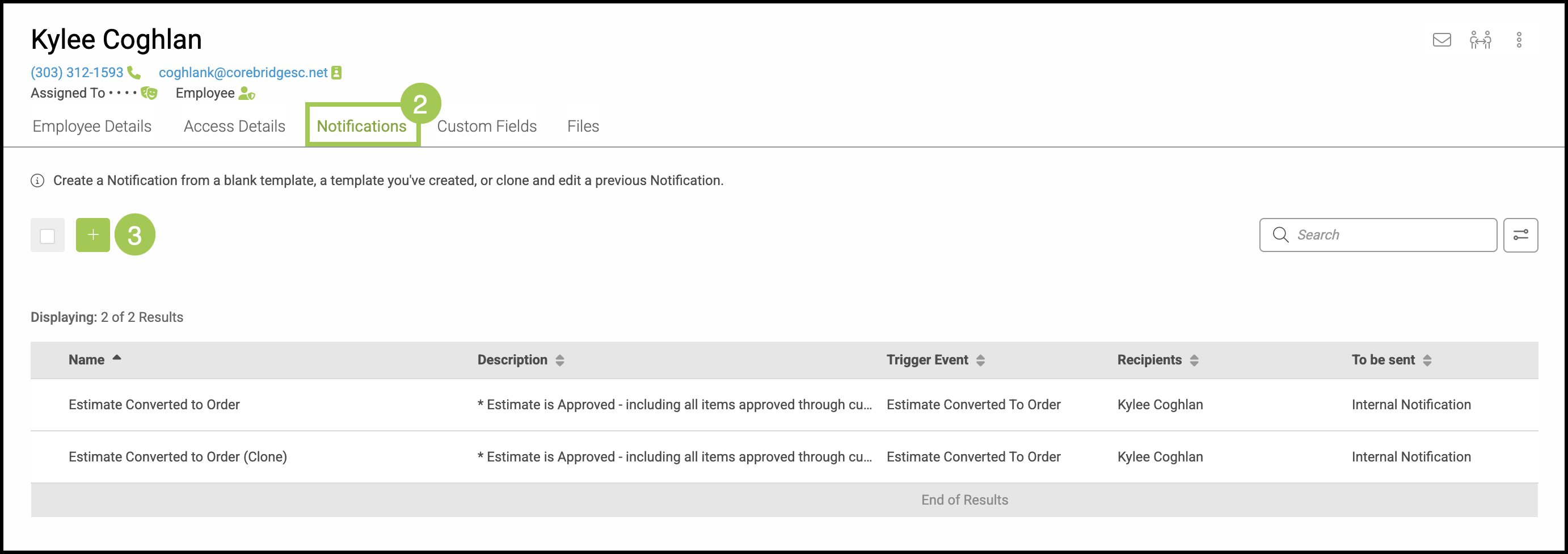
2. Click on the Notifications tab.
3. Click the Green Plus button.
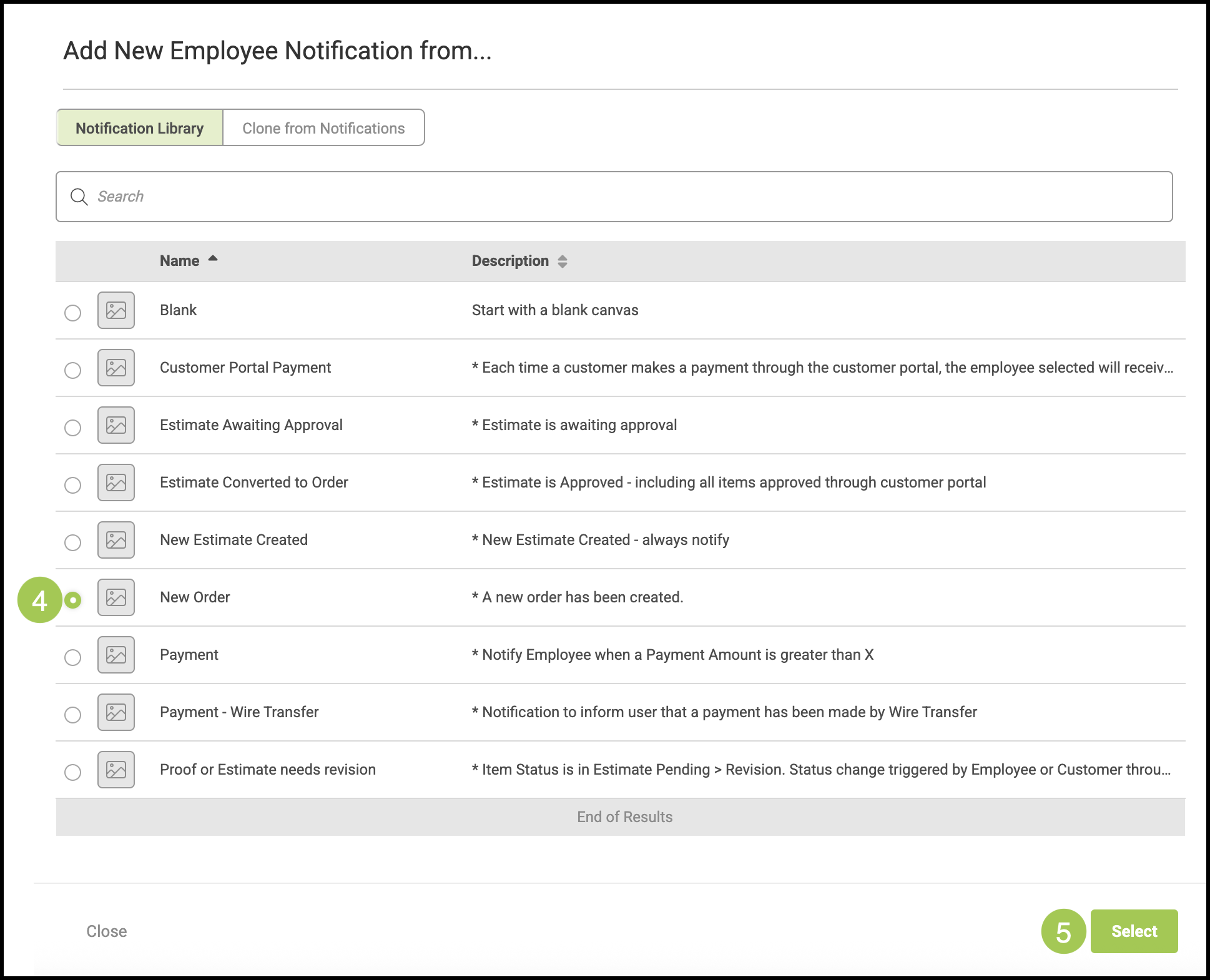
4. Select the Notification you would like to add.
5. Click Select.
6. Make any necessary changes to the Notification information.
a. The name of the employee will already be selected.
Note: The employee name can be edited or added to.
7. Select either Save and Return or Discard and Return.