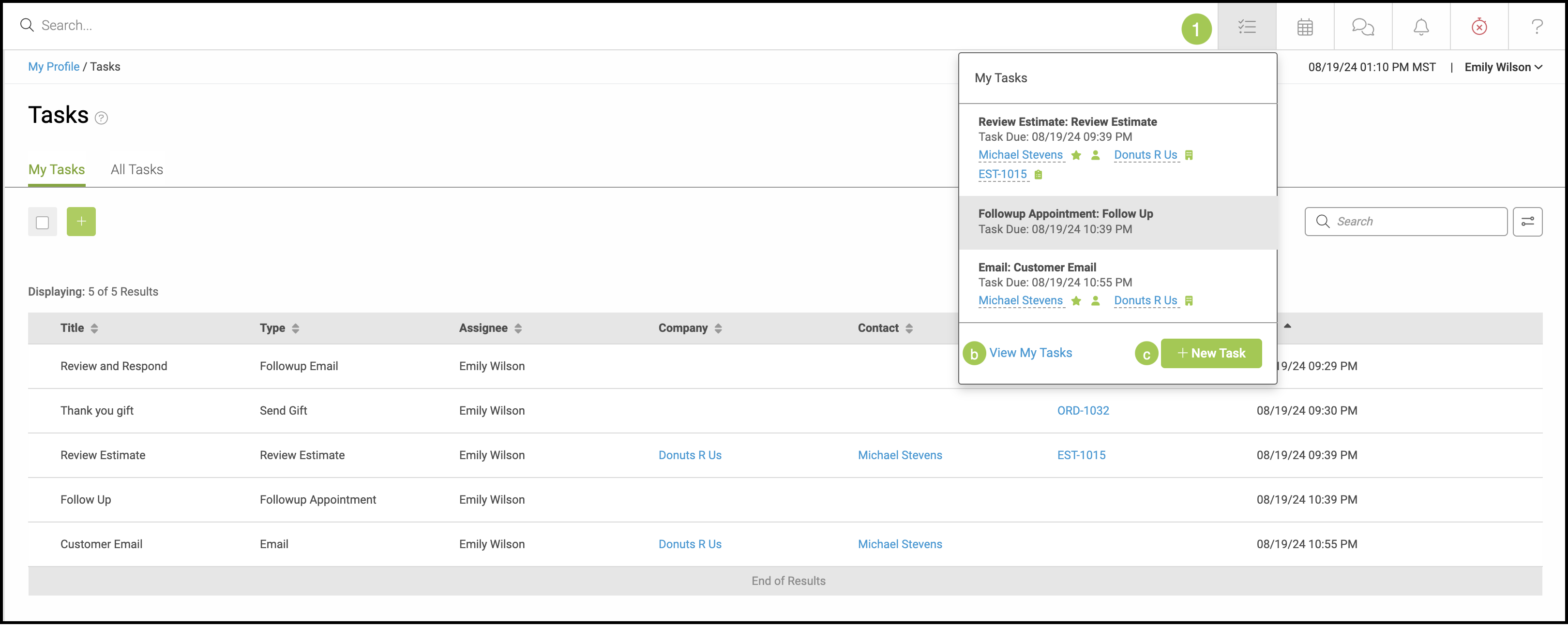
This article show you how to quickly access My Tasks using the Navigation Bar shortcut.
For more information on Tasks, please see Creating a Task.
1. Click on the My Tasks icon at the top right of the screen.
a. View My Tasks - This will open a new tab in your browser that takes you directly to your complete list of tasks found in My Profile / Tasks.
b. New Task - Quickly add a task using the pop up.