
The Settings Module is where administrators and owners configure system-wide features and defaults. This ensures the system is tailored to your company’s processes before it is put into daily use.
For more information on Modules, please see Modules Overview.
Table of Contents
- Accounting
- API
- Automations
- Boards
- Components
- Custom Fields
- Customer Portal
- Dashboards
- Import Options
- File Management
- Integrations
- My Business
- Notifications
- Purchasing
- Reports & Documents
- Sales
- System
- Workflow
- Related Articles
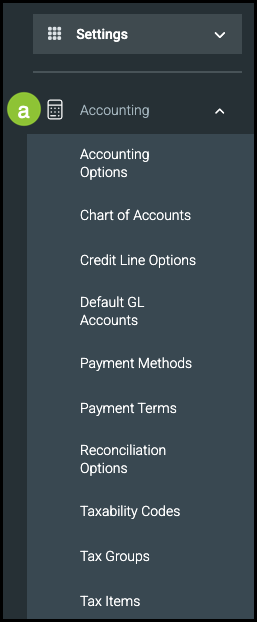
a. Accounting
This section contains all the specialized settings and information you need for the financial aspect of your business.
- Accounting Options: Accounting Options
- Chart of Accounts: Managing Chart of Accounts
- Credit Line Options: Credit Line Options
- Default GL Accounts: Establishing Default GL Accounts
- Payment Methods: Payment Methods
- Payment Terms: Payment Term Settings
- Reconciliation Options: Reconciliation Overview
- Taxability Codes: Taxability Codes
- Tax Groups: Tax Groups
- Tax Items: Tax Items
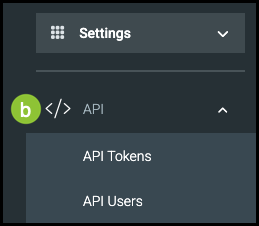
b. API
Note: Use these carefully and remove access immediately when someone leaves your employment.
- API Tokens: Tokens grant outside partners access to your system.
- API Users: This allows you to manage the users who have access to the API Portal.
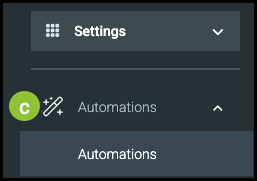
c. Automations
Set up conditions that will trigger automatic notifications, calendar items, and other reminders.
- Automations: Automations Overview
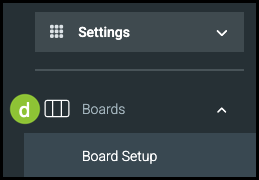
d. Boards
Boards are a visual representation of Order, Estimate, and Item Level workflow and can be viewed in various Modules, based on the settings you configure here. For more information, please see Boards Overview.
- Board Setup - Board Setup
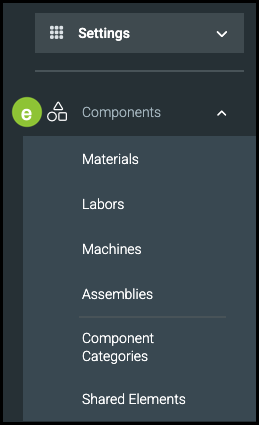
e. Components
Components are the building blocks used to create your products and services. For more information, please see Components Overview.
- Materials: Materials Overview
- Labors: Labors Overview
- Machines: Machines Overview
- Assemblies: Assembly Overview
- Component Categories: Component Categories Overview
- Shared Elements: Shared Elements Overview
f. Custom Fields
Custom Fields are an easy way to customize your CoreBridge system to more efficiently meet the needs of your business. For more information, please see Custom Fields.
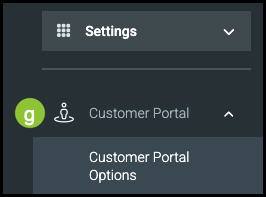
g. Customer Portal
The Customer Portal can be tailored for your business to help you provide quality customer service. For more information, please see Customer Portal in Settings.
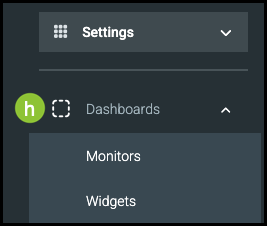
h. Dashboards
Customizing your Dashboards can help you view useful data and analytics at a glance. For more information, please see Dashboards and Widgets.
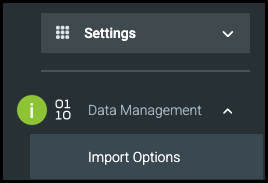
i. Import Options
This allows you to decide how imports from outside POS/MIS will interact with your data. For more information, please see Customer Import Process.
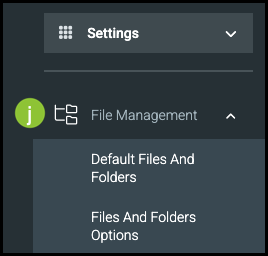
j. File Management
Organize files and set up defaults to help ensure you have all of the folders and files your business will need. For more information, please see File Management.
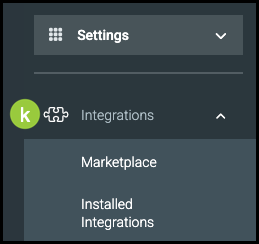
k. Integrations
Set up third-party applications and systems. For more information, please see Integrations Marketplace Overview.
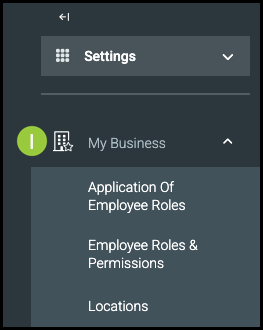
l. My Business
This section allows you to manage your business details by setting up roles and permissions for Employees, creating default permission groups for different job types, and organizing data by physical location. For more information, please see Employee Roles and Permissions, Location Settings, and Location Details.
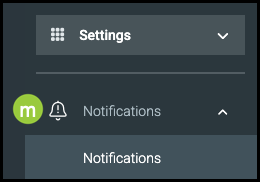
m. Notifications
Notifications are automated internal messages based on events that happen within your system. This section allows you to define the conditions that generate these notifications. For more information, please see Notifications Overview.
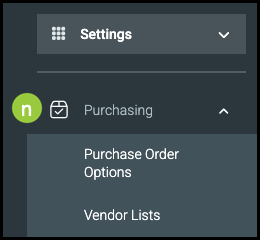
n. Purchasing
In this section, you can define which fields are required on Purchase Orders and set up industry options to use when creating Vendor profiles.
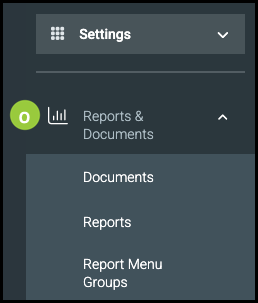
o. Reports & Documents
In this section, you can set up standard documents such as Estimates, Work Orders, and Invoices, configure the reports your center will use, and organize report templates into groups. For more information, please see Documents Overview and Using New Reports.
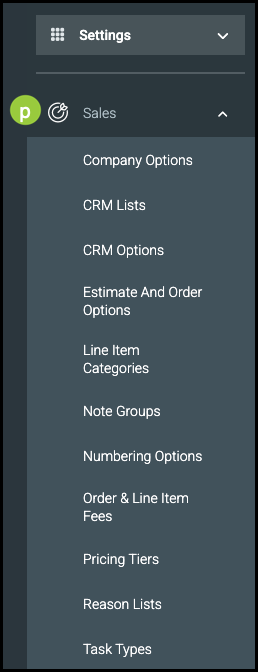
p. Sales
This section lets you customize system settings for managing Companies, Customers, and Orders - such as defining lists, categories, and groups, setting Estimate and Order defaults, controlling numbering, and configuring fees, pricing tiers, and task options.
- Company Options: Company Options in Settings
- CRM Lists: Updating the CRM List
- CRM Options: Updating the CRM List
- Estimate and Order Options: Estimate and Order Options
- Line Items Categories: Line Items Overview
- Note Groups: Creating an Estimate or Order
- Numbering Options: Numbering Options allow you to set up the numbering scheme for subsequent Estimates, Orders, Invoices, etc.
- Order & Line Item Fees: Manage Order and Line Item Fees.
- Pricing Tiers: Pricing Tiers.
- Reason Lists: Enter various reasons for voiding items or applying credits or tax exemptions.
- Task Types: Add items to select when setting up CRM tasks.
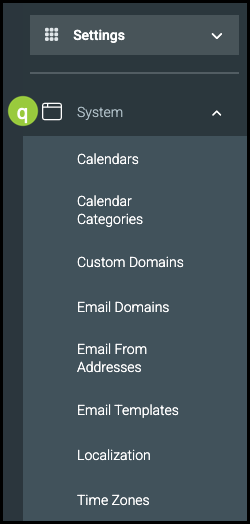
q. System
This section allows you to configure calendars, emails, and localization settings - including setting up event categories, custom and email domains, email templates, time zones, and how your company’s information and communications appear across the system.
- Calendars: Calendars Overview
- Calendar Categories: Calendars Overview
- Custom Domains: Integrate your company's URL with your CoreBridge account.
- Email Domains: Creating Email Domains
- Email From Addresses: Setting up Email From Addresses
- Email Templates: Email Templates
- Localization: Localization Settings
- Time Zones: Localization Settings
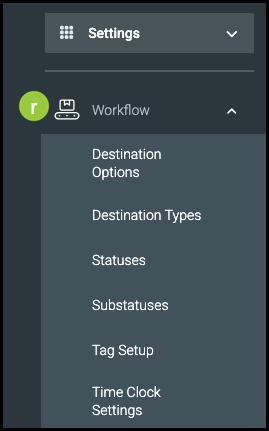
r. Workflow
- Destination Options: Select the default for how Products will arrive to Customers.
- Destination Types: Select the default for how Products will arrive to Customers.
- Statuses: Statuses Overview
- Substatuses: Statuses Overview
- Tag Setup: Tag Set Up
- Time Clock Settings: Time Tracking for Managers
Related Articles
Employee Roles and Permissions
Establishing Default GL Accounts
Integrations Marketplace Overview
Setting up Email From Addresses