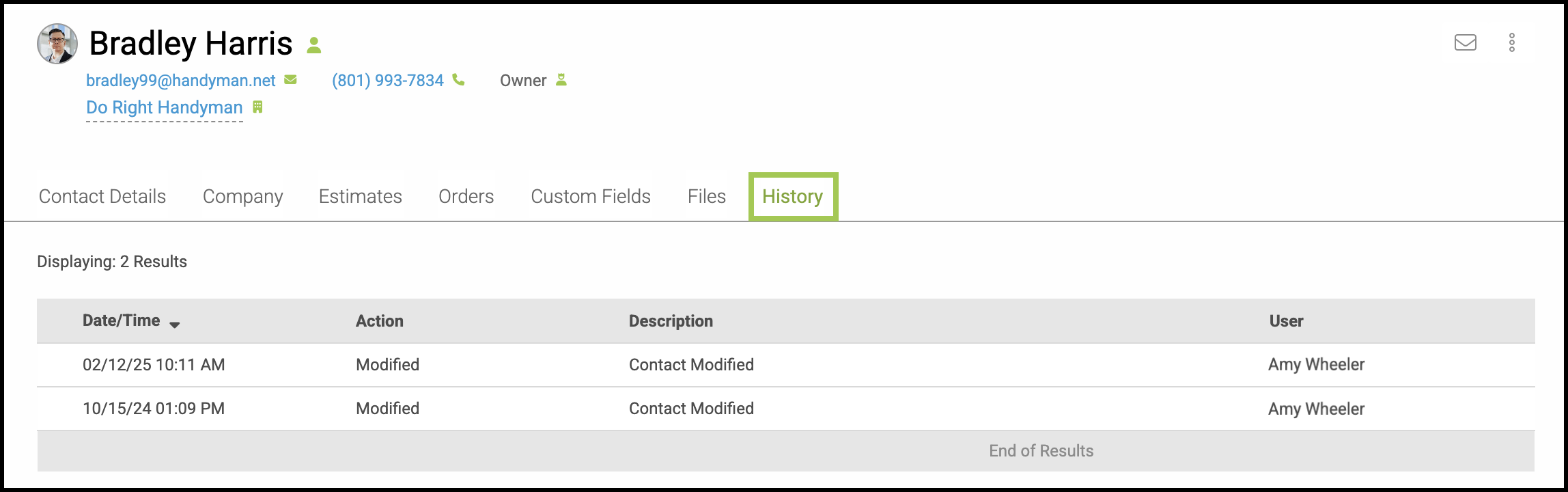
After the initial creation of a Contact, you will have the ability to enter additional information and parameters to customize your working relationship. This includes specialized accounting details, the ability to track Estimates and Orders, and a section for custom notes about this customer and their preferences.
Important Information
- For more information on the Contact Details tab, please see Contact Details Tab Overview.
- For information on creating contacts, please see Creating Contacts.
Table of Contents
- Accessing a Contact
- Contact Heading
- Company Details Tab
- Personal Account Tab
- Estimates Tab
- Orders Tab
- Custom Fields Tab
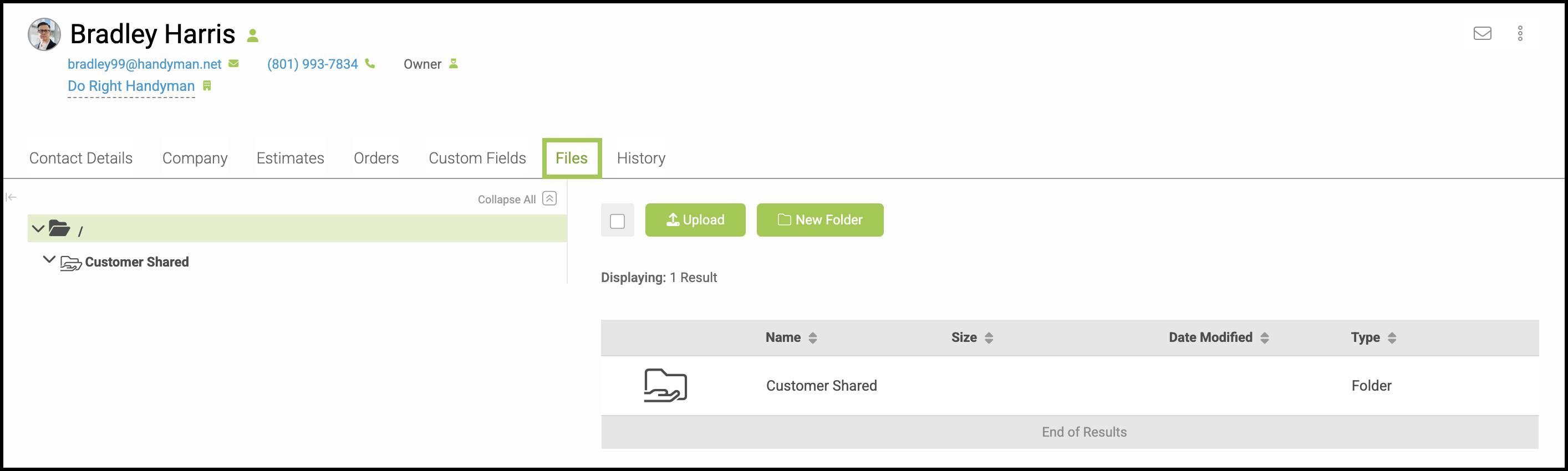
- Files Tab
- History Tab
- Related Articles
Accessing a Contact
To find your Contacts, navigate to Sales / Customers / Contacts.
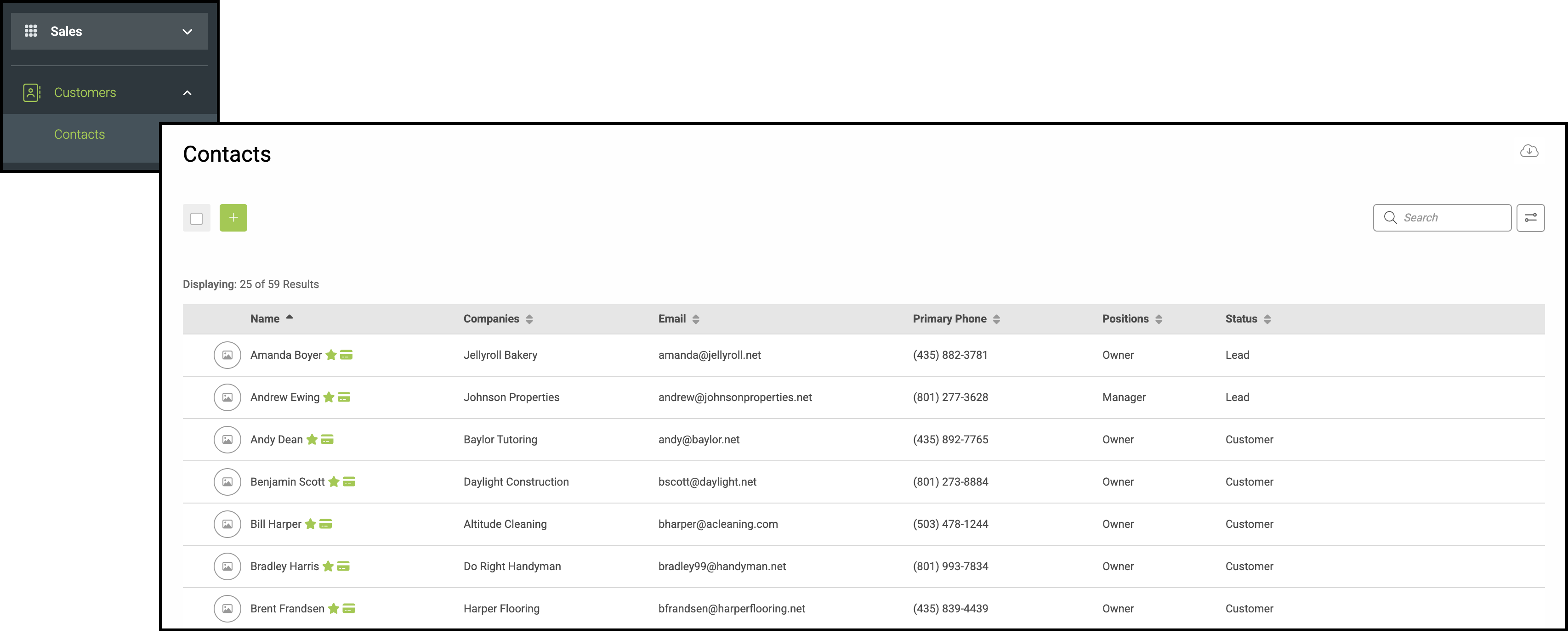
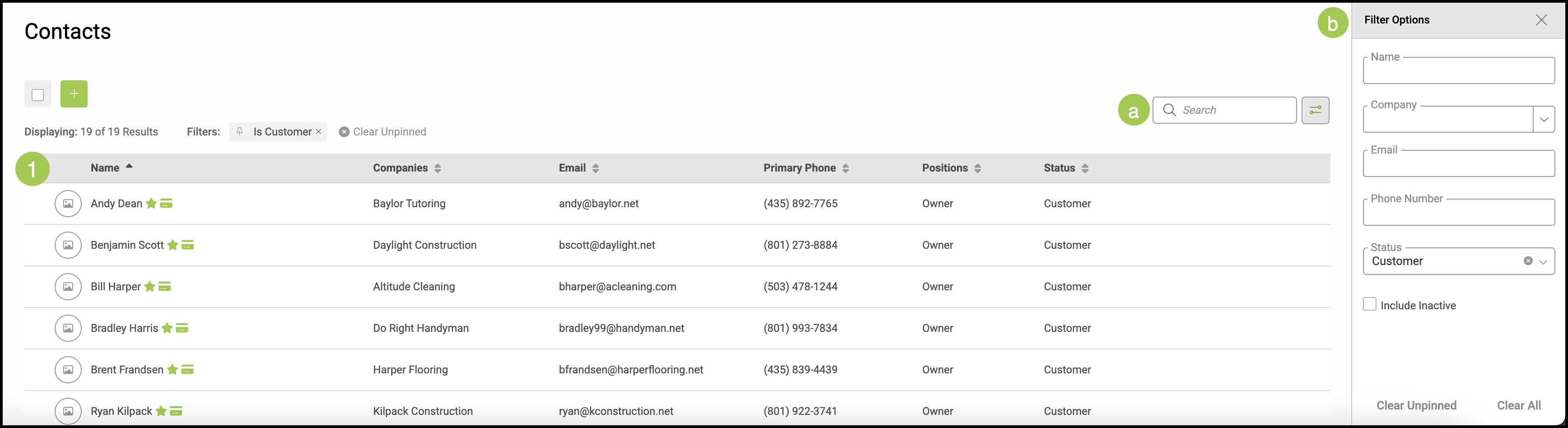
1. Select the Contact you would like to view.
a. Contacts can be found quickly utilizing the Search Bar.
b. Conveniently search your Contact list by expanding the Filter Bar and selecting your filter guidelines.
Contact Heading
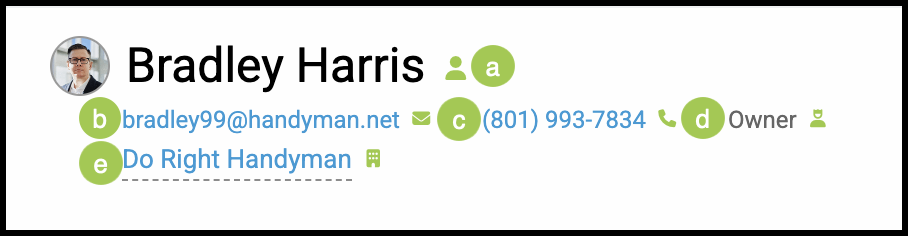
At the top of the Contact screen is an bar with quick information about this Contact.
Note: This will only reflect the information you have provided down below.
a. This indicates Customer Status.
Note: This particular icon reflects that this contact is a Customer, meaning someone who has placed an Order. It this contact has not yet placed an Order, there would be a flag here indicating whether they are a Lead, meaning someone who has contacted your company; or a Prospect, meaning someone who has placed an Estimate.
b. Email Address associated with this contact.
c. Phone Number associated with this contact.
d. Position in the company.
Note: If this is a personal contact, this would read Personal Account.
e. Company Name this contact is associated with, if applicable.
Company Details Tab
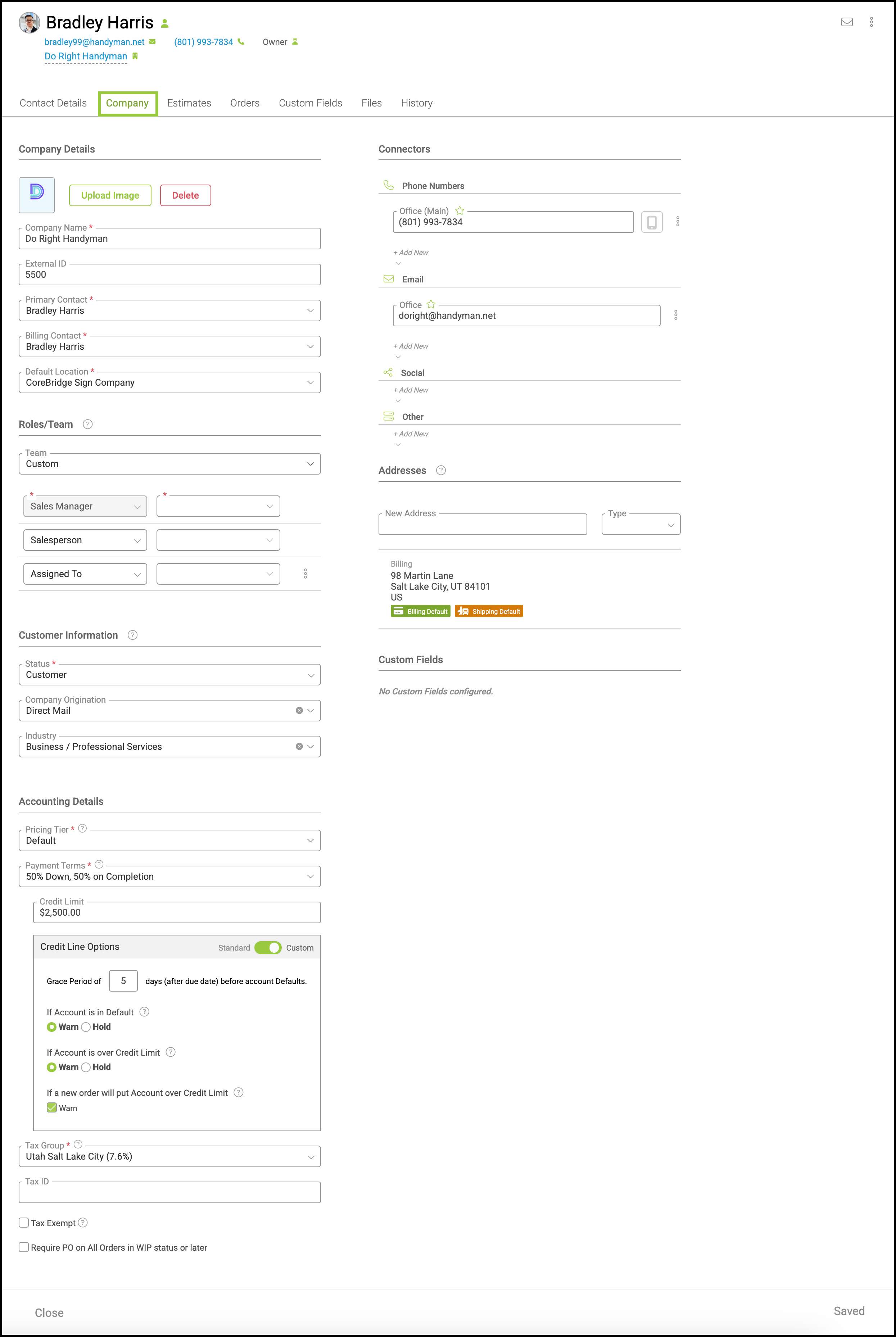
This contains the information regarding the company this contact is associated with. Providing detail here can help you tailor your business for the needs of this contact.
Note: For more information on company information, please see Company Details Tab Overview.
Personal Account Tab
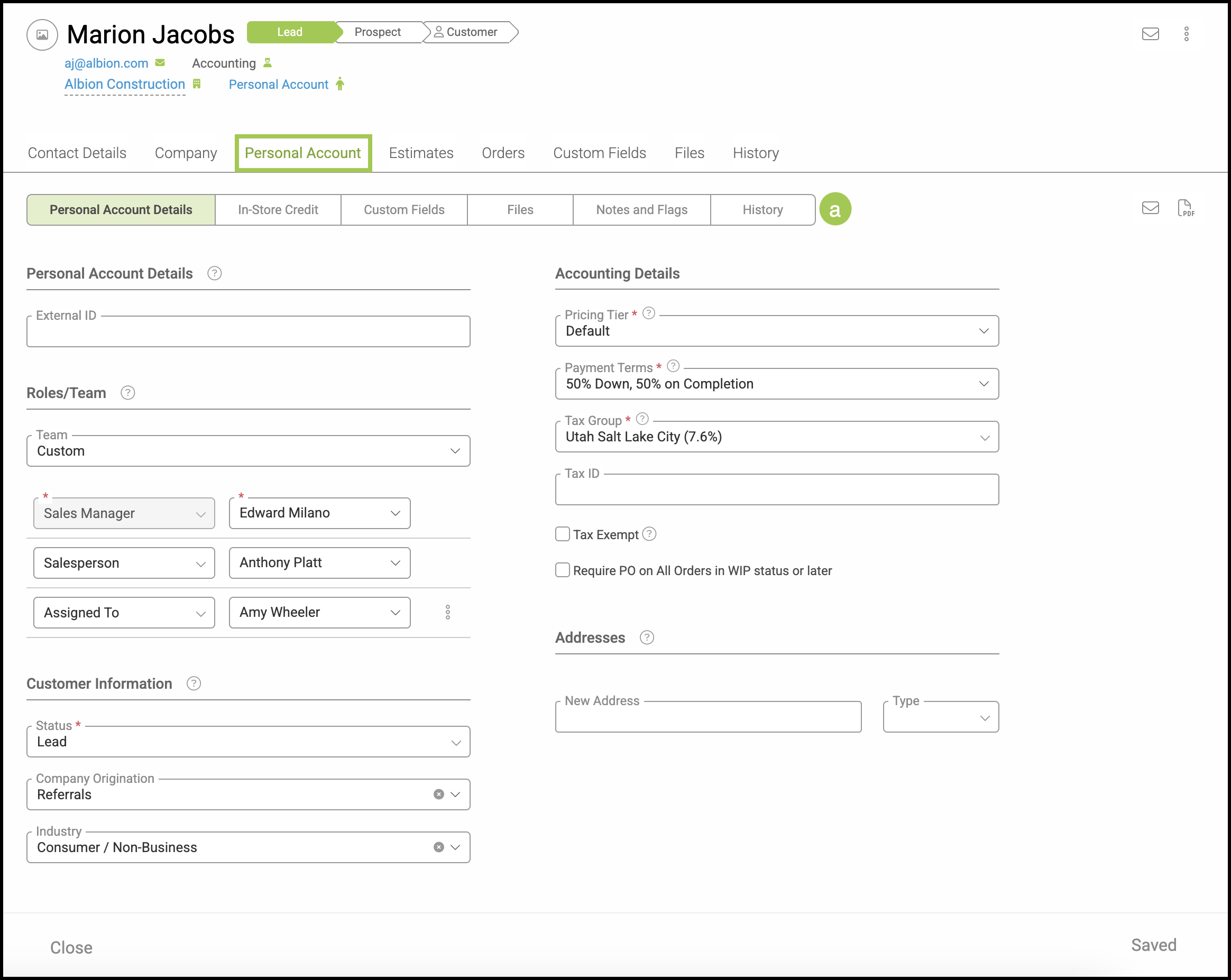
For customers that have a Personal Account, you will see this tab. This contains the same type of information that would be gathered and stored for a Company.
Note: For more information on company information, please see Additional Company Features.
a. Contacts with a Personal Account have a row of sub-tabs you can use to navigate the information for In-Store Credit, Custom Fields, Files, Notes and Flags, and History.
Estimates Tab
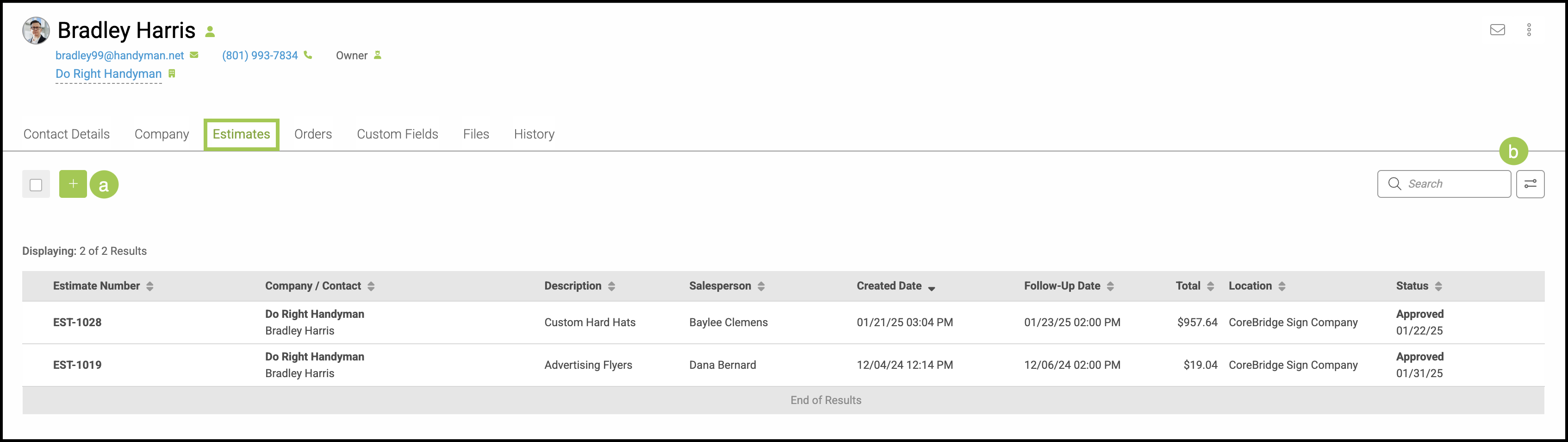
This tab contains a list of all Estimates associated with this contact and a quick view of important information. Individual Estimates can be opened to see more detail by clicking on the Estimate.
Note: For more information on Estimates, please see Estimates Overview.
a. Easily add a new Estimate from this screen utilizing the Green Plus button.
b. Use the Search Bar or Filter to quickly find an Estimate.
Orders Tab
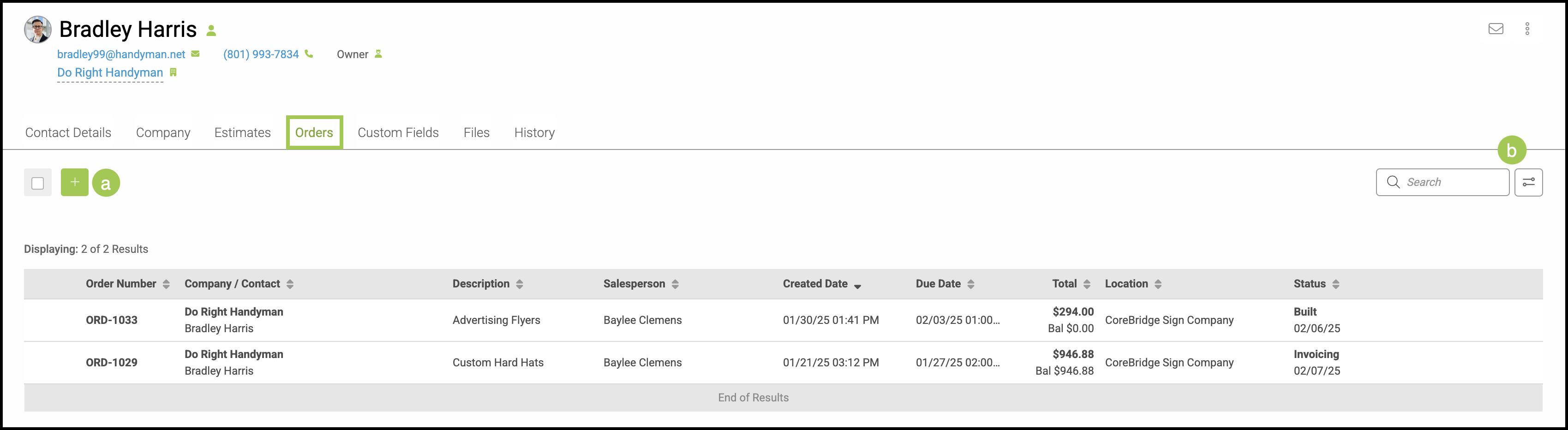
This tab contains a list of all Orders associated with this contact and a quick view of important information. Individual Orders can be opened to see more detail by clicking on the Order.
Note: For more information on Orders, please see Orders Overview.
a. Easily add a new Order from this screen utilizing the Green Plus button.
b. Use the Search Bar or Filter to quickly find an Order.
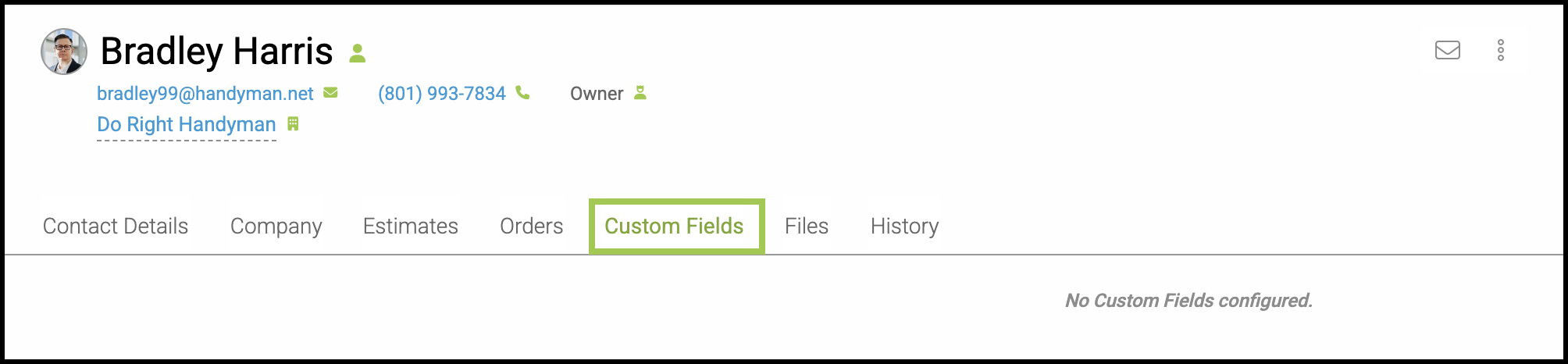
Custom Fields Tab
Any Custom Fields configured for this contact would be available here.
Files Tab
Files pertaining to this contact can be found and managed within this tab.
Note: For more information on Files and Folders, please see File Management.
History Tab
This tab contains the History of all changes made to this contact.