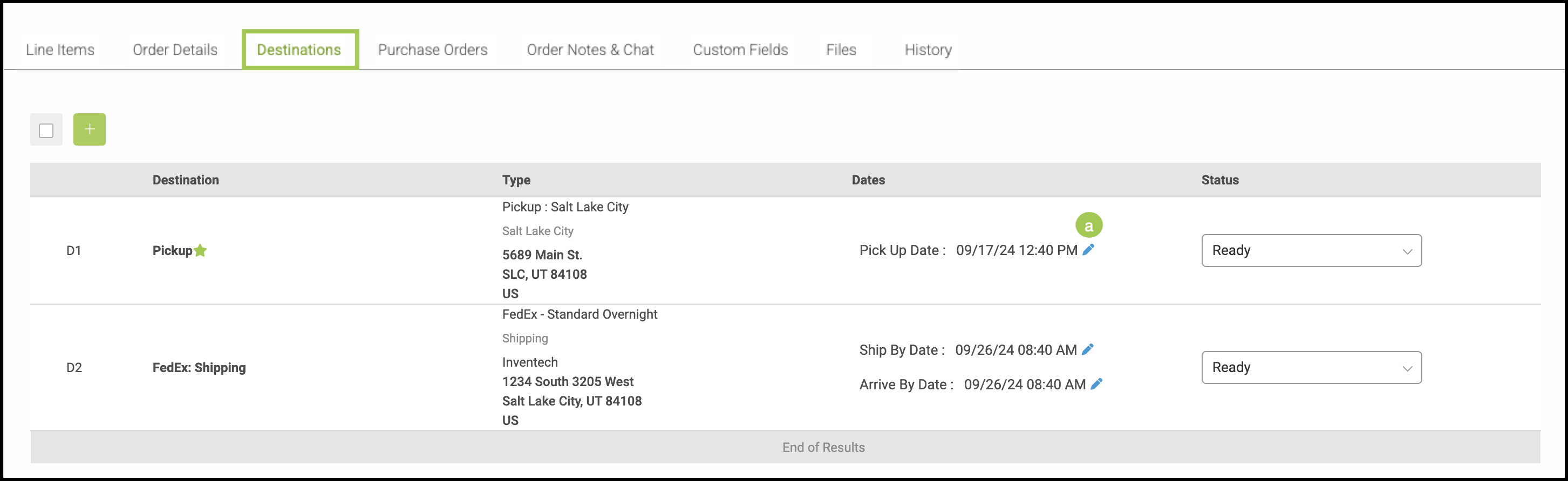
Destinations define how an Order is delivered to the customer. They capture the method and details of transportation, helping ensure Orders are routed correctly and arrive as expected based on your business’s delivery and fulfillment processes.
Important Information
- For more information on Orders, please see Orders Overview.
Table of Contents
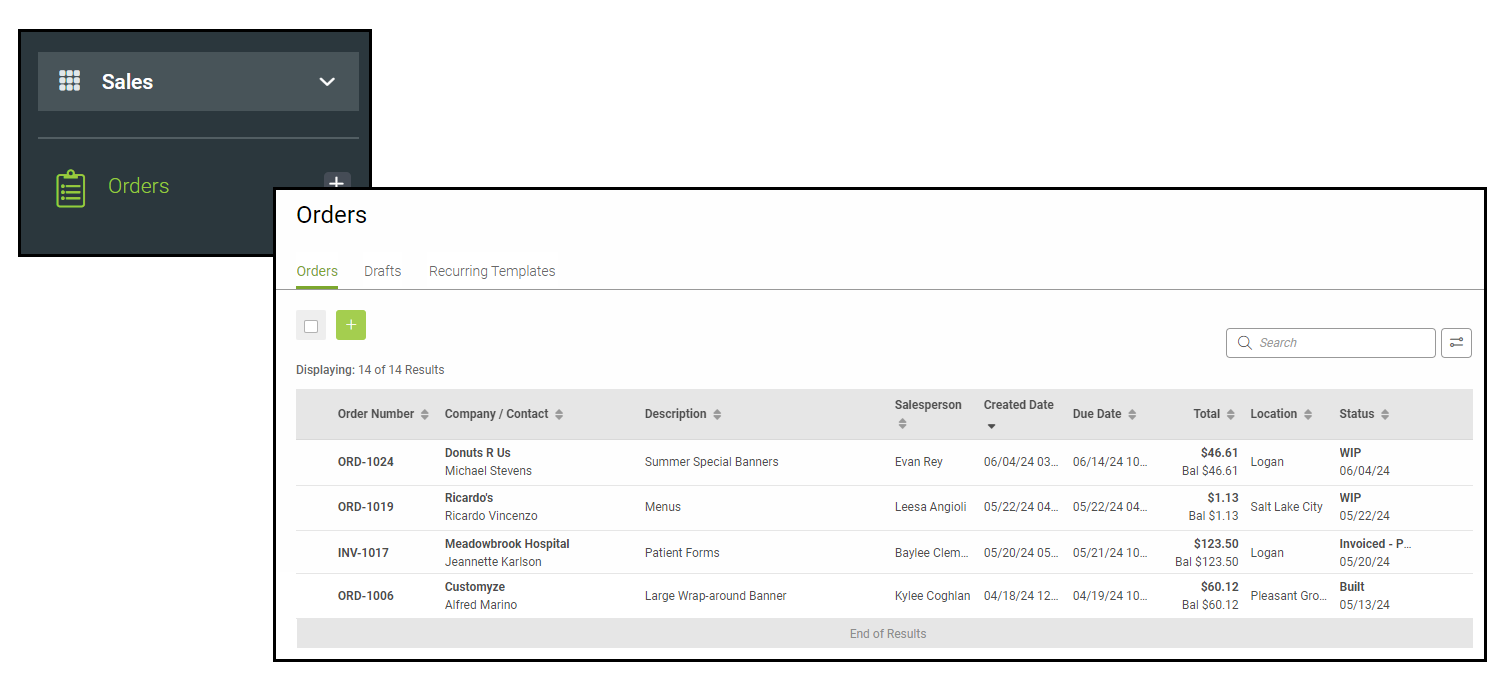
Navigate to Sales / Orders and select an Order.
Destinations Tab
a. Use the Blue Pencils to edit the Dates.
Note: Multiple Destinations can only be selected if you have more than one Line Item to transport.