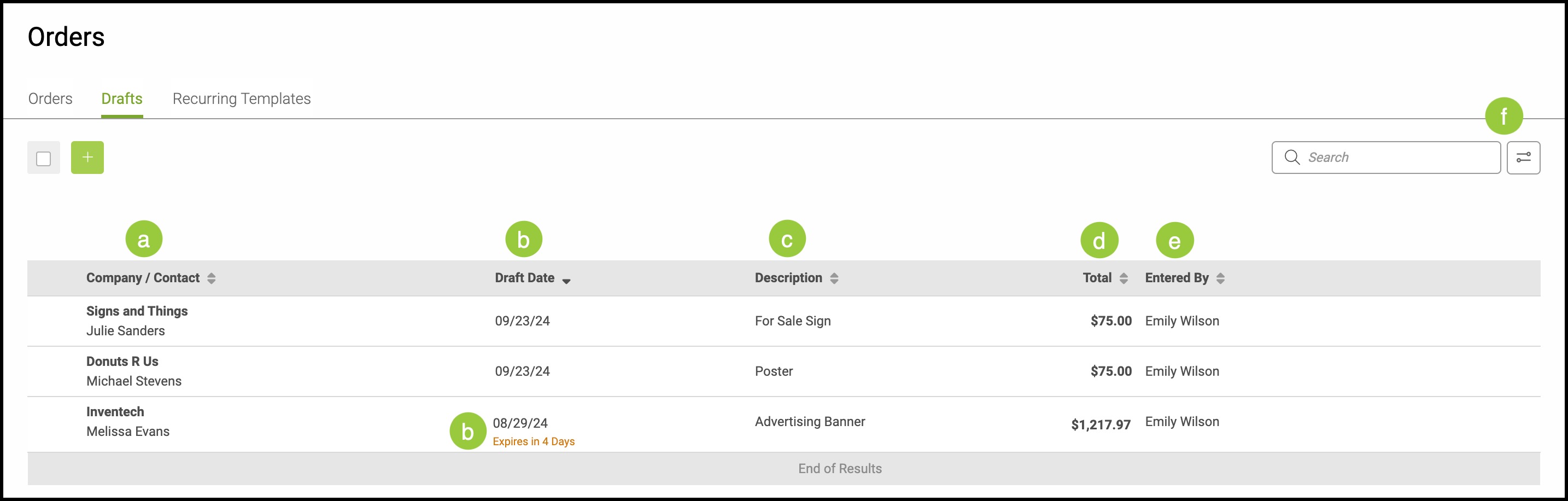
Orders that are started but not fully saved are automatically stored as Drafts. Drafts allow you to return to incomplete work later, review the details you’ve entered, and finalize the Order when you’re ready - without losing any progress.
Important Information
- For more information on Orders, please see Orders Overview.
Table of Contents
To find all Orders, navigate to Sales / Orders.
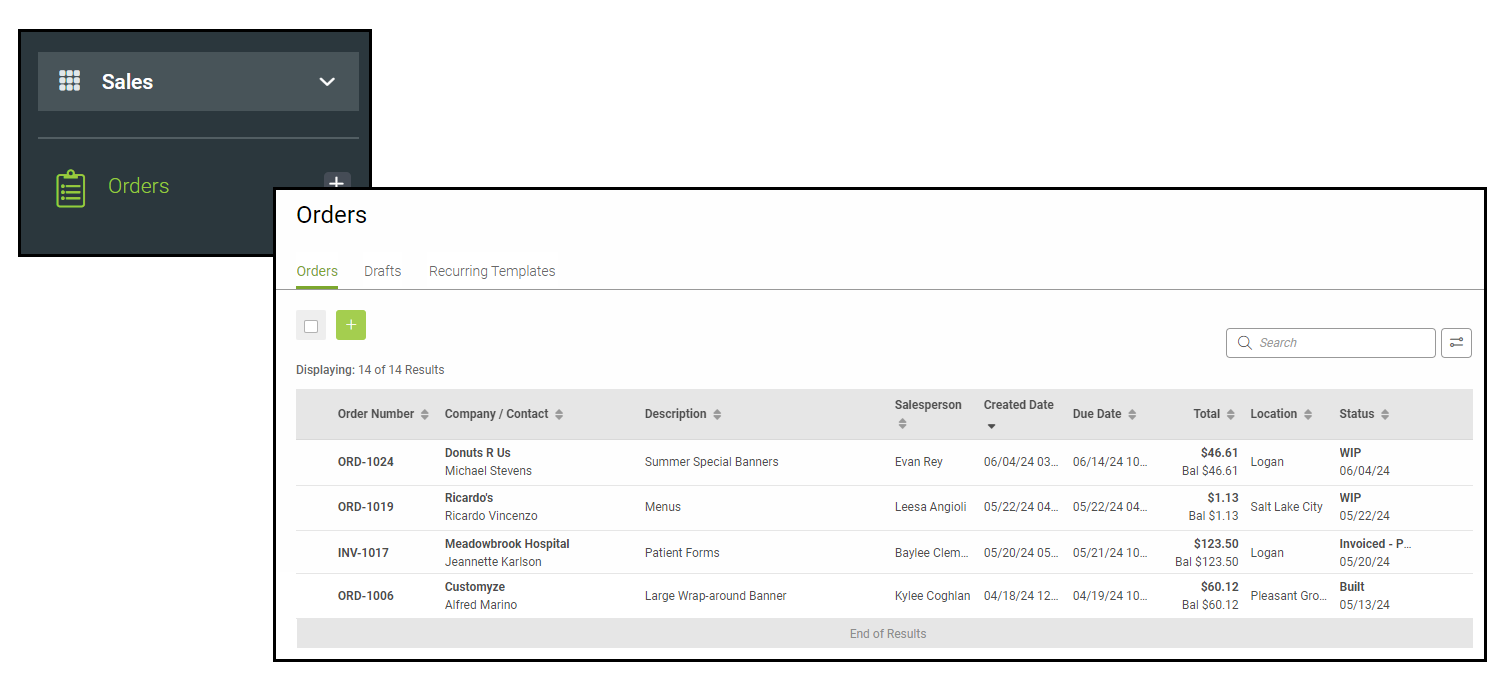
Drafts
a. Company/Contact - which business or personal account the Order is for.
b. Draft Date - when the Draft was created.
Note: Drafts expire after one month. This date can be seen in red below the Draft Date.
c. Description - basic representation of what the Draft contains.
d. Total - total price for the Draft.
e. Entered By - who created the Draft.
f. The Search Bar and Filter Icon can be used from within the Drafts tab as well.