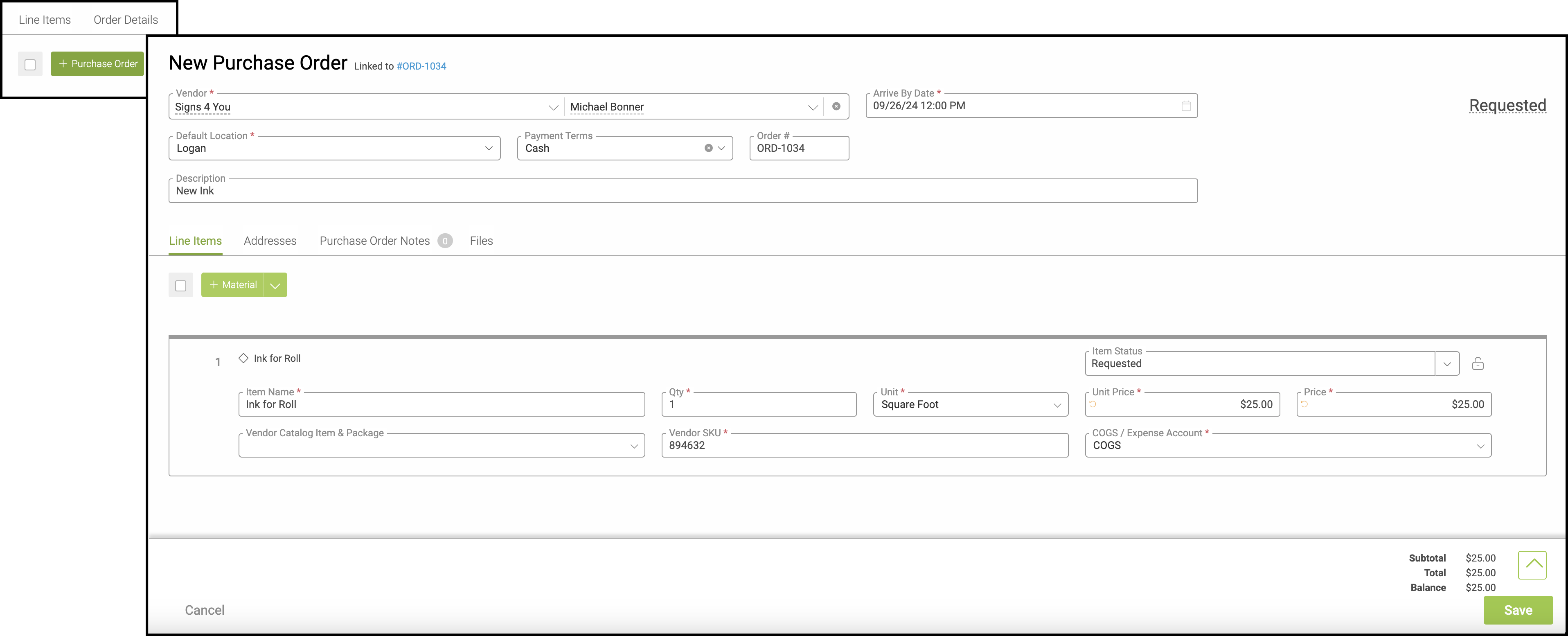
The Purchase Order tab within an Order provides visibility into any Purchase Orders associated with fulfilling that Order. These are the additional items that need to be purchased from a vendor before the Order can be completed.
Important Information
- For more information on Orders, please see Orders Overview.
Table of Contents
Navigate to Sales / Orders and select an Order.
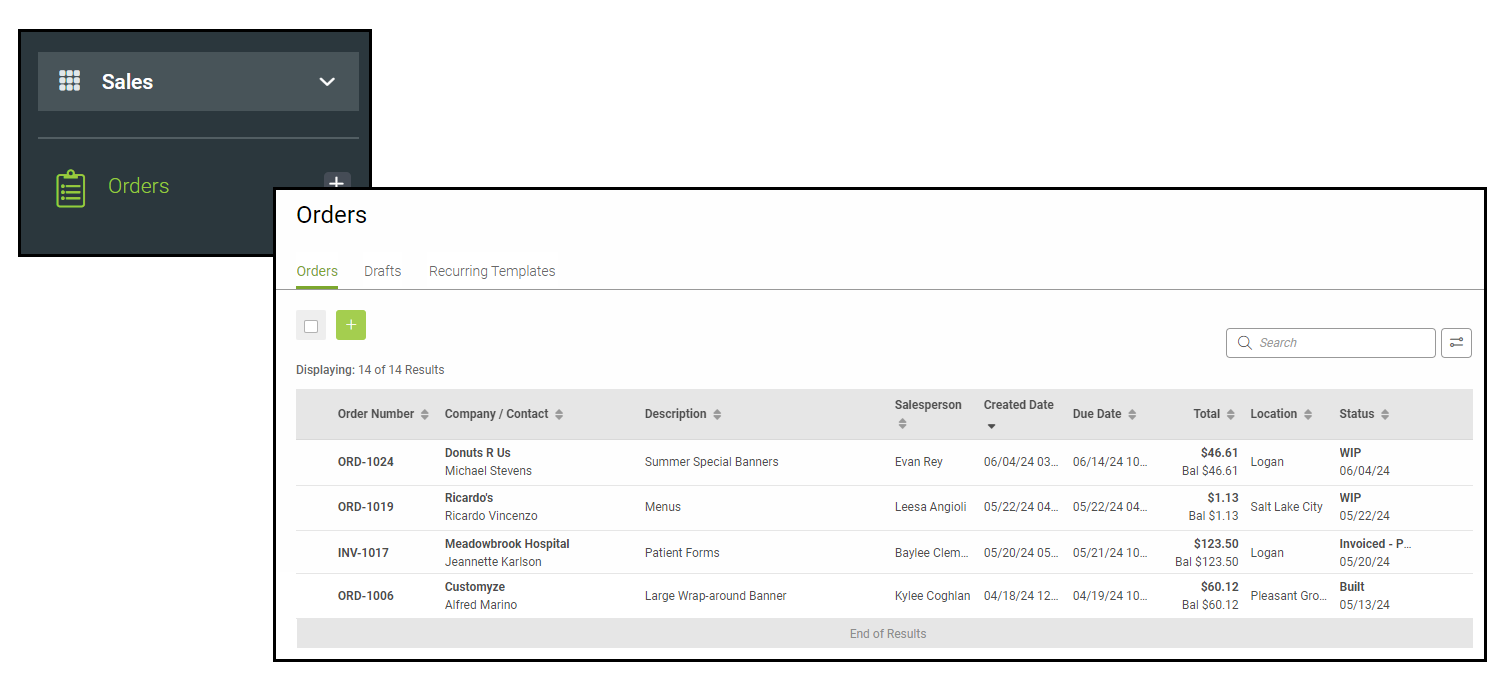
Purchase Orders Tab
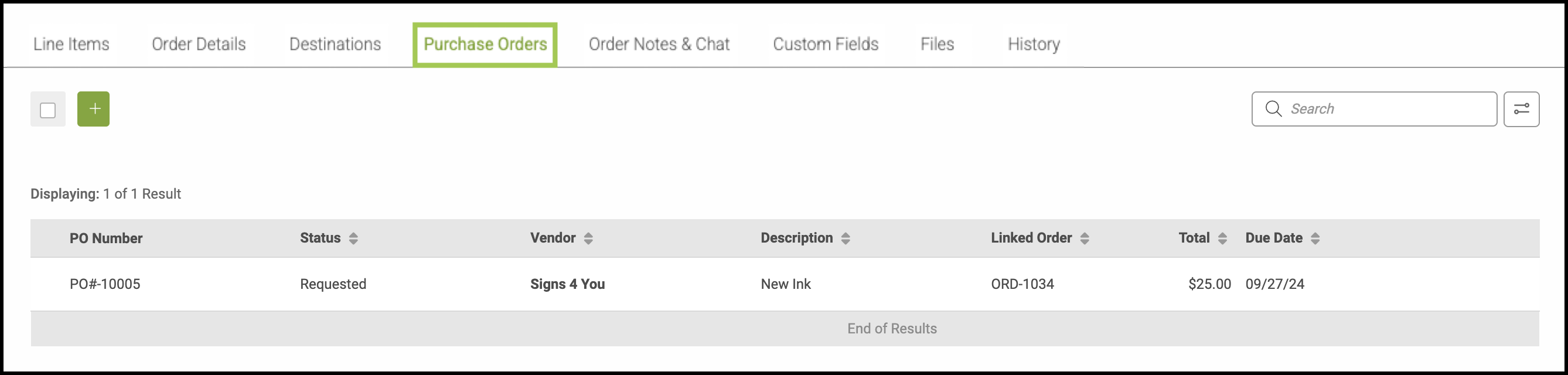
Note: To add a Purchase Order, select the Green Plus icon. This button reads +Purchase Order when hovered over. A new tab will open allowing you to fill in all necessary fields. After selecting Save, you will see the Purchase Order under the Purchase Order Tab on your Order.