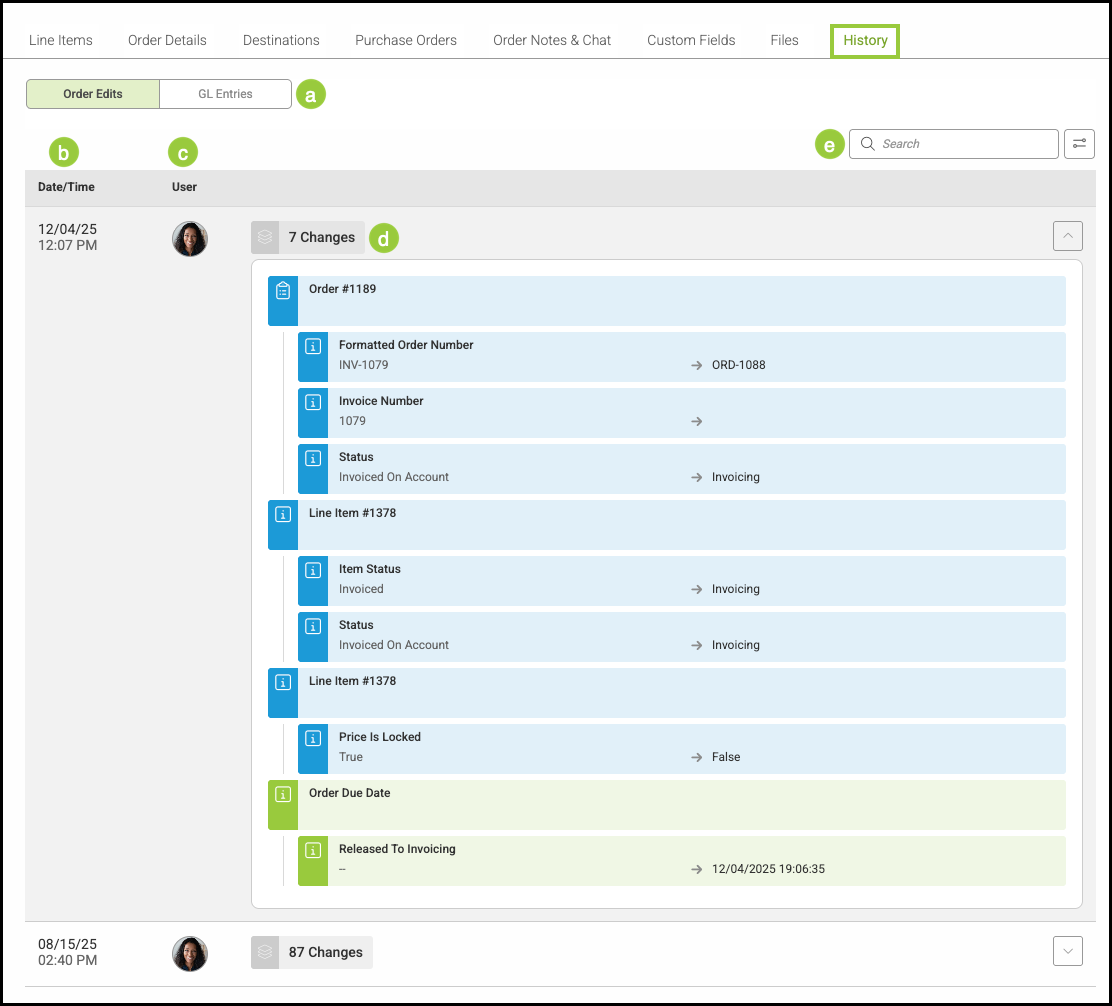
The History tab provides a detailed record of changes made to an Order over time. It allows you to review updates, track adjustments, and understand when and how key information was modified.
Important Information
- For more information on the History tab, please see Order and Estimate History.
Table of Contents
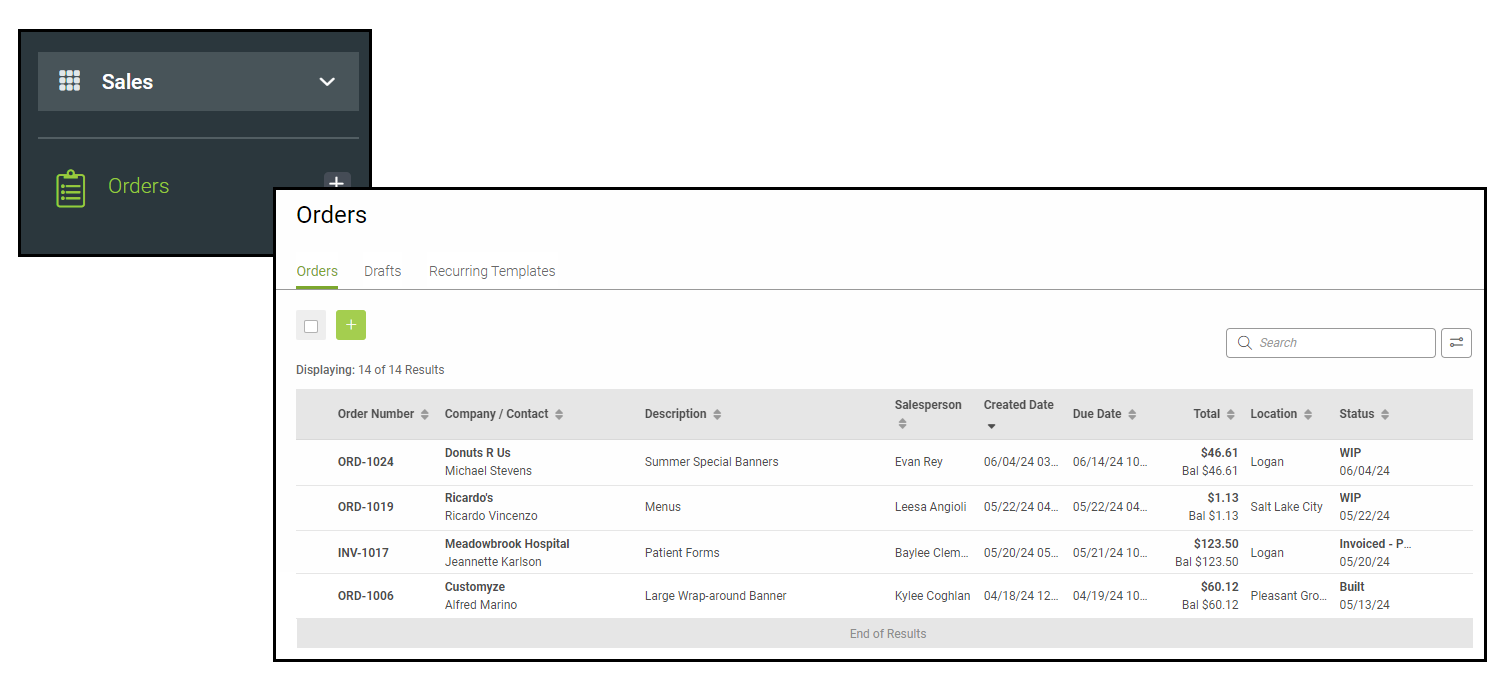
Navigate to Sales / Orders and select an Order.
History Tab
a. Order History is sectioned into two categories: Order Edits, which are basic changes to the order, and GL Entries, which are financial changes.
b. Date/Time - time stamp of when the change to the Order occurred.
c. User - who affected the changes on the Order.
d. Changes - activity on the Order.
Note: Clicking either the User icon or the Changes icon will expand or collapse the list of Changes.
e. Use the Search Bar to quickly find information in the Order History.