Viewing permissions for Monitors are managed by employee roles. This ensures that only team members with the appropriate role can access and view Monitors.
For more information on Monitors, please see Monitors Overview.
Table of Contents
Permissions in Settings
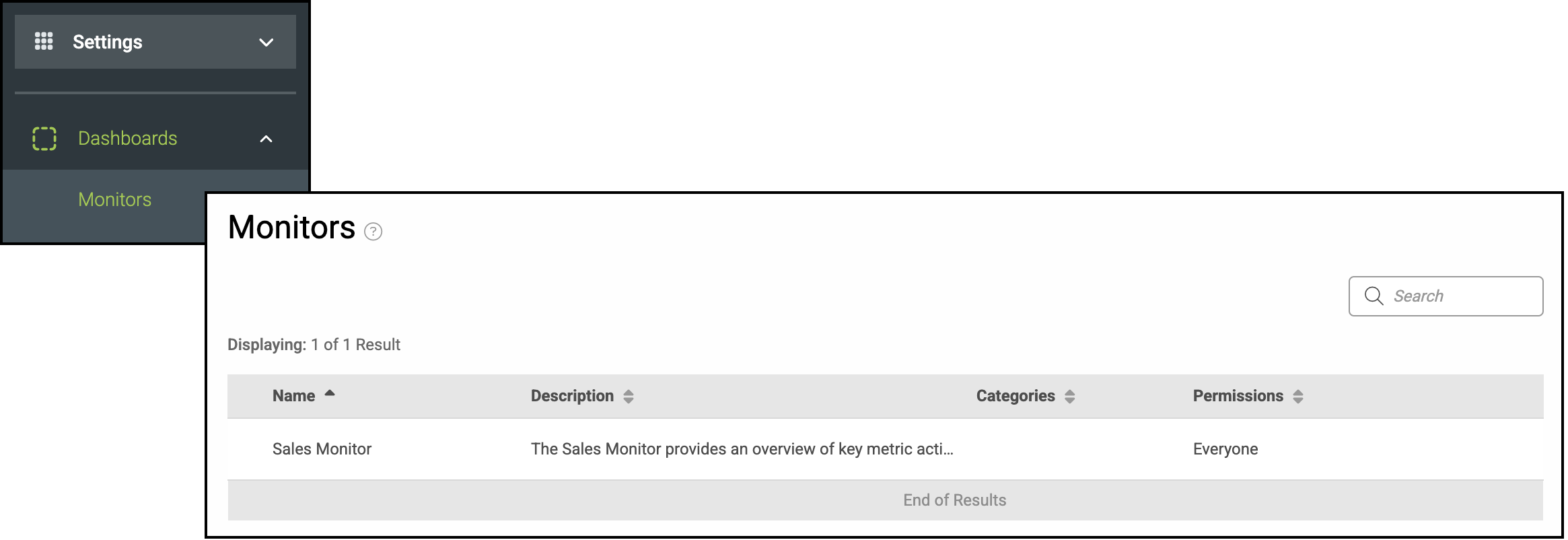
To manage permissions, navigate to Settings / Dashboards / Monitors.
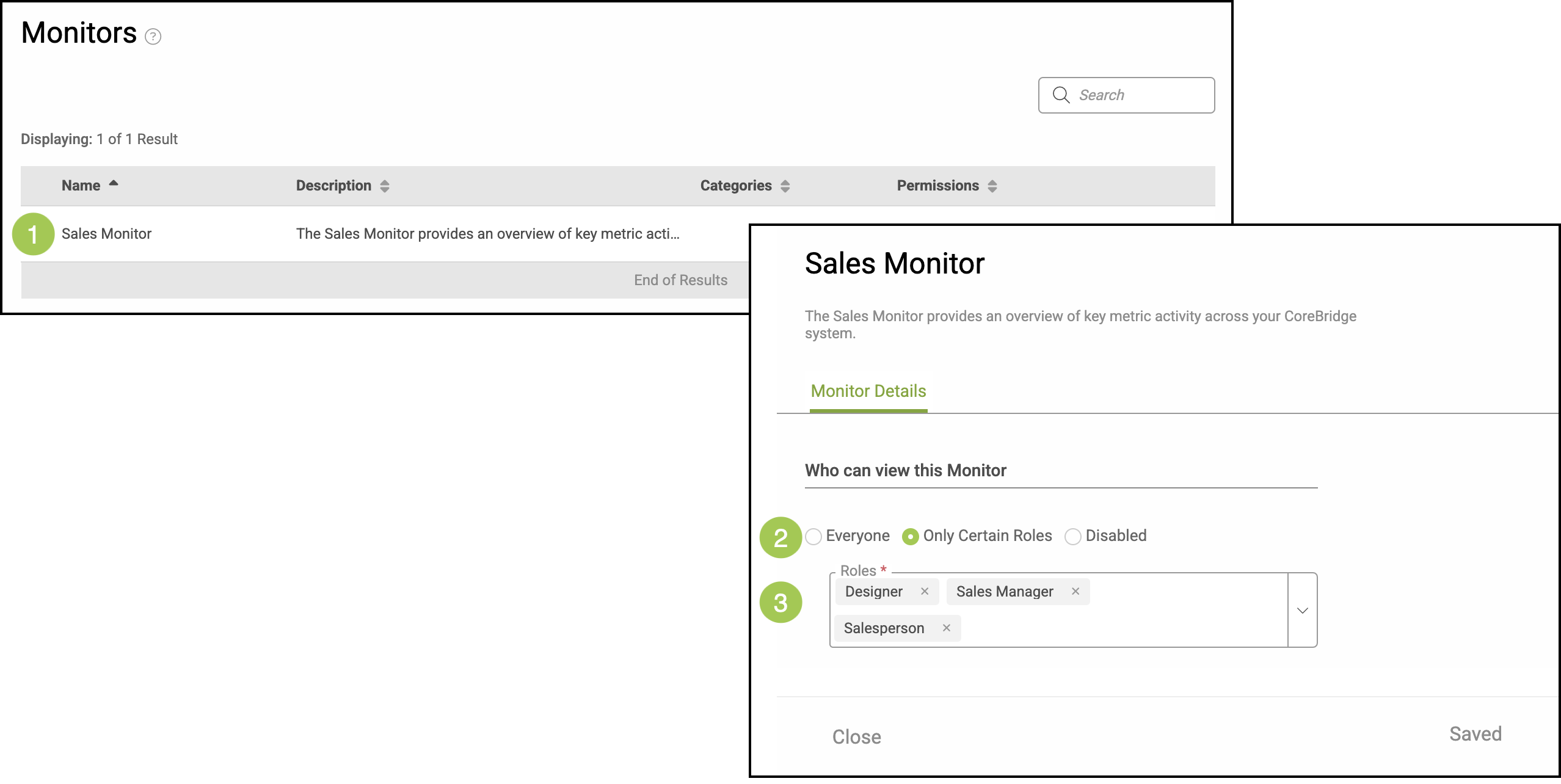
1. Click into the Monitor.
2. Select how the permission will be set.
3. If Only Certain Roles has been selected, a dropdown will appear for you to select the specific Roles that can have viewing permission.