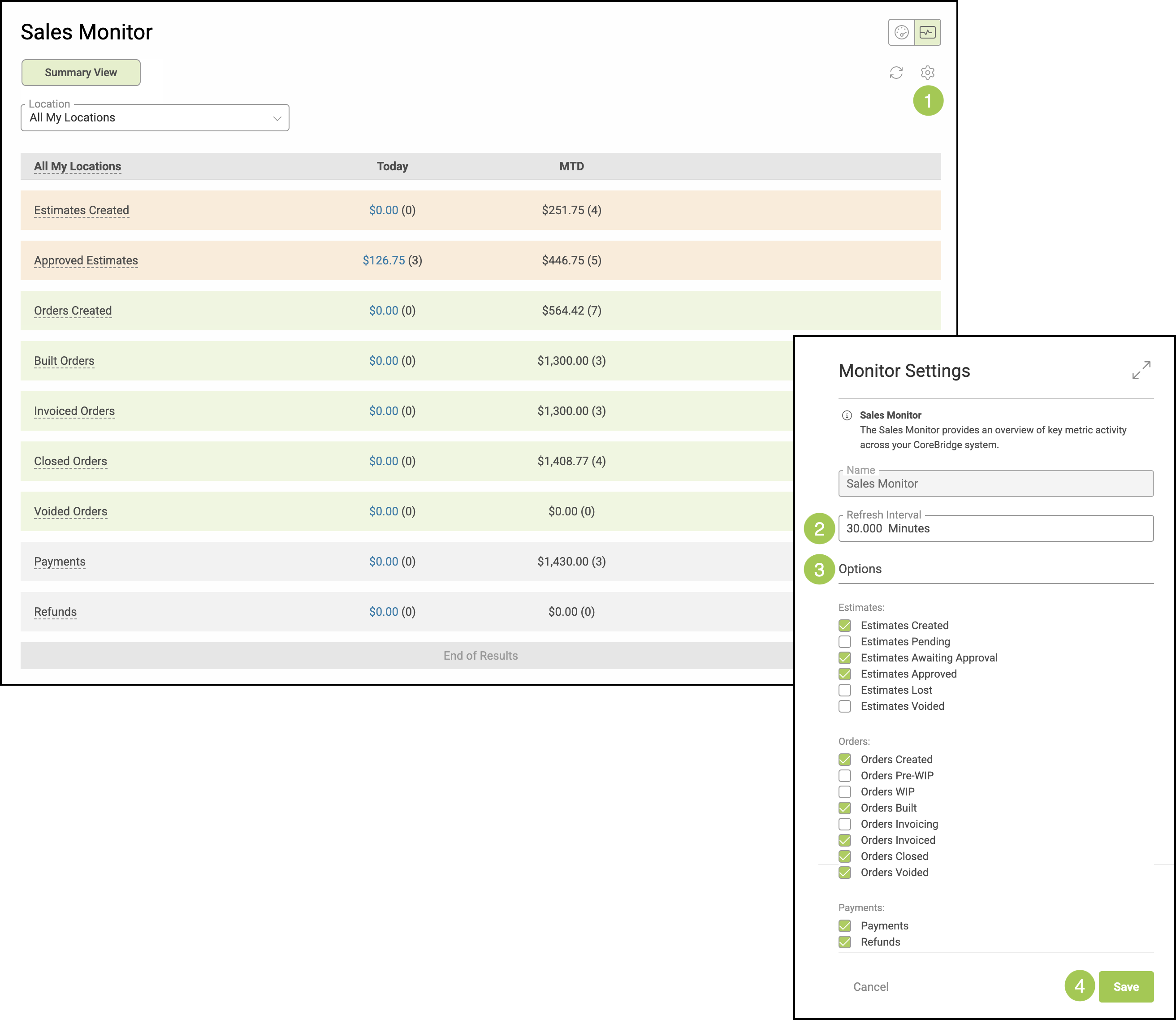
You can customize both the information shown in your Monitors and how often it refreshes by adjusting the Settings.
For more information on Monitors, please see Monitors Overview.
Table of Contents
Accessing the Monitor Screen
To locate the Monitor Screen, navigate to Sales / Dashboard.
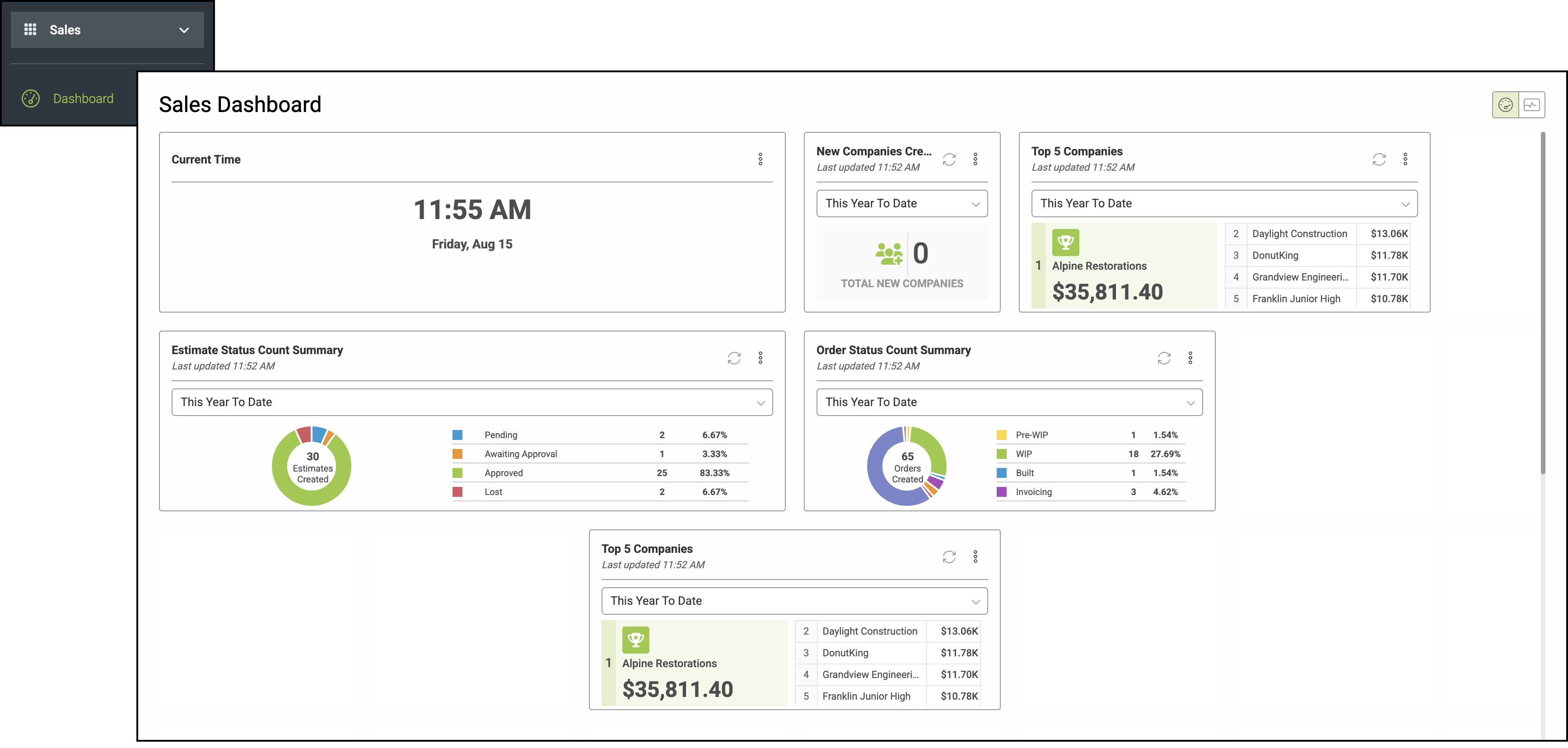
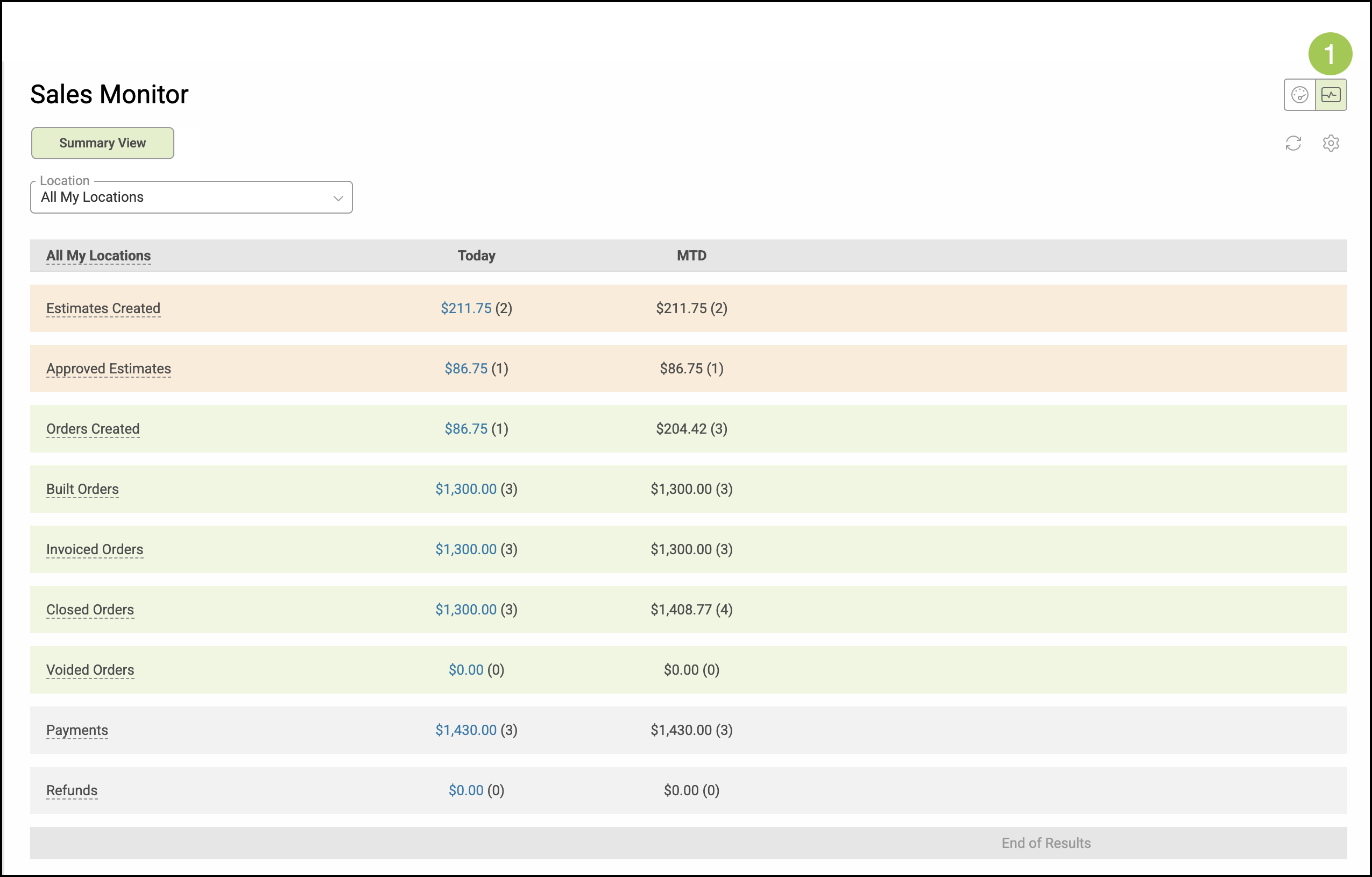
1. Select the Monitor View in the top right corner of the screen.
Monitor Settings
1. Click the Settings icon.
2. Set how often the information automatically refreshes.
Note: The minimum amount of time is 30 minutes and a value is required in this field.