
Viewing calendars in the Scheduling Feature is quick and simple. These can be adjusted at any time.
Important Information
- After a calendar is checked, you can add events from either the Scheduling Feature, or from My Profile / Calendars.
- Events added in either location will sync and display in both.
- For more information on the Scheduling Feature, please see Scheduling Overview.
Table of Contents
Viewing Calendars
Navigate to Sales / Scheduling.
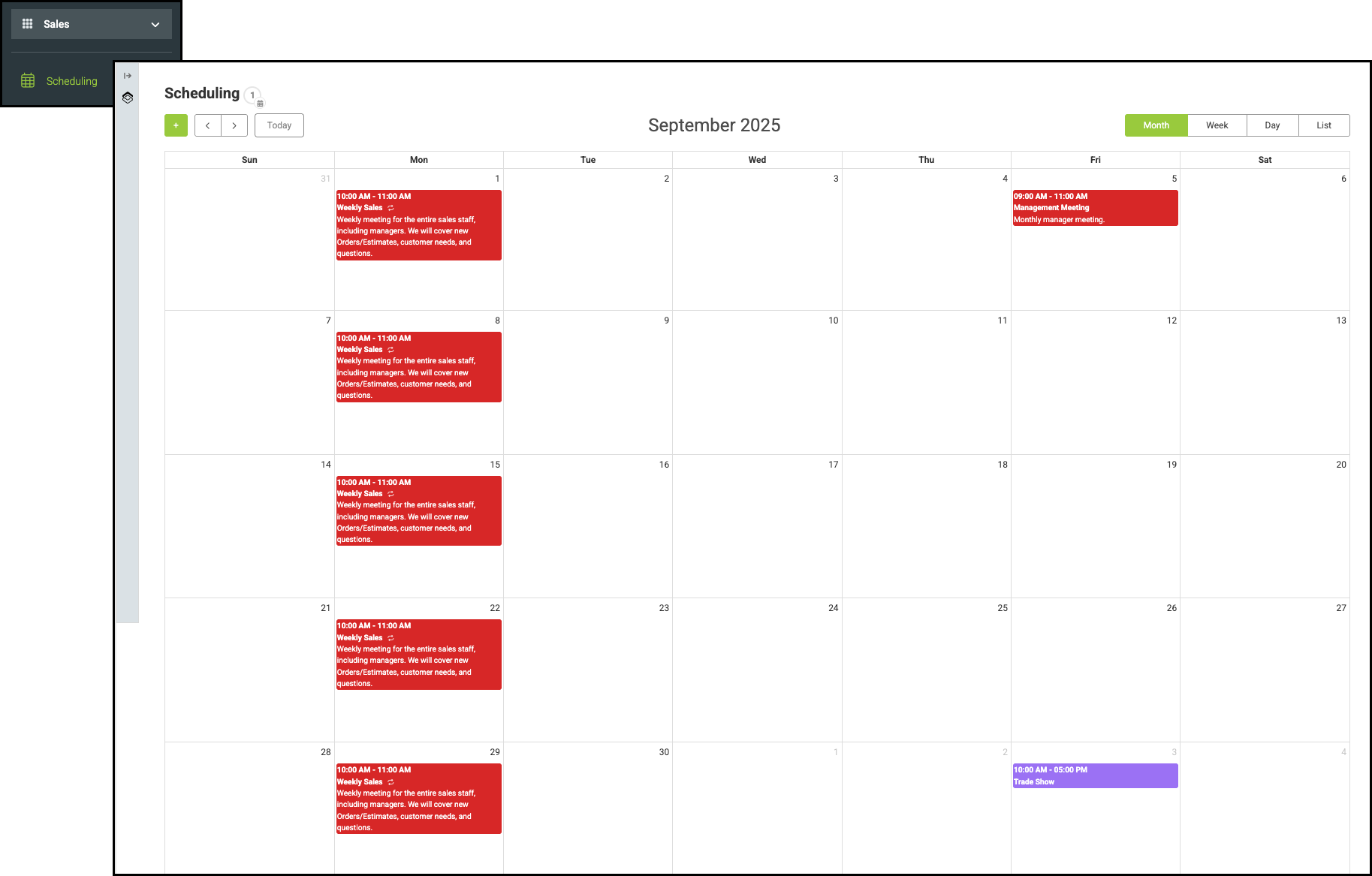
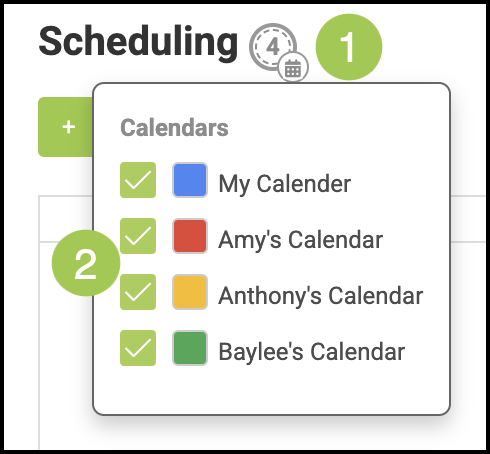
1. Click on the Calendars icon.
2. Select which calendars you would like to view from this feature.
Related Articles
Record Shortcuts in Scheduling Overview
Using Record Shortcuts to Add Events in Scheduling