
Payment Terms on an Estimate or Order come from the company when you select the Customer. To apply different terms on an existing Estimate or Order, update Payment Terms on the company, then refresh the customer on the document.
Table of Contents
- Important Information
- Update Payment Terms on the Company
- Refresh Payment Terms on an Estimate or Order
- Frequently Asked Questions
- Related Articles
Important Information
The Payment Terms field on Estimate Details or Order Details shows the terms copied from the company. Use that field to confirm the value. To change the terms used on an existing document, update the company first, then refresh the customer.
You do not need to change the Estimate or Order status to update payment terms.
New estimates and orders use the company's current Payment Terms when you select the customer. Existing documents keep their original terms until you refresh the customer.
Update Payment Terms on the Company
Navigate to Sales / Customers / Companies.
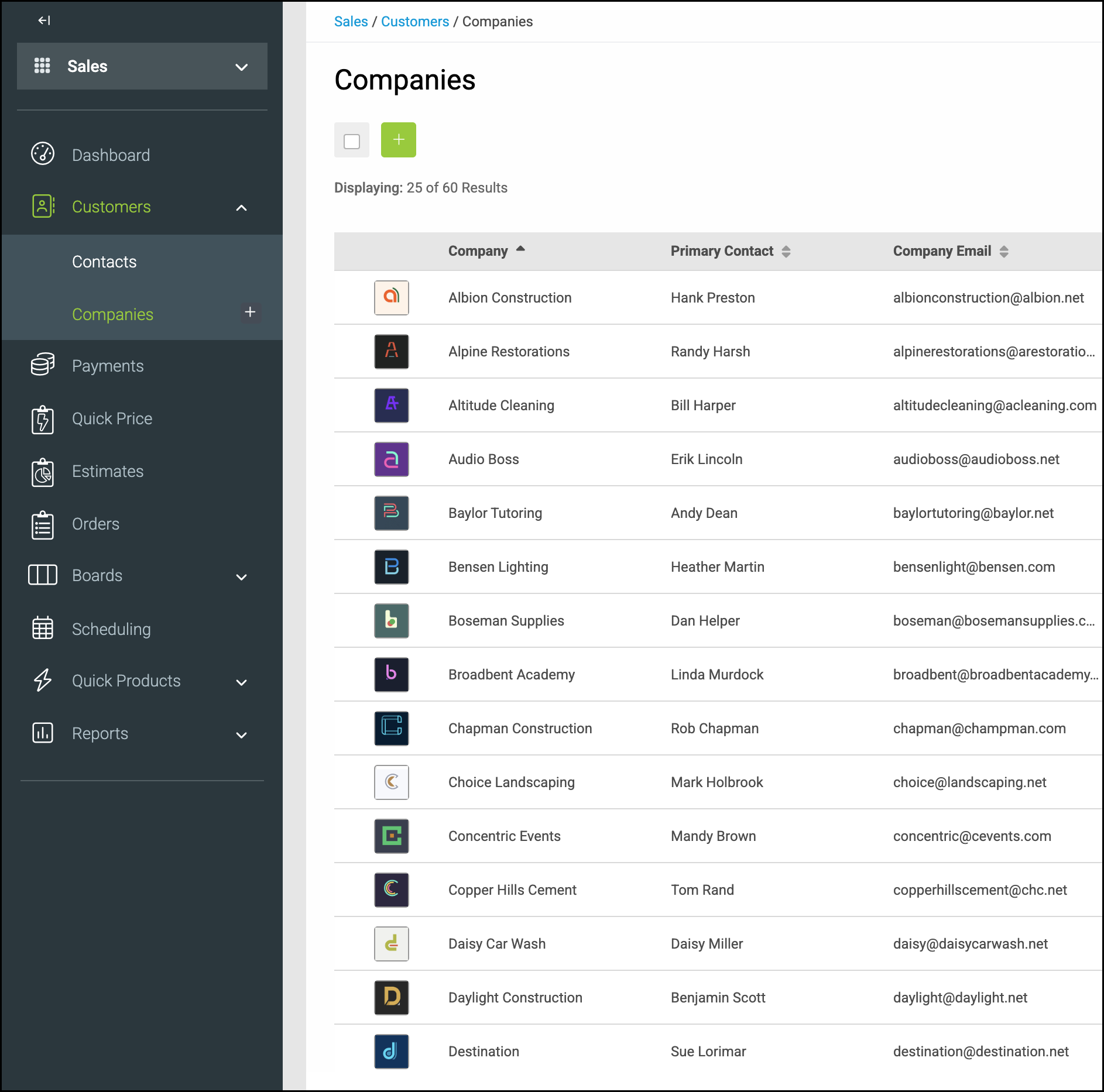
1. Open the company on the Estimate or Order.
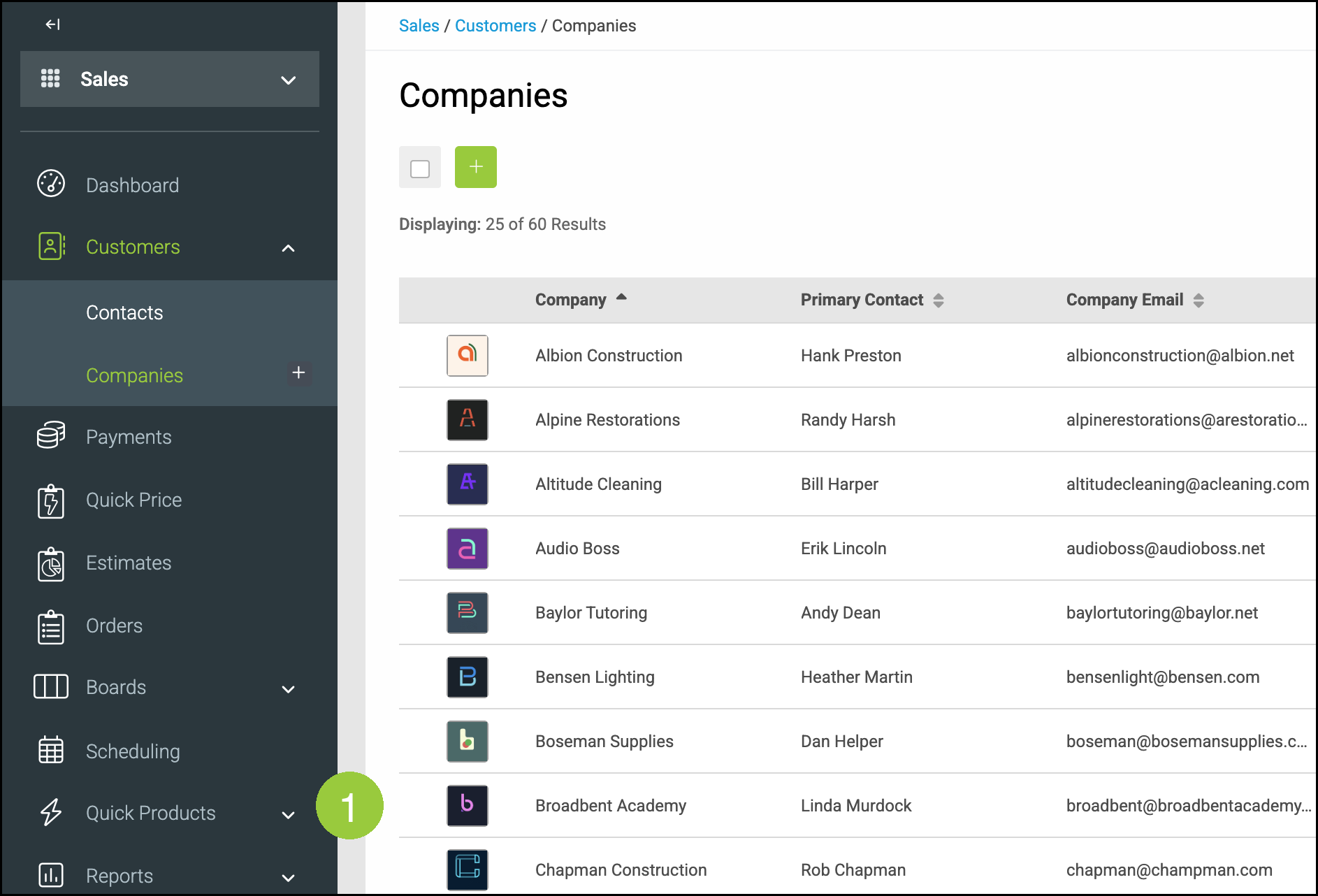
2. Under Accounting Details, select the Payment Terms you want to use. The company record saves this change automatically.
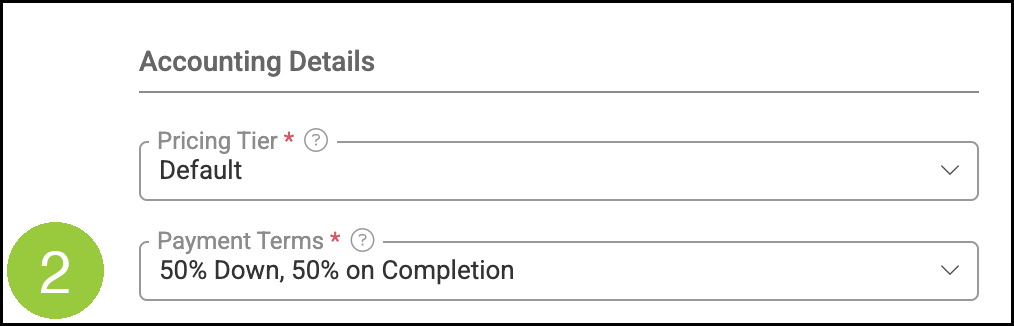
Refresh Payment Terms on an Estimate or Order
This example uses an Order. On an Estimate, navigate to Sales / Estimates, then use the Estimate Details tab in place of Order Details.
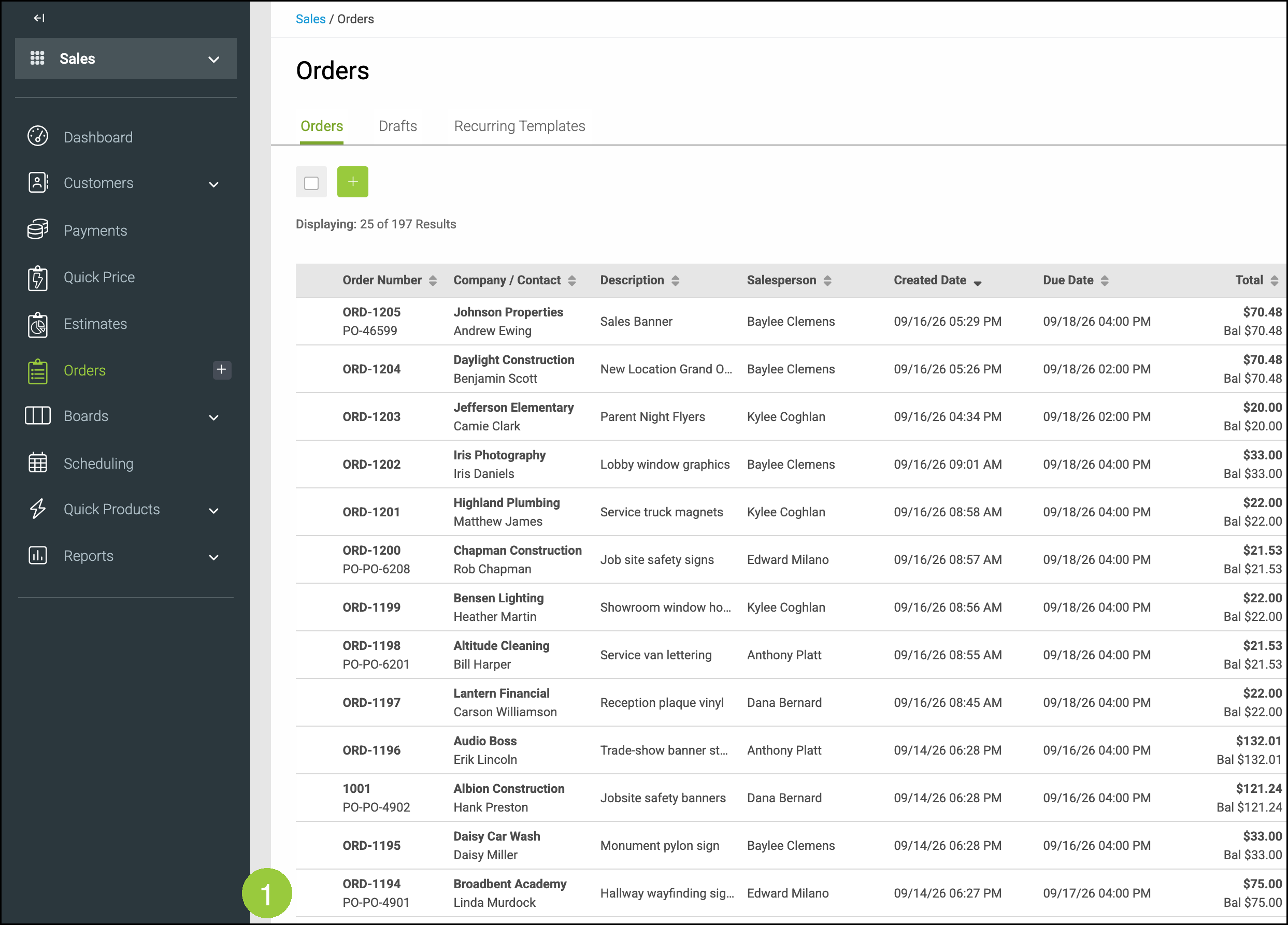
Navigate to Sales / Orders.
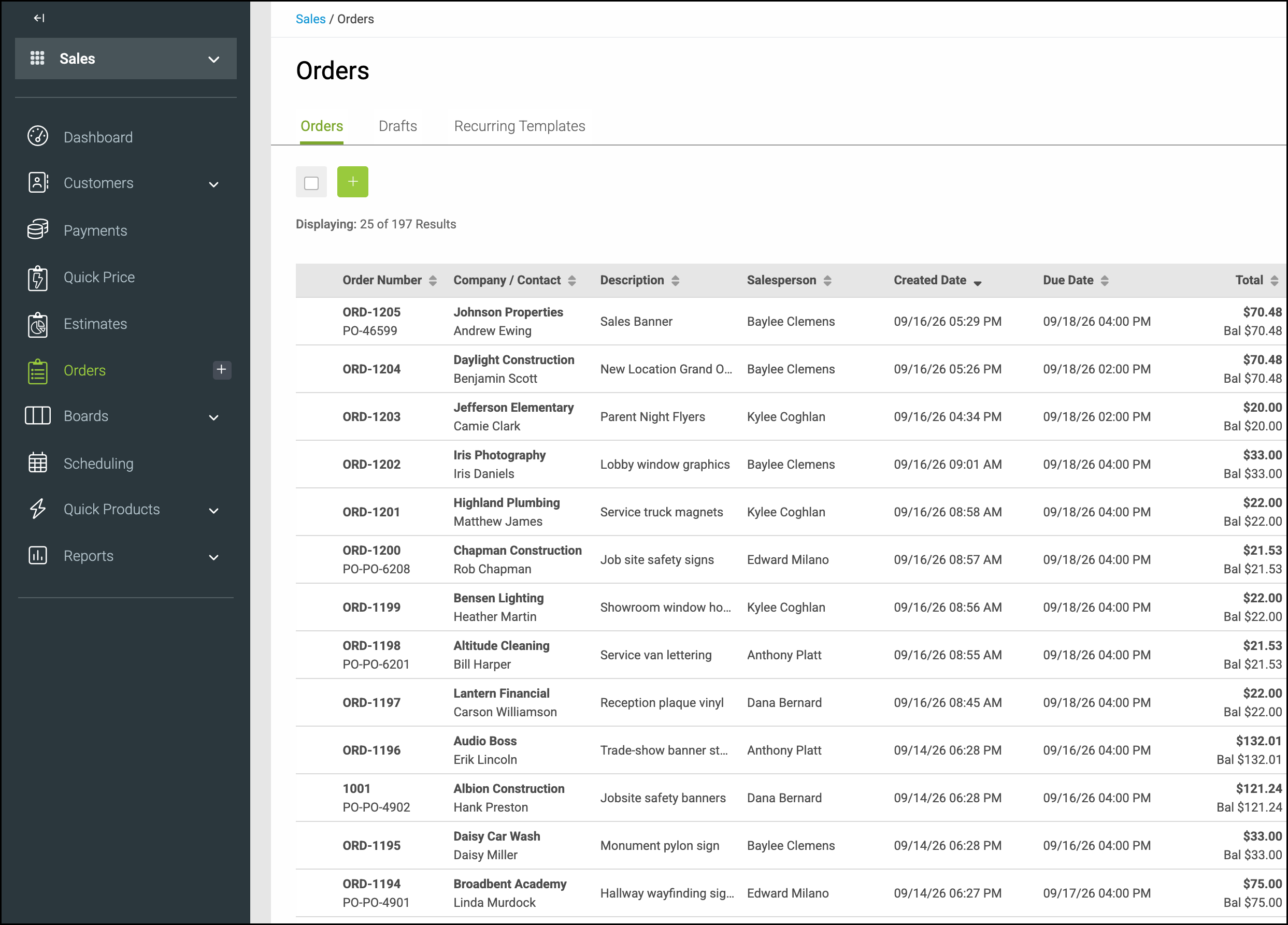
1. Open the Estimate or Order that needs the updated terms.
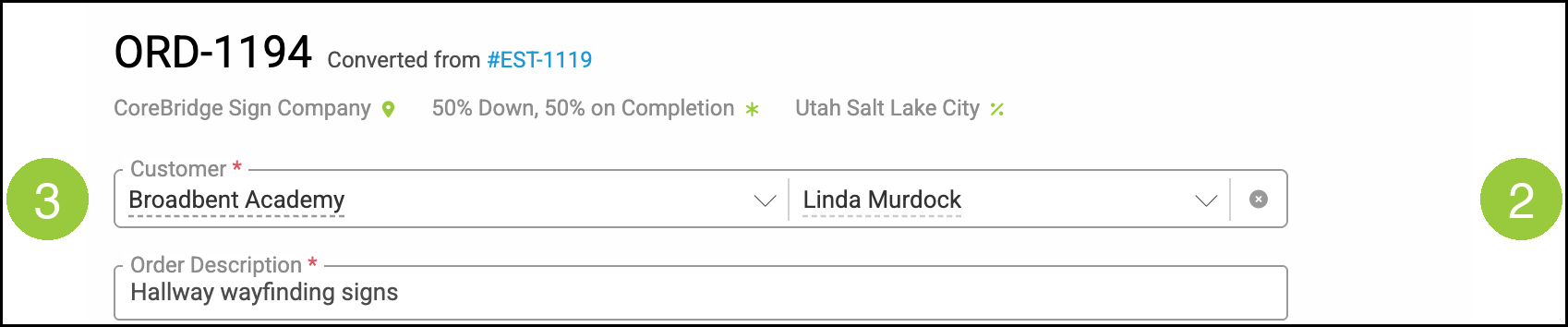
2. Click the X on the Customer field to clear the customer.
3. Select the same customer again. This refreshes Payment Terms on the document from the company.
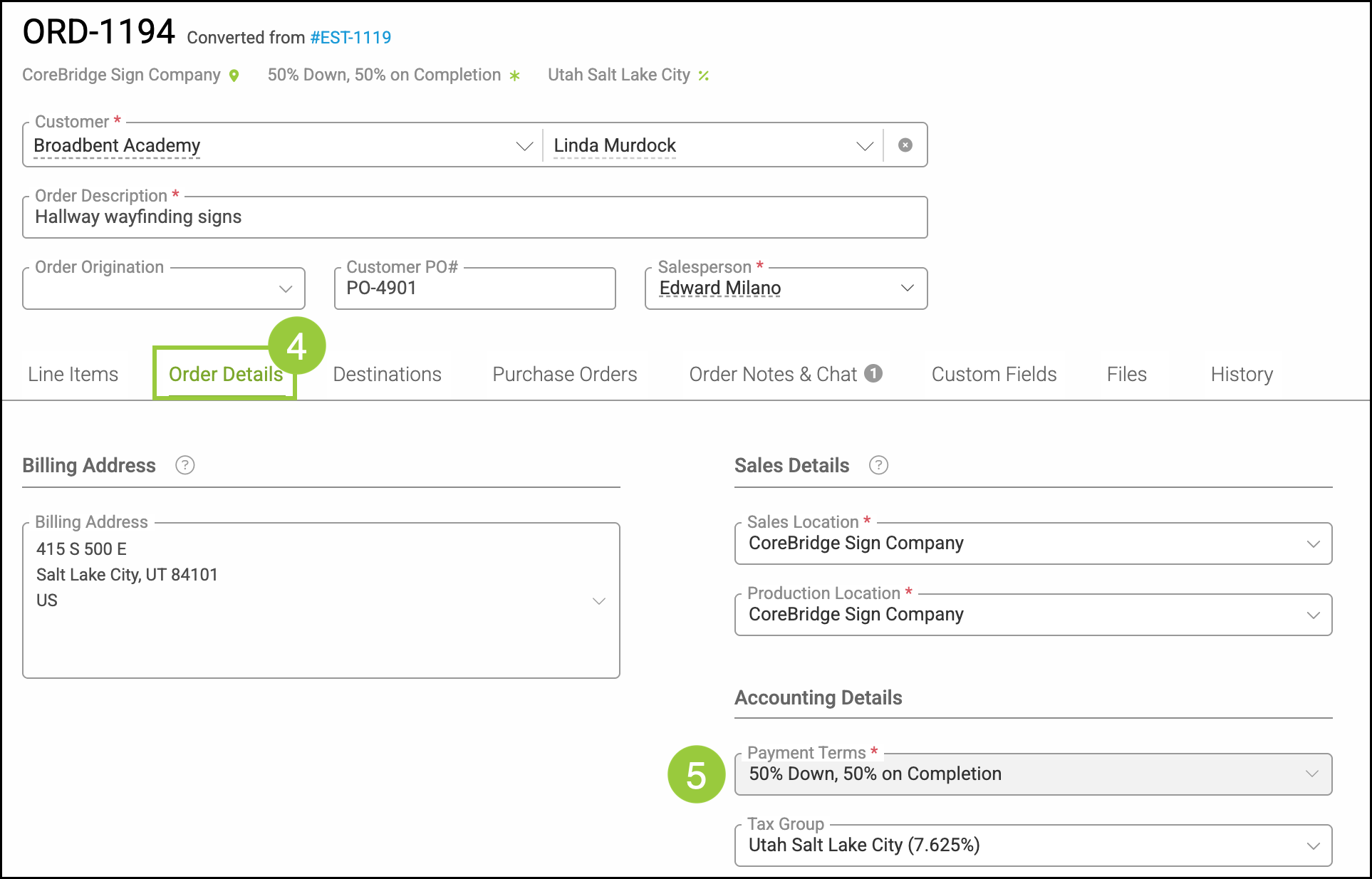
4. Click the Order Details tab. On an Estimate, click the Estimate Details tab.
5. Under Accounting Details, confirm Payment Terms matches the company.
Frequently Asked Questions
1. How do I change Payment Terms on the Estimate or Order itself?
Answer: Update Payment Terms on the company, then clear and re-select the same customer on the document. The Payment Terms field on Estimate Details or Order Details is for review and copies from the company.
2. How do I refresh Payment Terms on an estimate that was converted to an order?
Answer: After an estimate is converted to an order, the Customer on that estimate is locked. Open the related order and refresh the customer there.
3. Do I need to change the document status first?
Answer: No. You can update payment terms without changing Estimate or Order status.
4. Do new estimates and orders use the updated company terms?
Answer: Yes. New estimates and orders use the company's current Payment Terms when you select the customer. Existing documents keep their original terms until you refresh the customer.