
When an employee leaves, reassign their Company roles before you revoke their access. Reassign Customers moves those Companies to another employee in bulk.
Note: Reassign Customers updates Company Team roles such as Salesperson and Sales Manager. It does not reassign Contacts. It does not change the Salesperson on existing Orders or Estimates.
Table of Contents
- When to Use Reassign Customers
- How to Reassign Customers
- After Reassigning: Revoking Access
- Frequently Asked Questions
- Related Articles
When to Use Reassign Customers
Use Reassign Customers before you revoke access for an employee when:
- The employee is assigned on Companies in a Team role such as Salesperson or Sales Manager.
- You want those customer relationships to move to a current team member.
- You want company list views and sales reporting to show the correct salesperson going forward.
How to Reassign Customers
Navigate to Management / My Business / Employees.
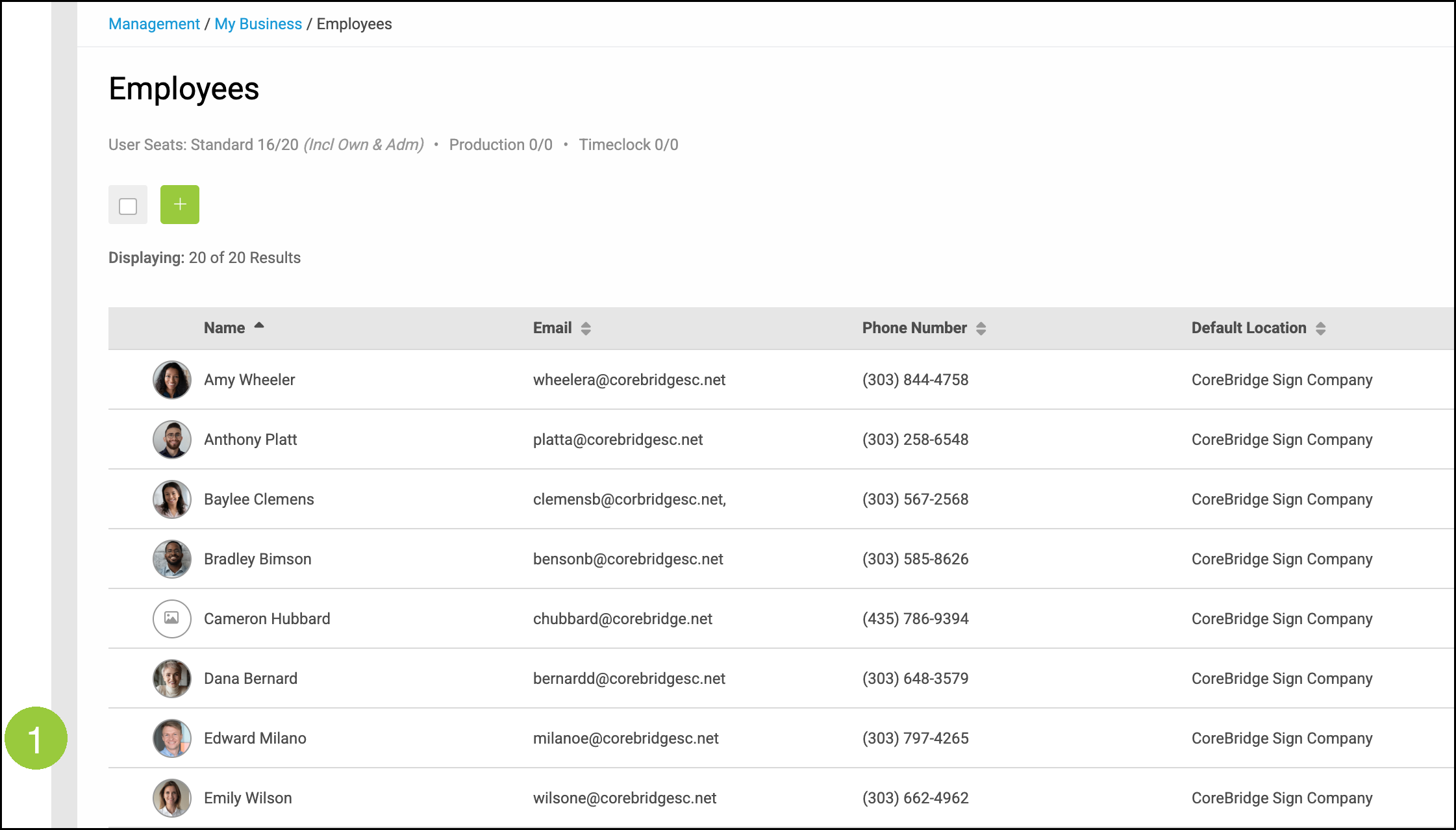
1. Select the employee you need to deactivate.
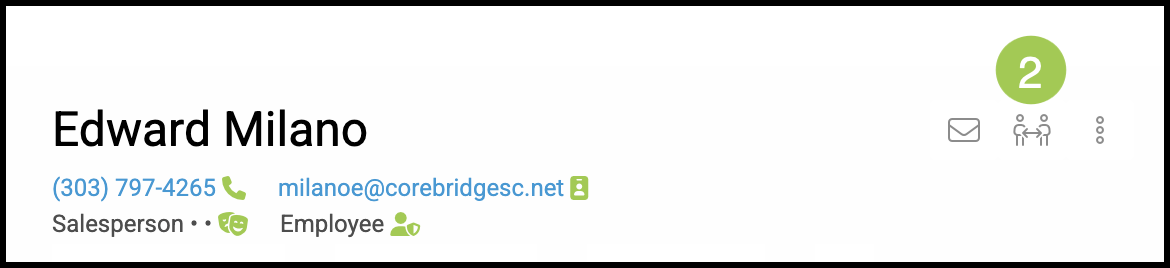
2. Click Reassign Customers.
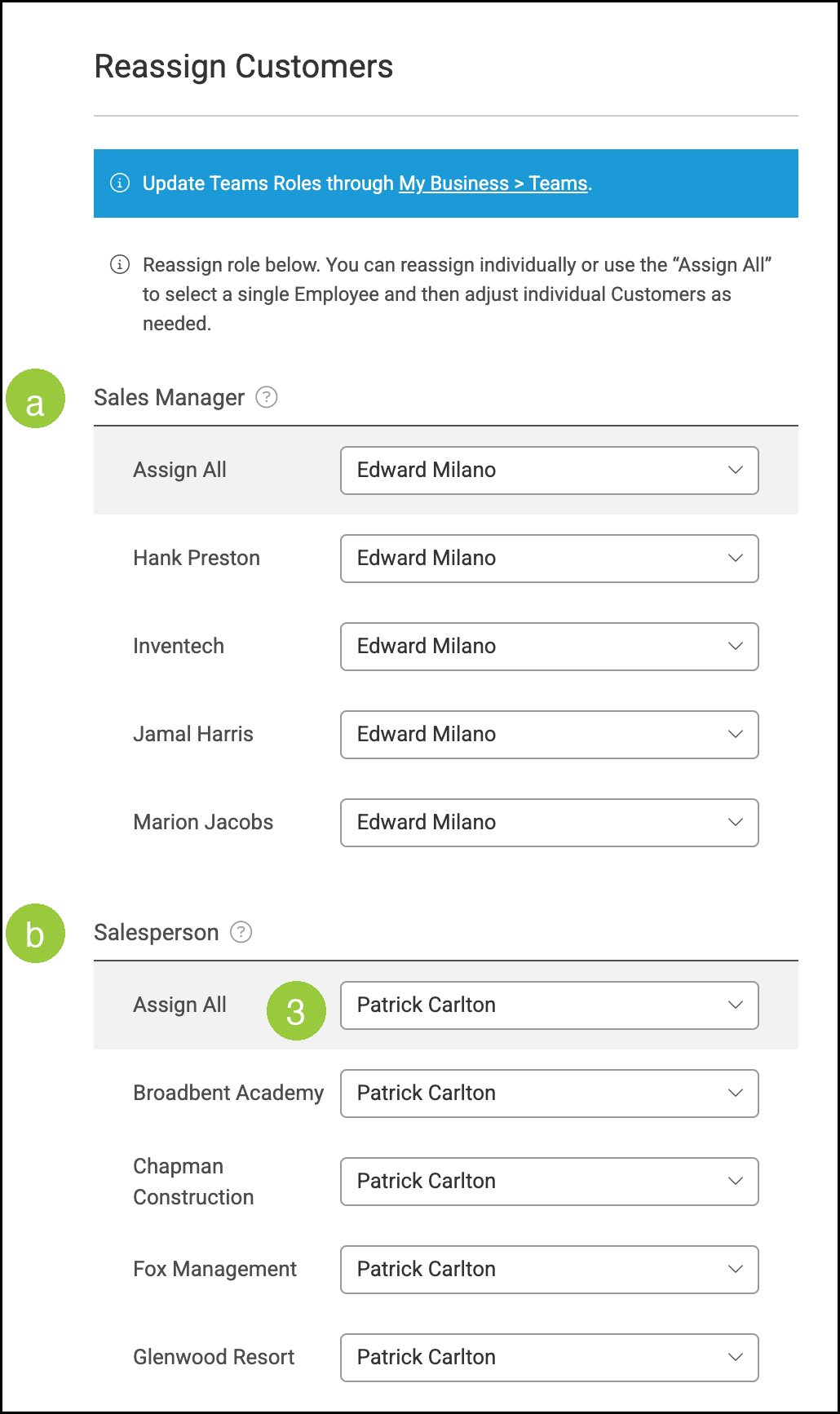
The Reassign Customers window lists Companies assigned to that employee for each Team role.
a. Sales Manager lists Companies where the employee is the Sales Manager.
b. Salesperson lists Companies where the employee is the Salesperson.
3. Select an employee from Assign All to apply that person to every Company in the role, or select a different employee on an individual Company.
4. Click Save.

Note: Save becomes available after you make a change. Click Cancel if you do not want to keep the changes.
The selected employee is then listed in those Company Team roles. For more information, see Reassign Customers.
After Reassigning: Revoking Access
Once customers have been reassigned, revoke the employee's system login. On the employee's profile:
1. Click the Access Details tab.
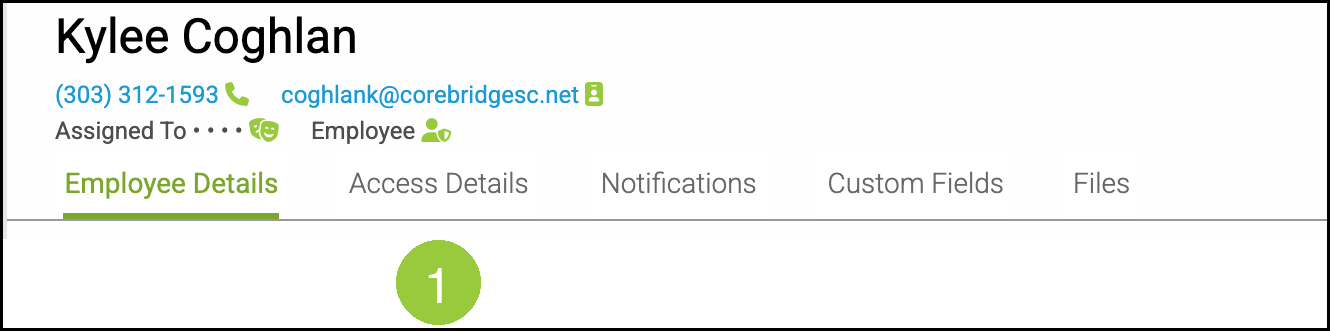
2. Click Revoke Access to remove the employee's ability to sign in.
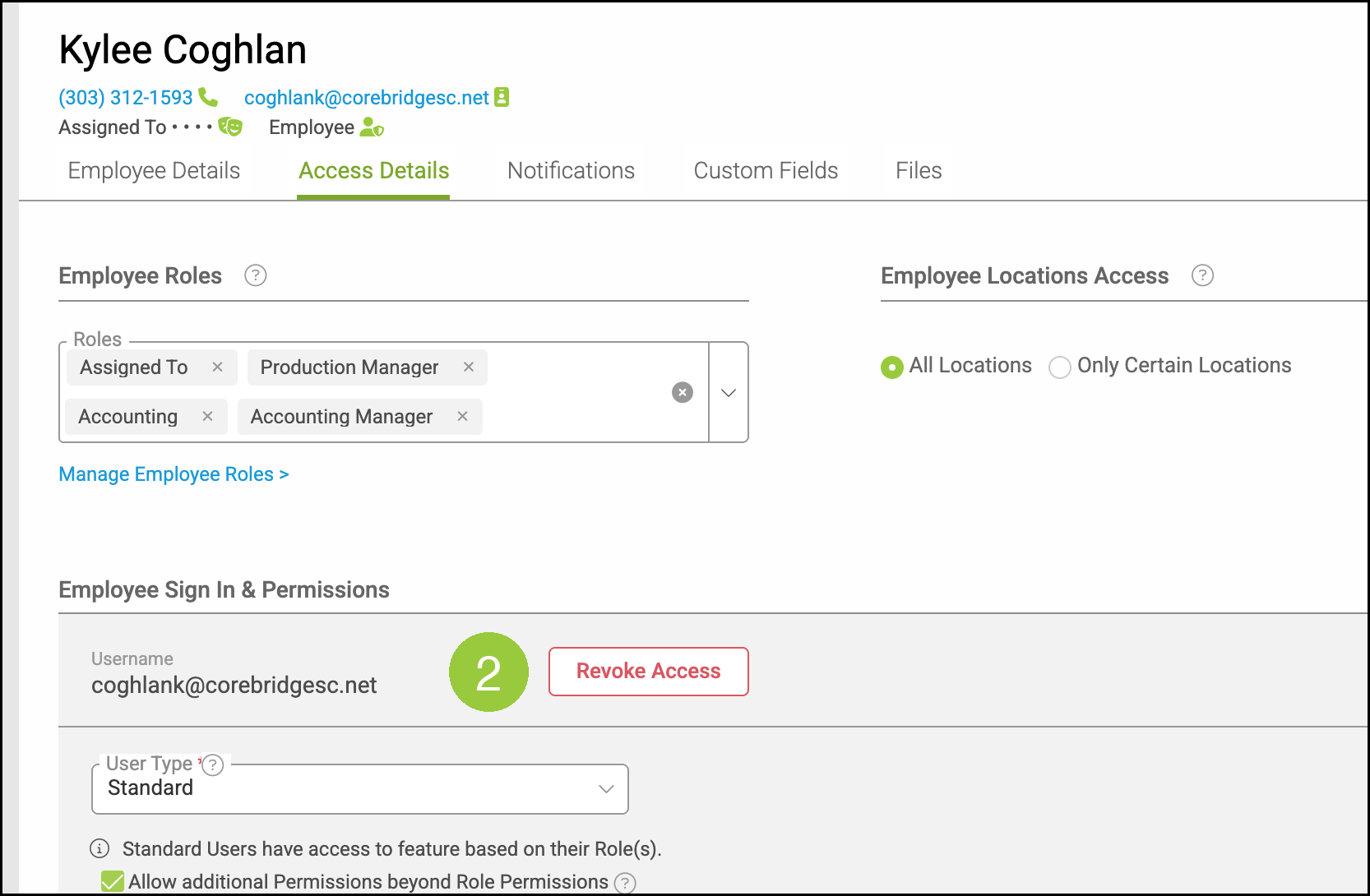
Note: You can also set a Release Date on Employee Details to record the departure date while keeping historical records.
Note: Existing Orders and Estimates keep the original Salesperson. This is expected. Historical order data is preserved.
Frequently Asked Questions
1. Does Reassign Customers change Orders or Estimates?
Answer: No. Reassign Customers updates Company Team roles. Existing Orders and Estimates keep the employee already assigned. Change the role on those records if a different employee should appear there.
2. Does Reassign Customers update Contacts?
Answer: No. Reassign Customers lists Companies where the employee holds a Team role. It does not reassign Contacts.
3. What is the difference between Reassign Customers and Revoke Access?
Answer: Reassign Customers moves the employee's Company Team roles to another employee. Revoke Access on Access Details removes the employee's ability to sign in. Reassign customers first, then revoke access.
Related Articles
Creating Employees
Employee Roles and Permissions in Settings
Managing Employees
Reassign Customers
Teams Overview