
A Pipeline is the board where Opportunities move through Stages. Each Stage is a column, and each Opportunity is a card on that board. A new Pipeline stays empty until you add the Stages you want to track.
Table of Contents
Important Information
- Name is required. Description is optional and shows in the Description column on the Pipelines list.
- A new Pipeline has no Stages. Opportunity stays unavailable until the Pipeline has at least one Stage.
- For the fields on Add Stage, including Outcome, Confidence %, and Move to pipeline, see Pipeline Management.
- Drag a card from one Stage to another when you are ready to move an Opportunity.
Create a Pipeline
Navigate to CRM / Pipelines.
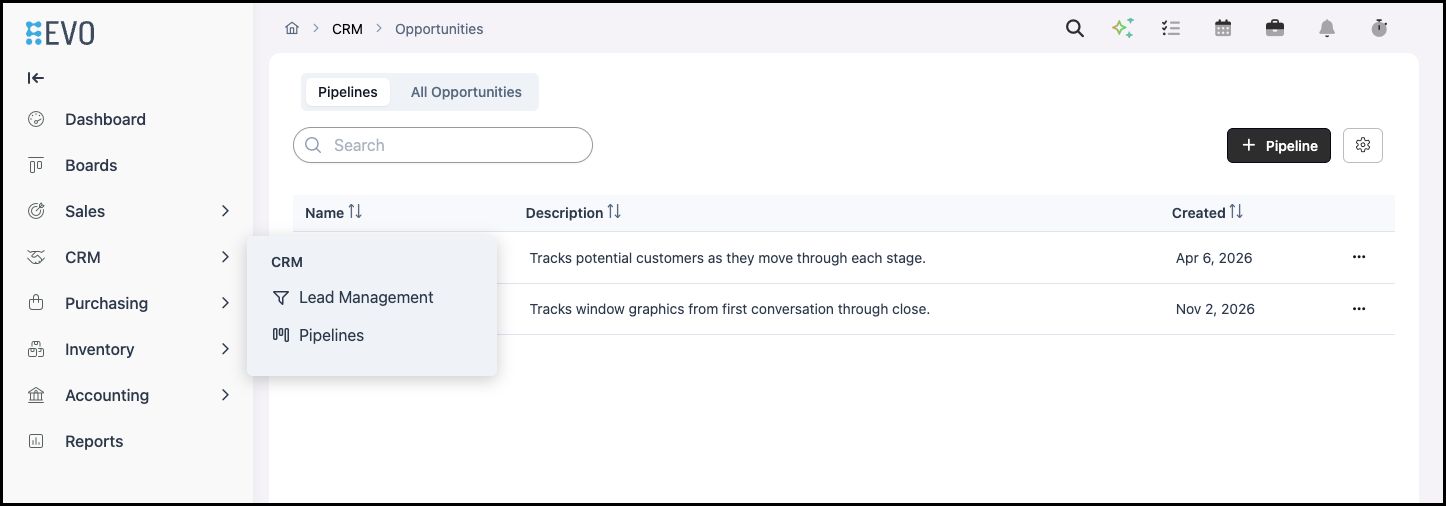
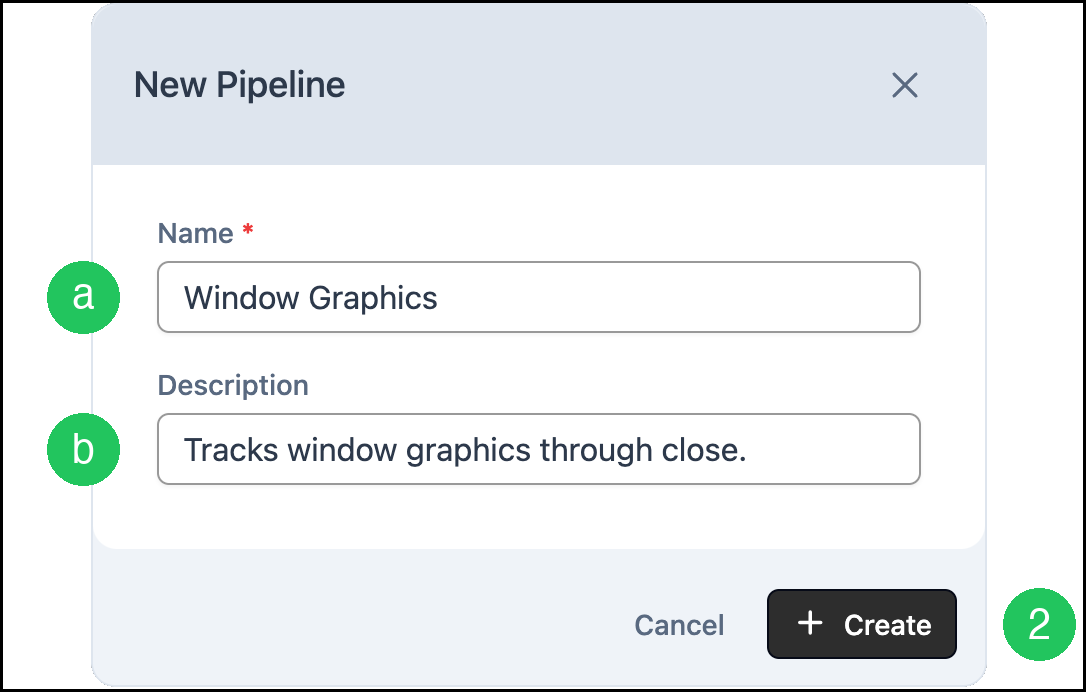
1. Click Pipeline. New Pipeline opens.

a. Name is required.
b. Description is optional. It shows in the Description column.
2. Click Create. The Pipeline board opens.
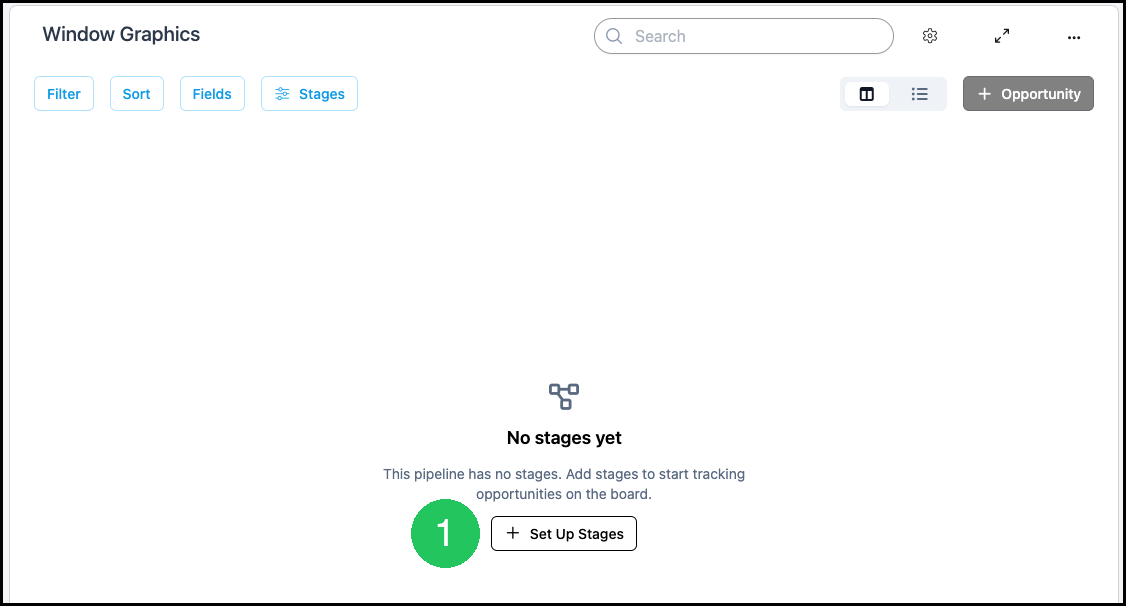
Set Up Stages
1. Click Set Up Stages. Configure Pipeline opens, and Pipeline Stages is empty on a new Pipeline.
2. Click Add Stage to open the fields for the new Stage.

For more information on adding Stages, please see Pipeline Management or Opportunities Pipeline.
Frequently Asked Questions
1. Why is Opportunity unavailable on a new Pipeline?
Answer: The Pipeline needs at least one Stage. Click Set Up Stages, add a Stage, and Opportunity becomes available.
2. Where do I find the Pipeline after I create it?
Answer: It is on the Pipelines list. Select the name to open the board.