Automatic Reconciliation streamlines the process of keeping your financial information aligned with your accounting transactions. Instead of manually initiating each reconciliation, this feature allows the system to complete reconciliations automatically based on your configuration.
Important Details
- Auto Reconciliation must be enabled on both in Settings and within your Integration in order to function properly.
Table of Contents
- Enabling Auto Reconciliation in Settings
- Enabling Auto Reconciliation in Integrations
- Related Articles
Enabling Auto Reconciliation in Settings
Navigate to Settings / Accounting / Reconciliation Options.
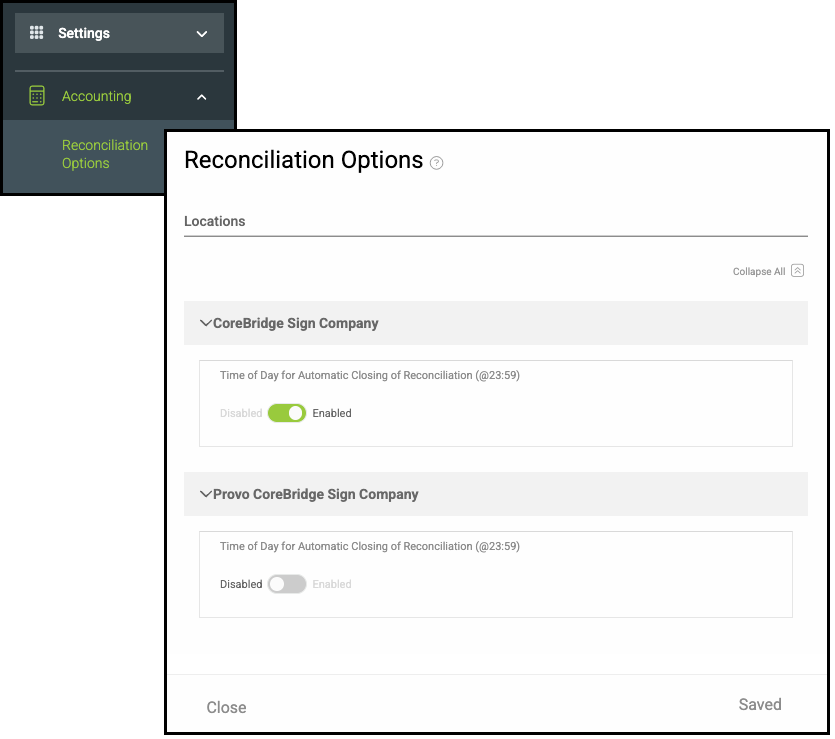
1. Enable Automatic Closing of Reconciliation.
Note: If your system includes multiple Locations, this setting must be turned on individually for each Location.
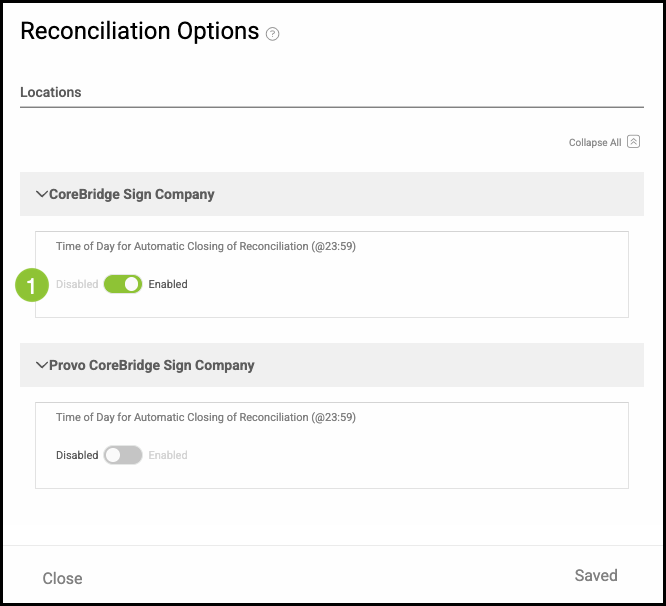
Note: CoreBridge will automatically save the change.
Enabling Auto Reconciliation in Integrations
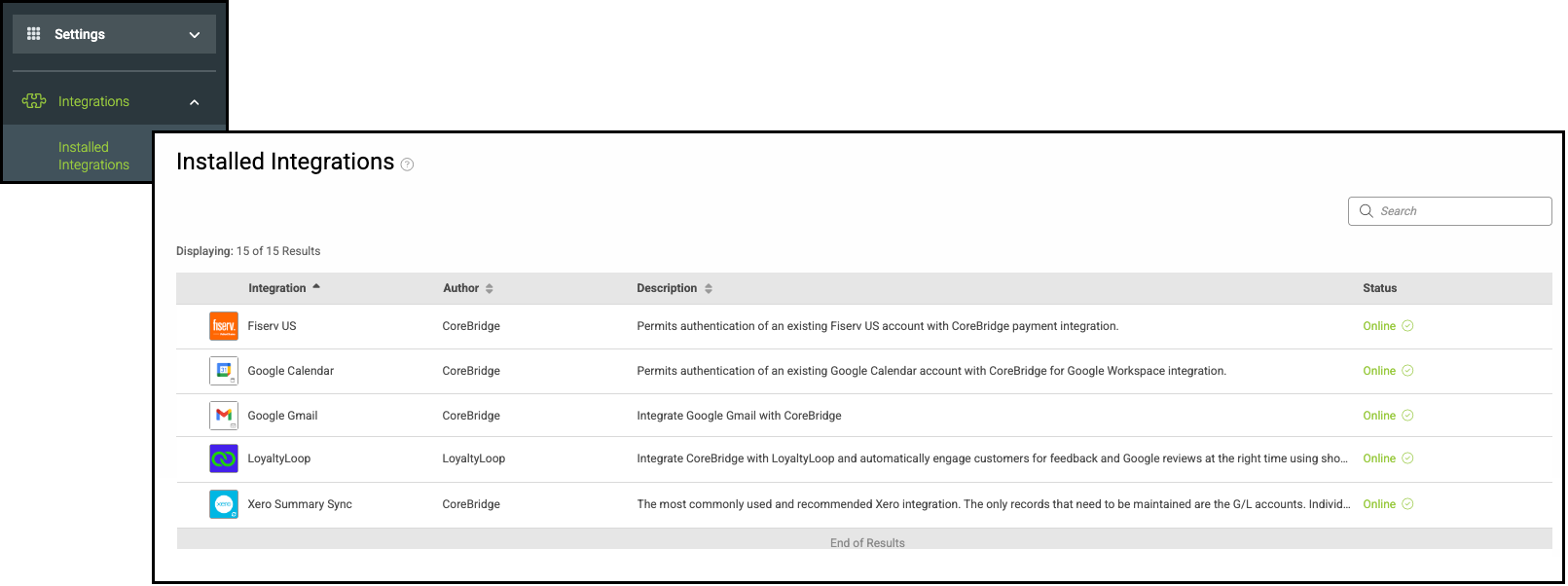
Navigate to Settings / Integrations / Installed Integrations and select your Accounting Integration.
Note: This process is the same regardless of the integration. This article uses Xero as the example.
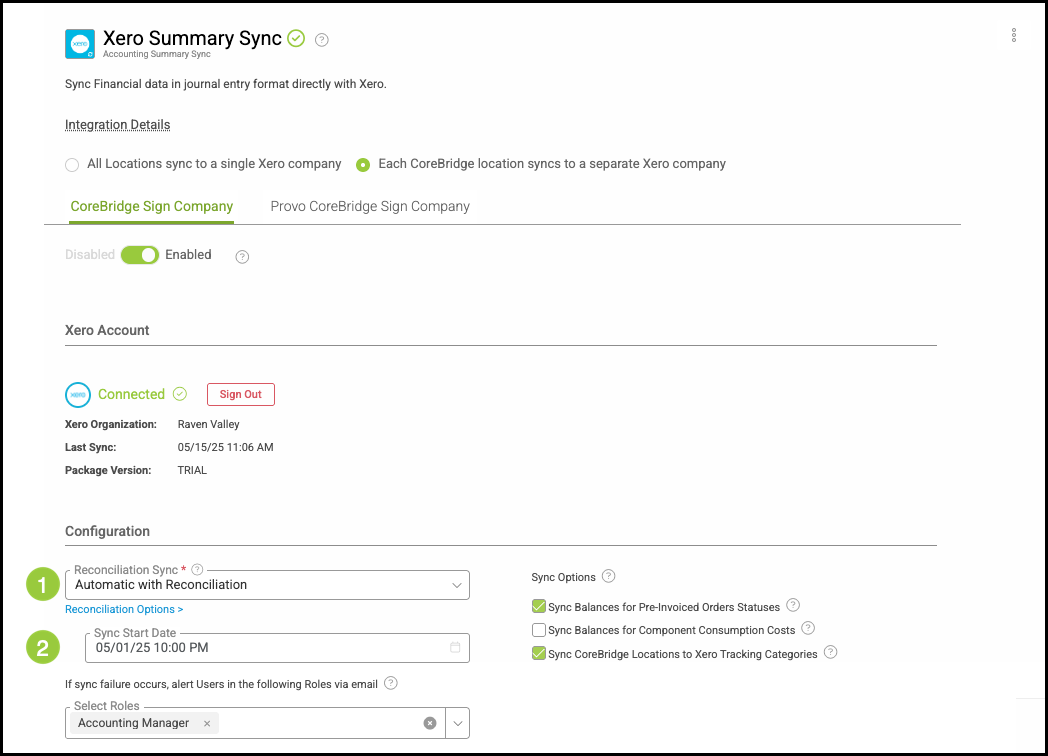
1. Select Automatic with Reconciliation in the dropdown.
2. Select a Start Date.