Reviewing Imported Data is an important step in confirming that your information transferred accurately and is ready for use. Whether your data was imported using a spreadsheet or migrated from another CoreBridge owned system, taking time to validate the results helps ensure records are complete, values are correct, and your system is set up as expected.
Table of Contents
Reviewing Imported Data
Navigate to Sales / Customers / Companies.
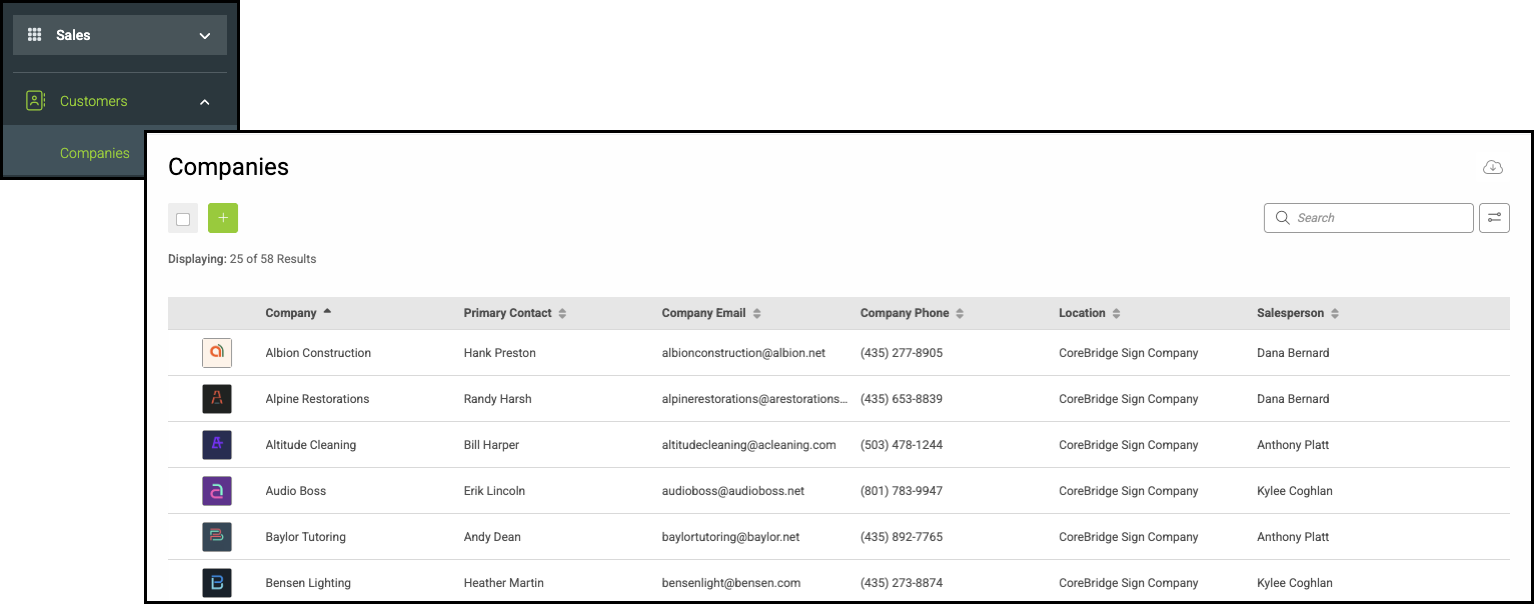
Identify several of your most frequently recurring Customers or Companies and open their record by clicking their name.
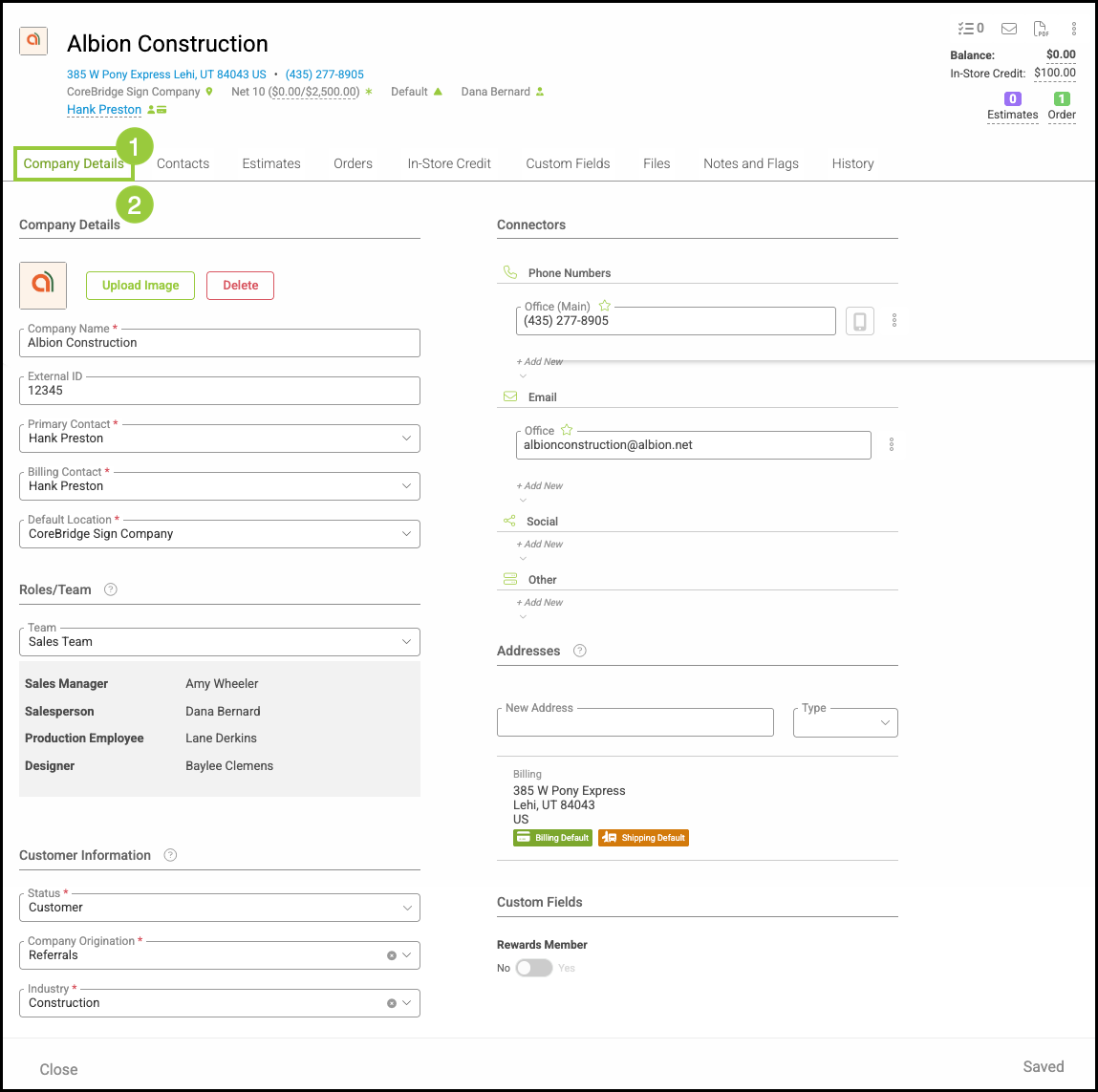
1. Select the Company Details tab.
2. Review the data, field by field.
Note: Review the imported records alongside the original source to confirm the details match exactly.
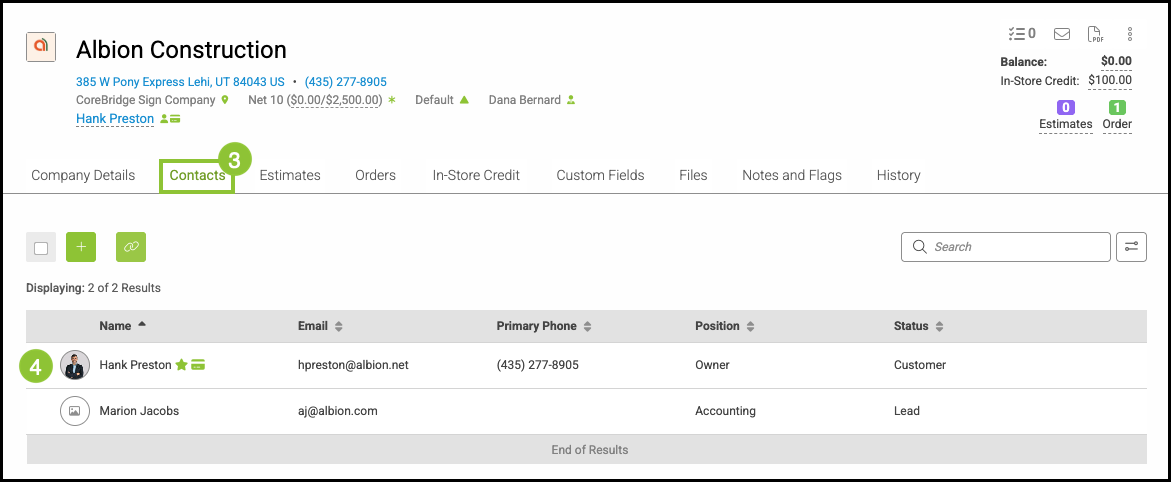
3. Click the Contacts tab.
4. Open the Contacts screen.
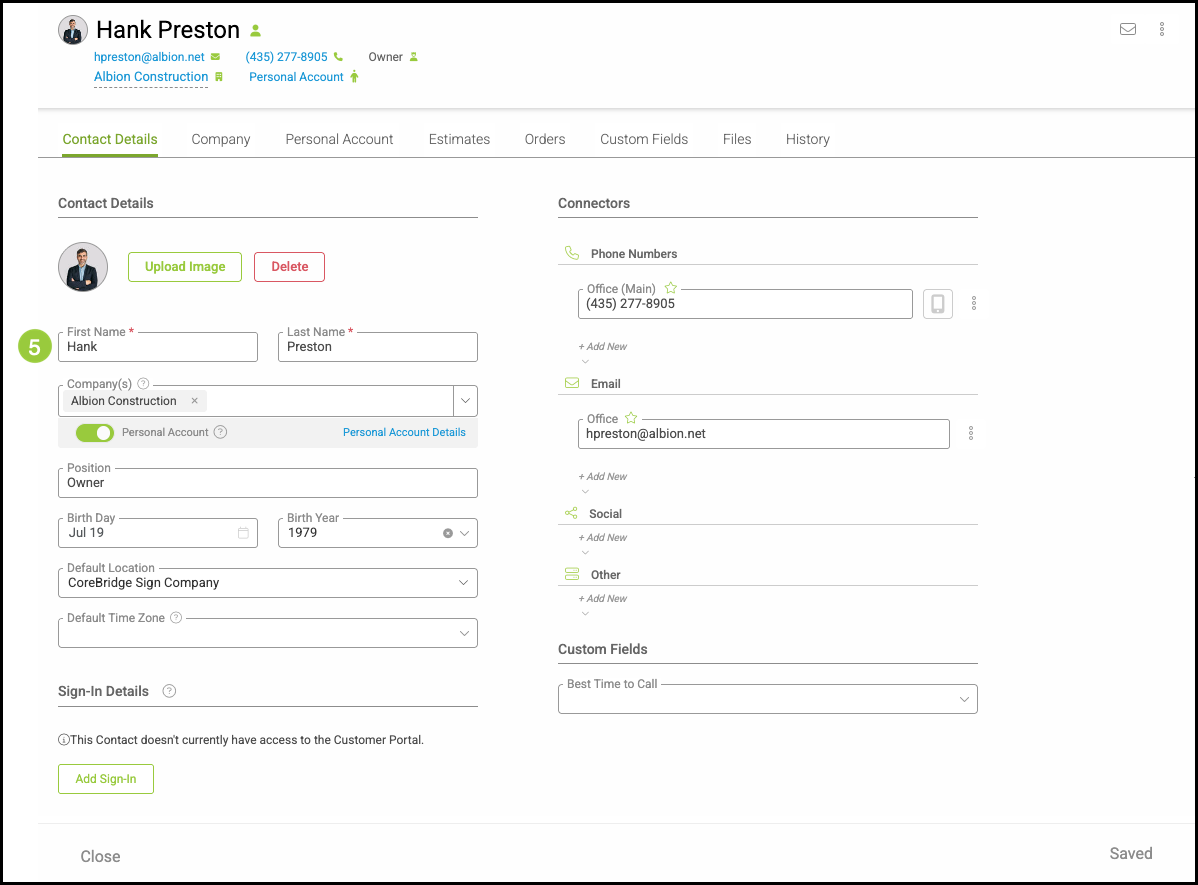
5. Review the data, field by field.
Note: Review the imported records alongside the original source to confirm the details match exactly.