
The Commission document lists commission for one period by salesperson, plan, and income account. When Show Invoices is selected, each invoice is listed under that salesperson with the company, sales, and commission for that invoice.
Table of Contents
- Opening the Commission Document
- Reading the Commission Document
- Editing the Commission Document
- Frequently Asked Questions
- Related Articles
Opening the Commission Document
The document icon is at the upper right of a commission period.
Navigate to Accounting / Commissions.
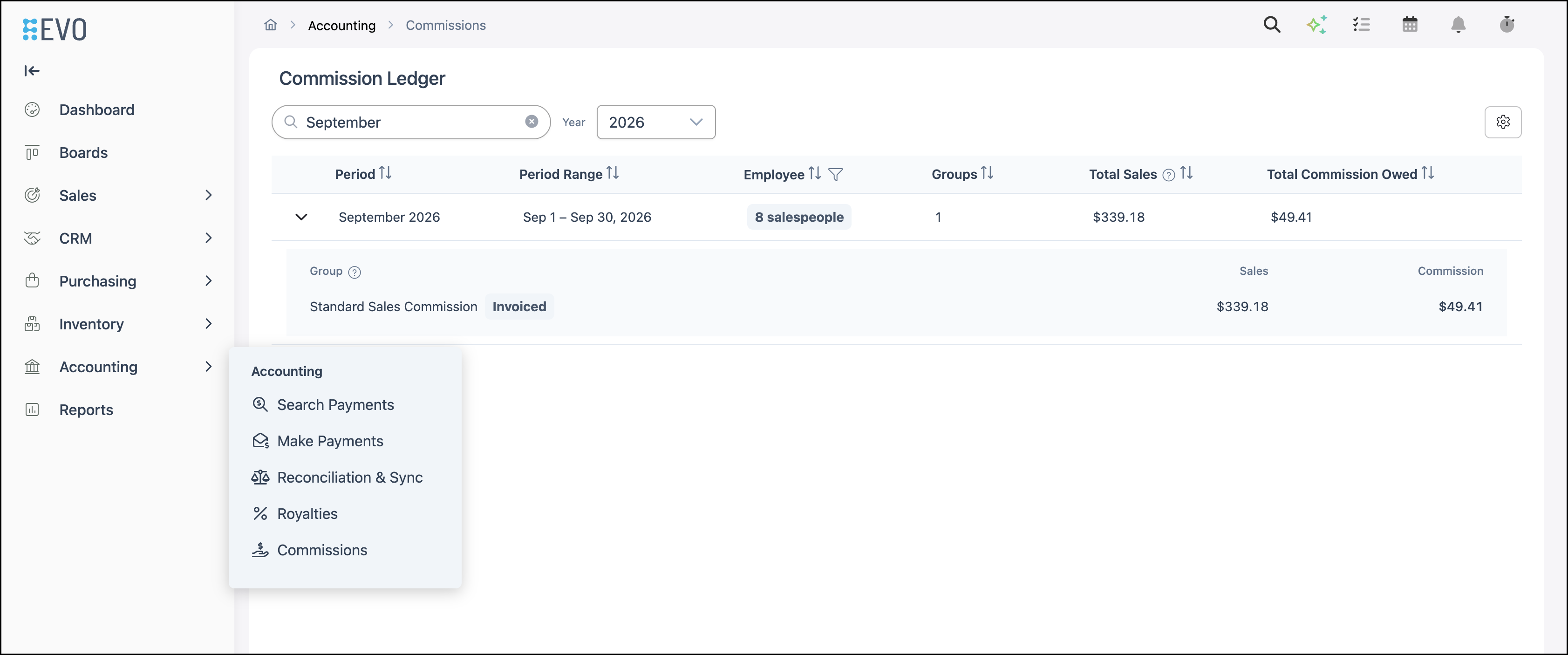
1. Select the document icon.

2. Select Commission.
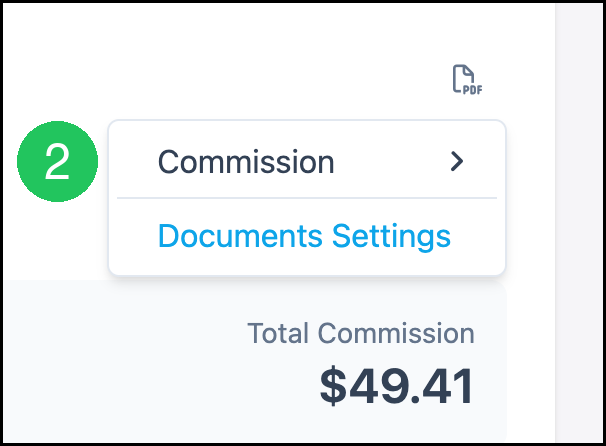
3. Select Standard Commission.

The document opens in Document Preview for that commission period.
Reading the Commission Document
Each salesperson has a block on the document. The header of the document shows Locations, the title Commission, Commission Period, and Based On. Based On reads InvoicedOrders when the commission group uses invoiced sales.
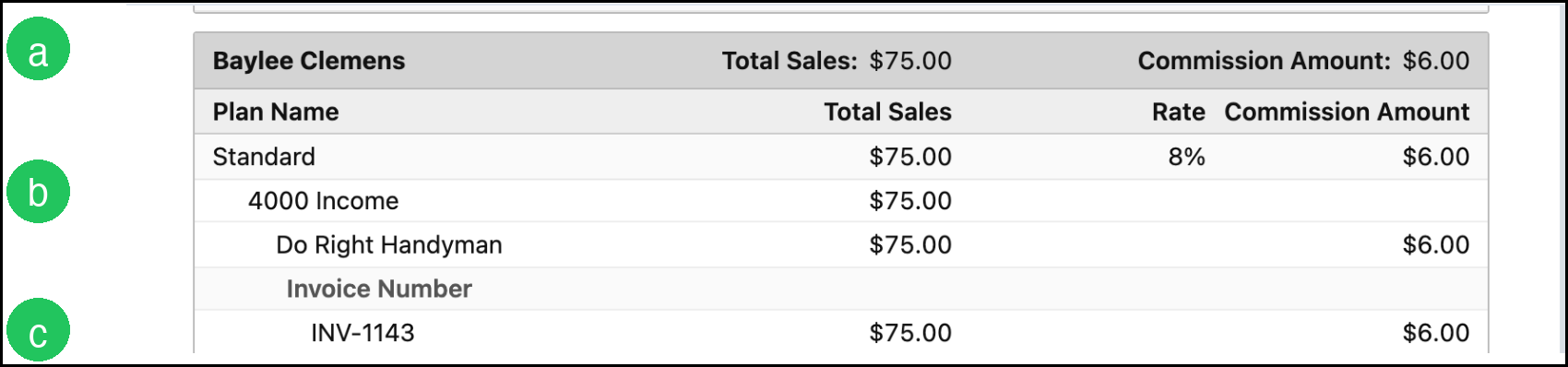
a. The salesperson heading shows Total Sales and Commission Amount.
b. The plan row shows Plan Name, Total Sales, Rate, and Commission Amount. The income account is listed under the plan.
c. With Show Invoices selected, the company and Invoice Number appear under the plan, with sales and commission for that invoice.
Editing the Commission Document
Navigate to System Settings / Documents.
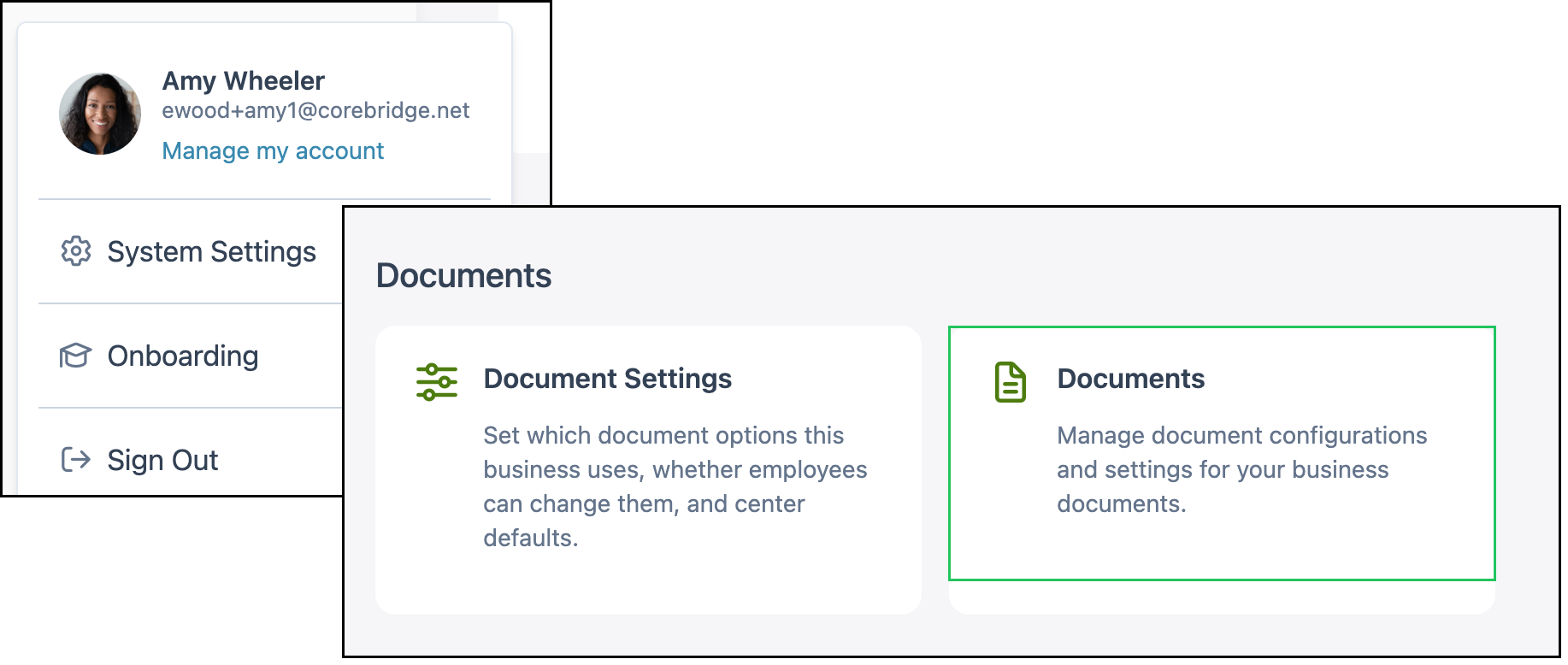
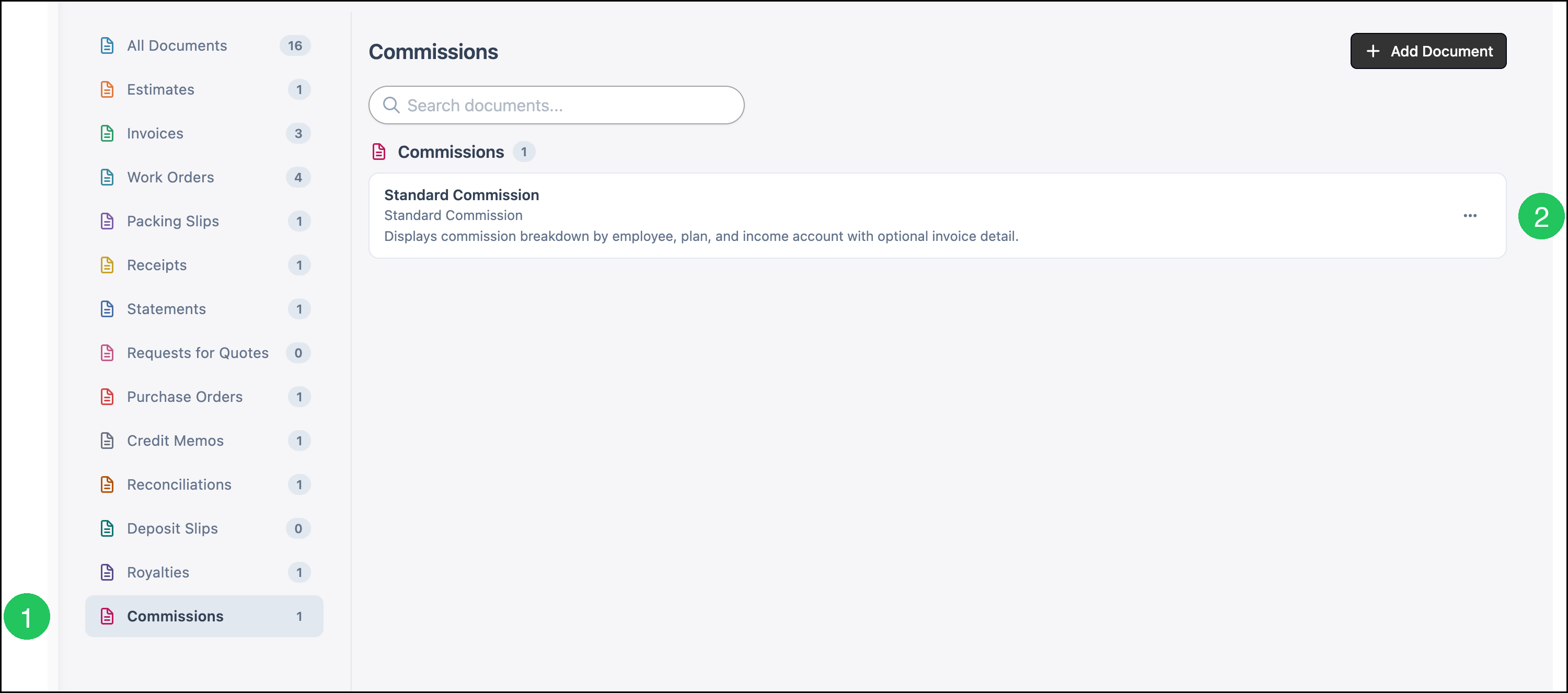
1. Select Commissions.
2. Select Standard Commission.
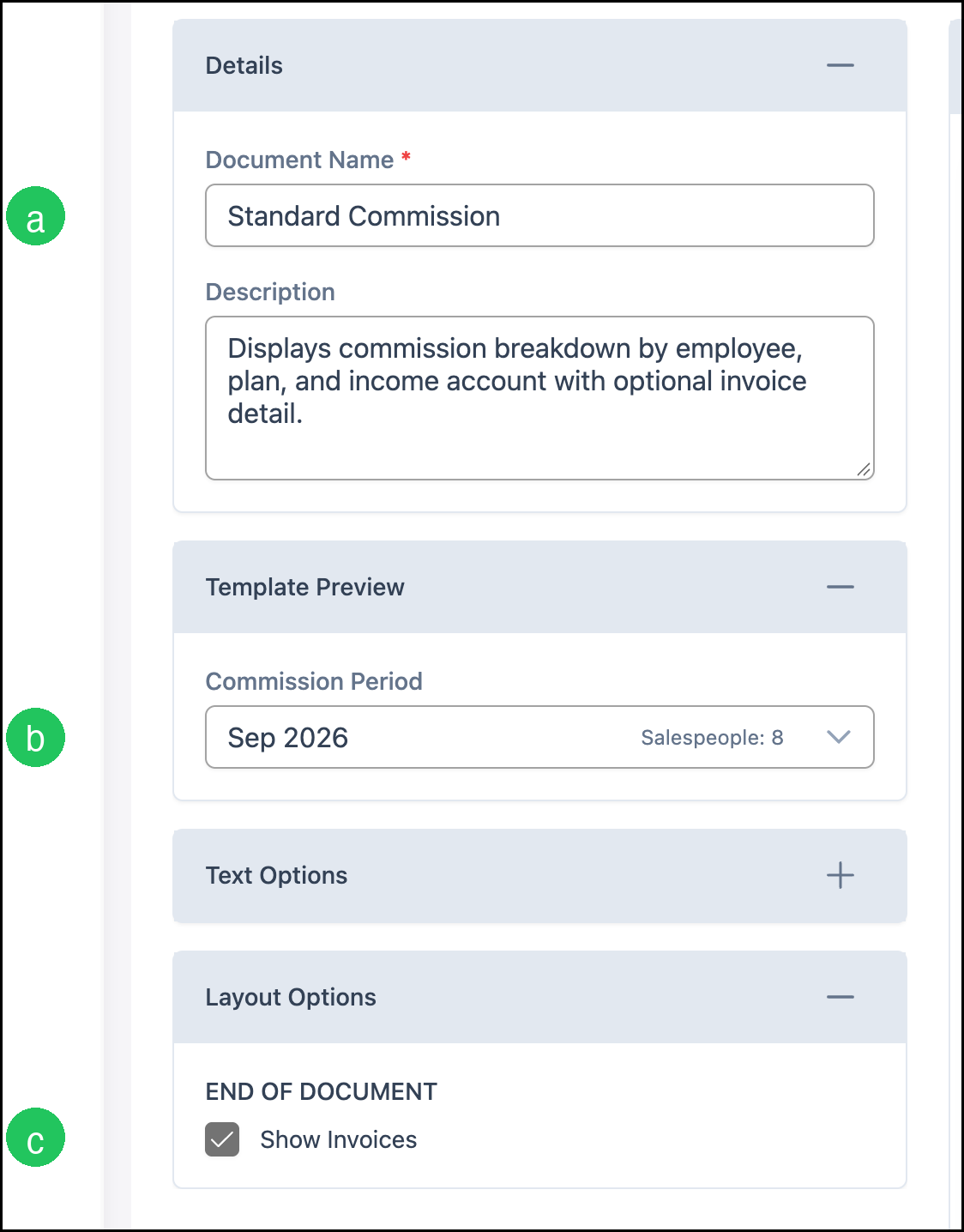
a. Document Name is required. Description is the note shown with the document on the list.
b. Commission Period under Template Preview selects which recorded period to preview. Salespeople shows how many people are in that period.
c. Show Invoices under Layout Options adds the company and invoice lines. Text Options includes Title, Custom Text 1, Custom Text 2, and Footer Text. Save stores the template.
Frequently Asked Questions
1. Where do I see the period total before opening the document?
Answer: The Commission Ledger lists each period with Total Sales and Total Commission Owed. The document lists each salesperson, plan, income account, and invoice.
2. Where is the commission group created?
Answer: Commission groups are set up under System Settings. See Setting Up Commission Groups in Evo.
Related Articles
Commission Ledger
Setting Up Commission Groups in Evo
Available Documents
Document Options