
The Company Name field supports letters, numbers, and most special characters. Some keyboard characters are not supported and will not appear when entered.
Table of Contents
- Characters That Do Not Appear
- Supported Characters
- If the Name Includes a Slash
- Where This Applies
- Frequently Asked Questions
- Related Articles
Characters That Do Not Appear
These characters do not appear in Company Name when typed:
- Forward slash ( / )
- Backslash ( \ )
- Curly braces { }
- Square brackets [ ]
Supported Characters
Company Name accepts other special characters, including hyphens, ampersands, apostrophes, periods, and exclamation marks.
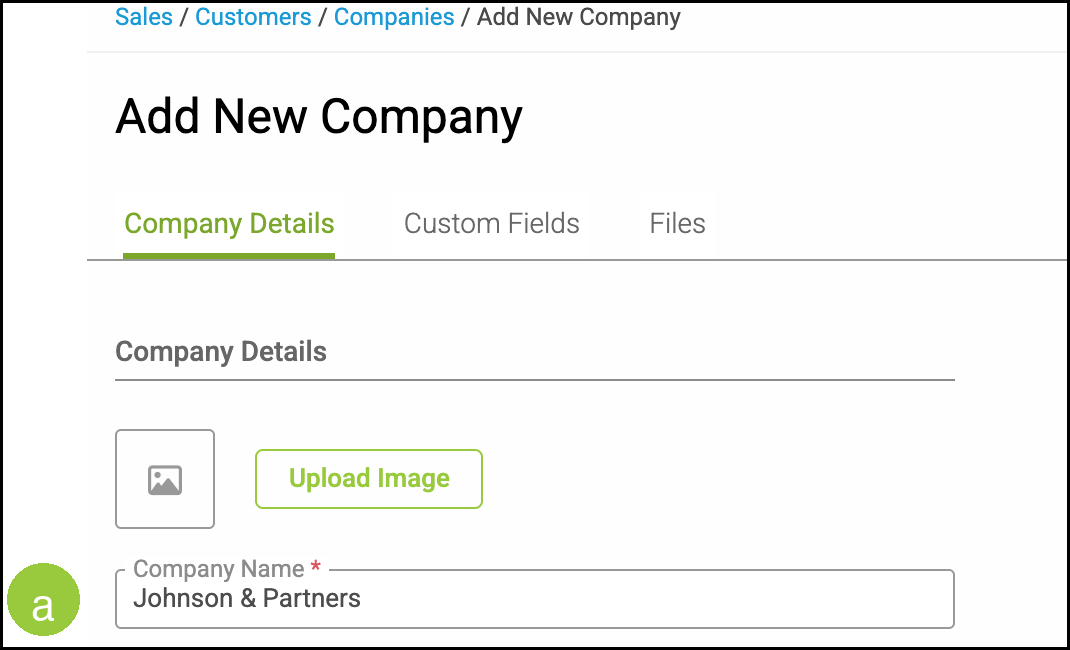
Example: Johnson & Partners, Smith-Widgets.com, and Hello!
a. Company Name stores the name as you typed it, as long as it does not include the excluded characters.
If the Name Includes a Slash
If the legal or marketing name includes a slash, enter an alternative format in Company Name:
- Replace the slash with a hyphen. Example: Company A - Company B
- Use the word and. Example: Company A and Company B
Where This Applies
Navigate to Sales / Customers / Companies.
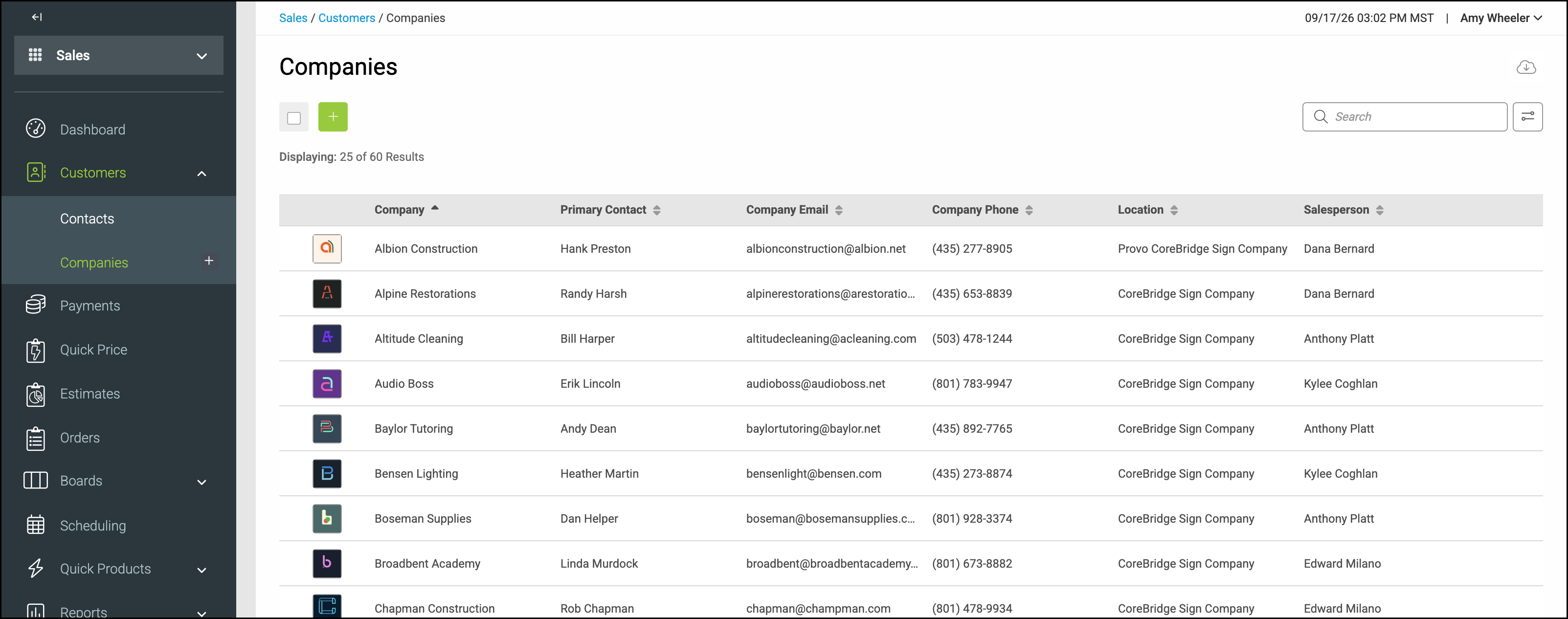
The restriction applies when you create or edit a Company in Company Name. It does not apply to First Name or Last Name on a Contact.
Frequently Asked Questions
1. Why does a slash not appear when I type it in Company Name?
Answer: CoreBridge excludes that character from Company Name. Use a hyphen or the word and instead.
2. Can I use an ampersand in a Company Name?
Answer: Yes. Names such as Johnson & Partners can be entered in Company Name.
3. Do Contact First Name and Last Name exclude the same characters?
Answer: No. First Name and Last Name accept those characters.
Related Articles
Additional Company Features
Creating Companies
Creating Contacts