
The Go Live Form is the final step in the onboarding process before you begin using CoreBridge to manage your day-to-day business. After completing your training and configuring your system, submit the form to request your Go Live date, initiate the Customer Import process (if applicable), and notify the CoreBridge team that your system is ready for activation. The form can be accessed from the Onboarding page or by using the link provided by your onboarding team.
For more information on Go Live requirements, please see Go Live Checklist.
Table of Contents
Accessing the Form
The Go Live form can be accessed here: CoreBridge Go Live.
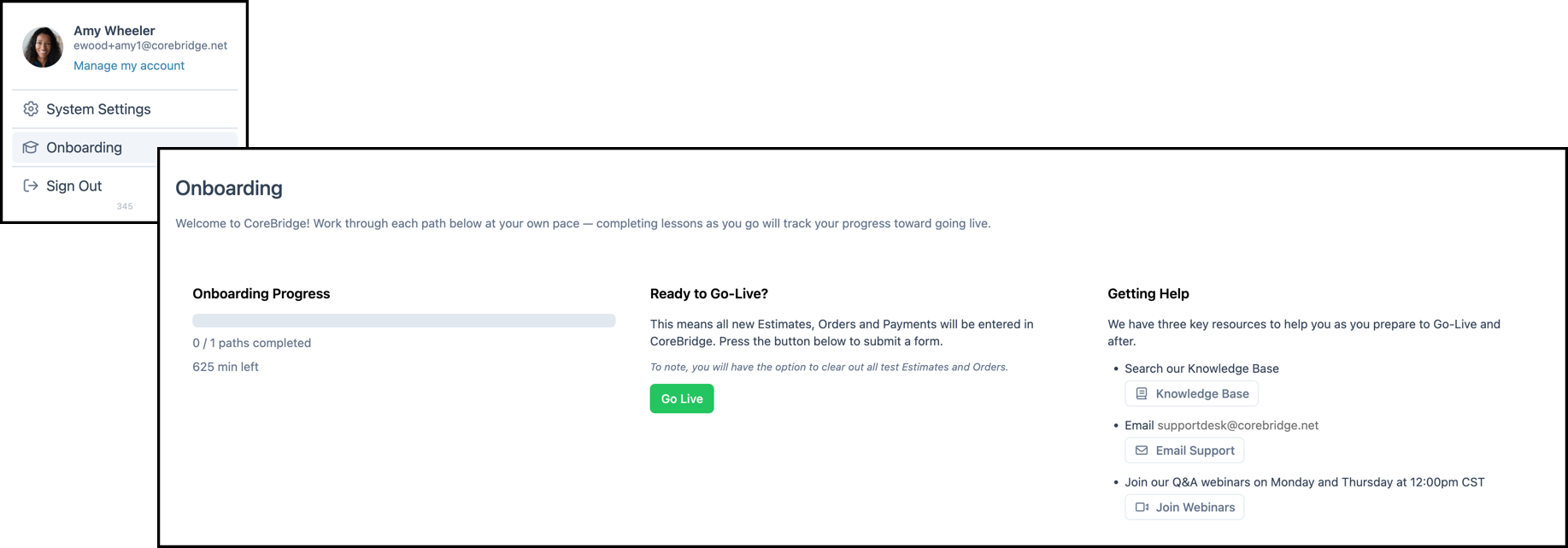
The form can also be accessed from the Onboarding page.
Filling Out the Form
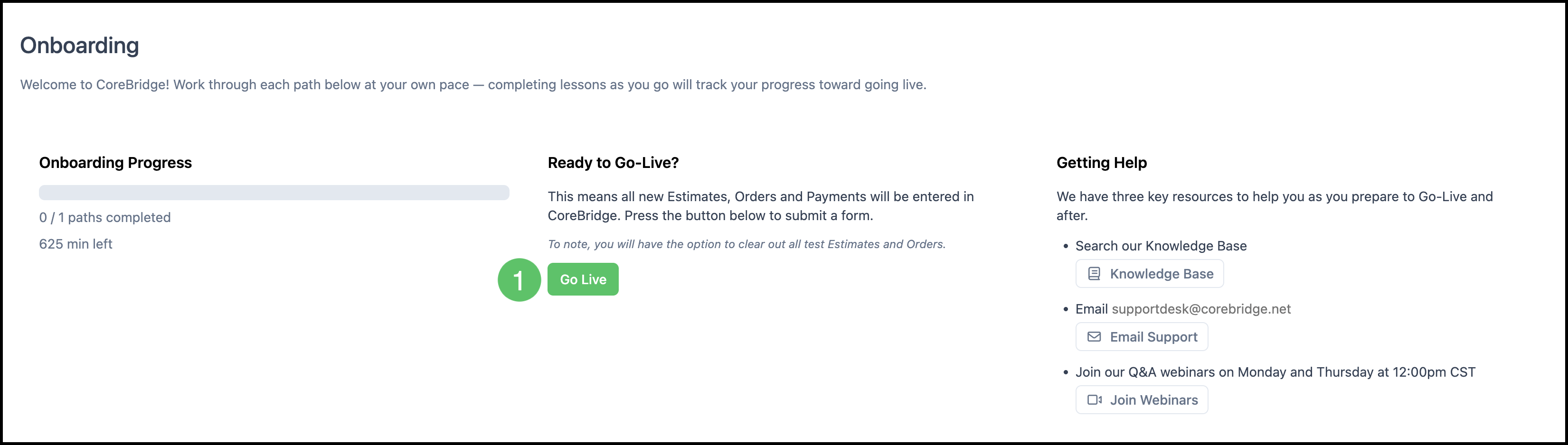
1. Click Go Live or access the form through the link.
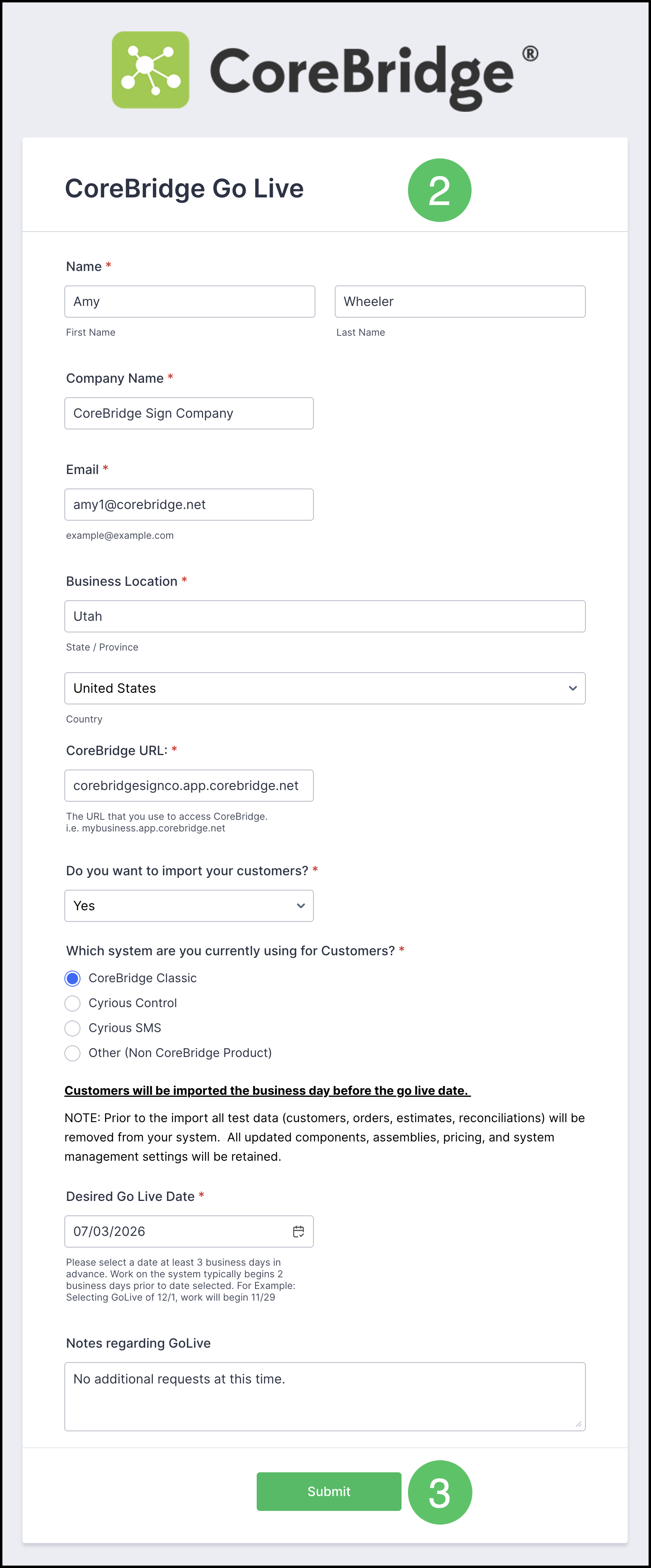
2. Fill in all required fields on the form.
3. Click Submit.
Note: If you choose to import your customers, the import is scheduled for the day before your Go Live date. Processing times may vary.
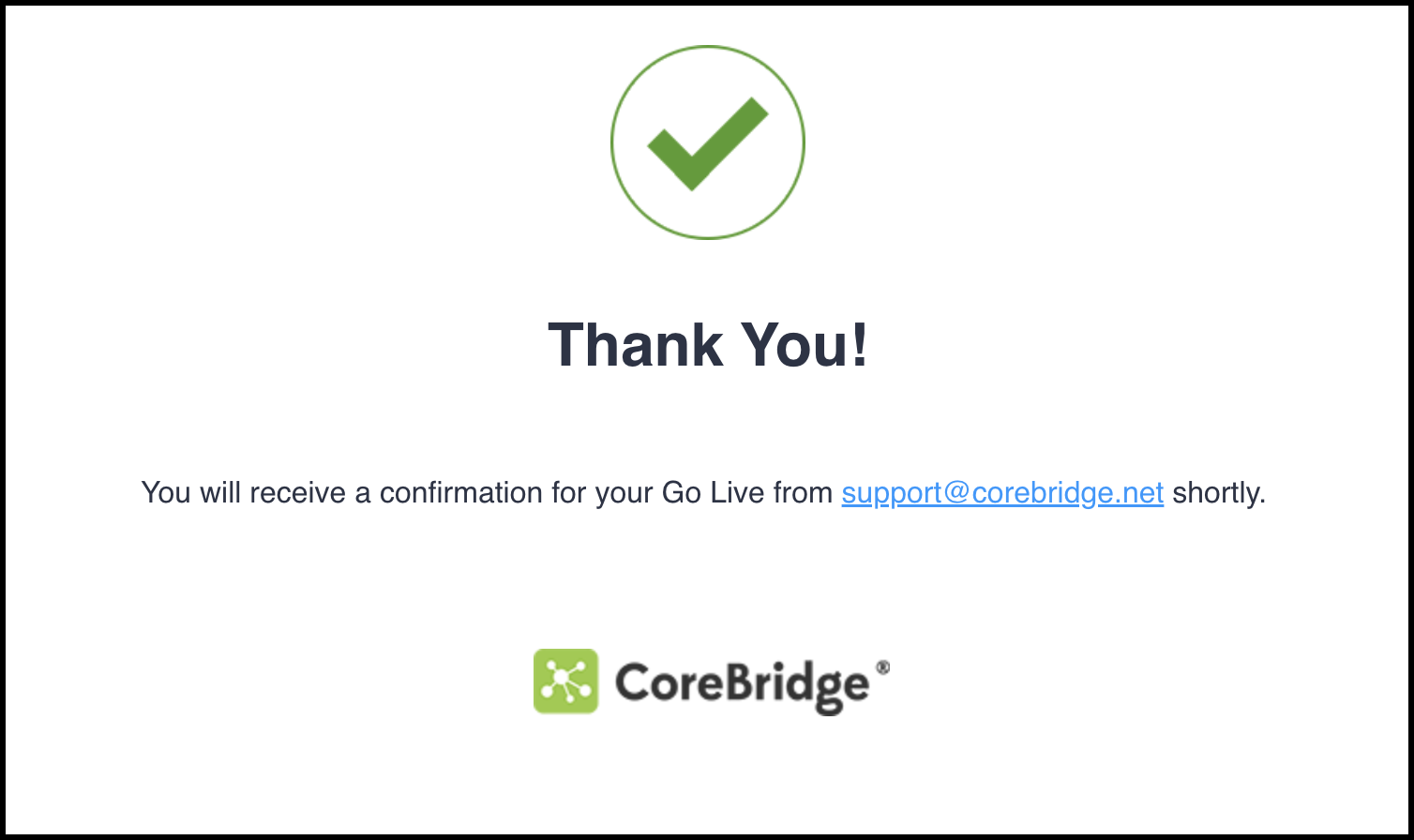
Note: You will see a confirmation on the screen that your request has been submitted.
Next Steps
After submission, a ticket will be created for your Go Live.
You will receive a confirmation of this in your email.
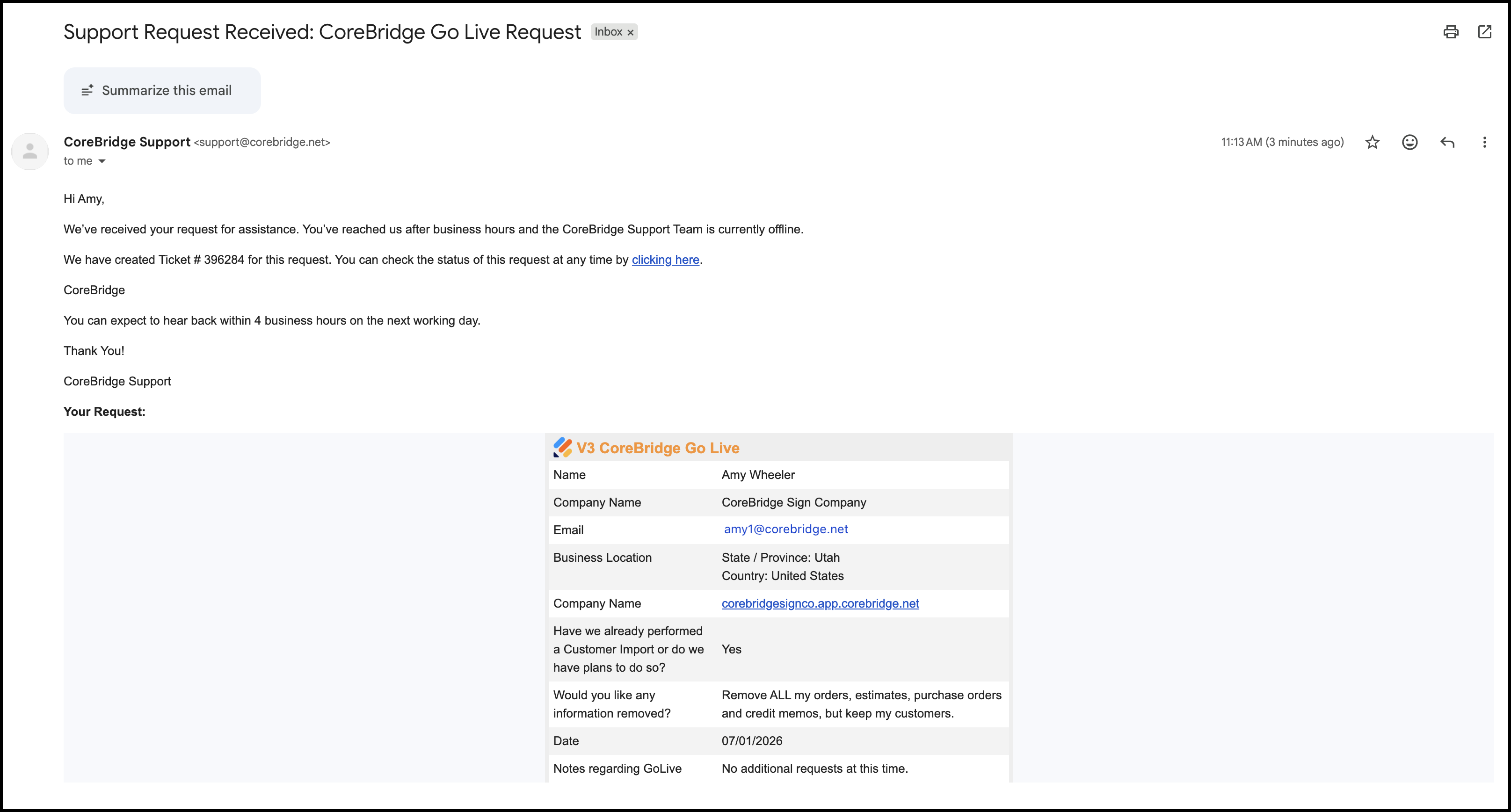
If you would like to view your ticket you may click the link in the email or you can also find this ticket by logging into the support portal and navigating to the Tickets list.
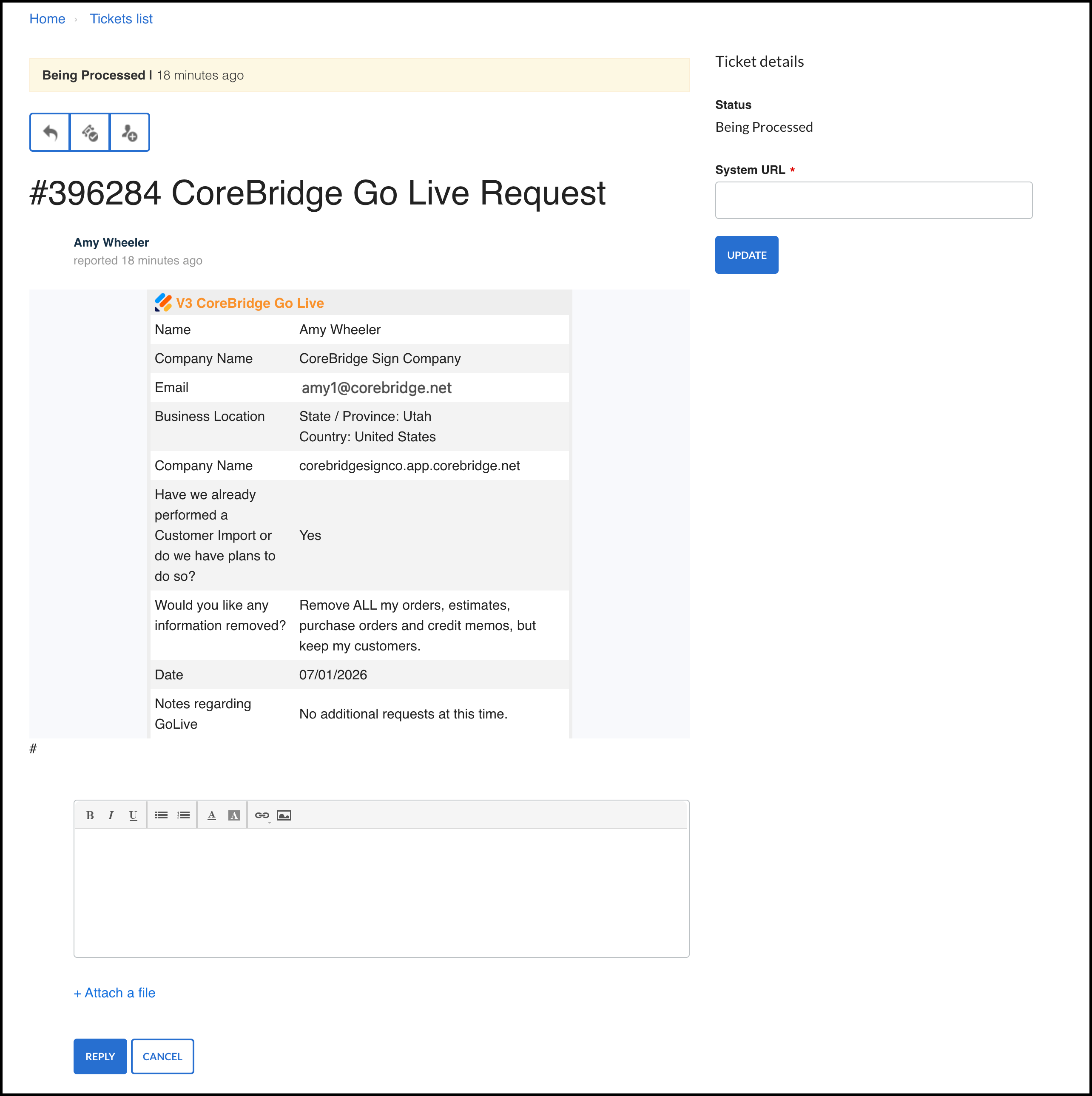
A member of the support team will reach out to you shortly.