
This article explains how to use the Tax Liability Summary report when you need sales tax broken out by individual Tax Item or authority, instead of one combined Tax Group line.
Table of Contents
Overview
CoreBridge EVO includes two related tax liability reports under Reports. They appear in the Financial category as Tax Liability Detail and Tax Liability Summary.
- Tax Liability Detail groups results by Tax Group. Combined rates often appear as one label (city, county, and state together). Expand a row to see invoice-level activity.
- Tax Liability Summary lists one row per Tax Item so each authority can be reviewed separately for filing.
If you need city, county, and state amounts on separate lines, run Tax Liability Summary for the same period rather than relying only on Tax Liability Detail.
How to Run Tax Liability Summary
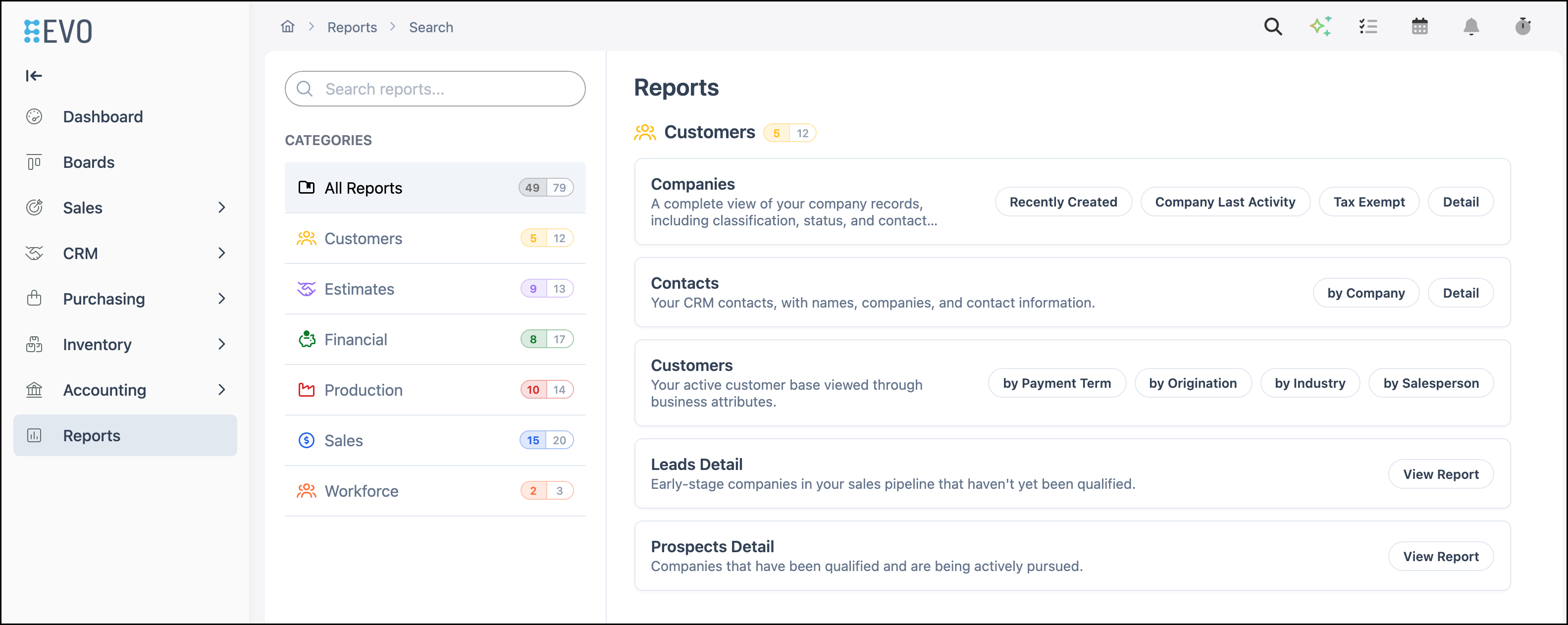
Navigate to Reports.
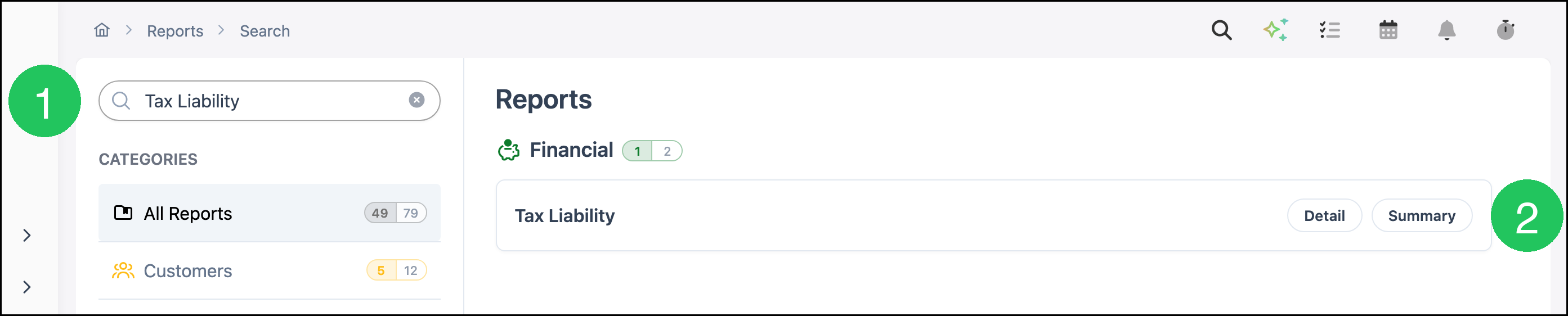
1. Type Tax Liability in Search reports.
2. Click Summary.
Tax Liability Summary opens. Each Tax Item appears on its own row so city, county, and state authorities can be totaled separately.
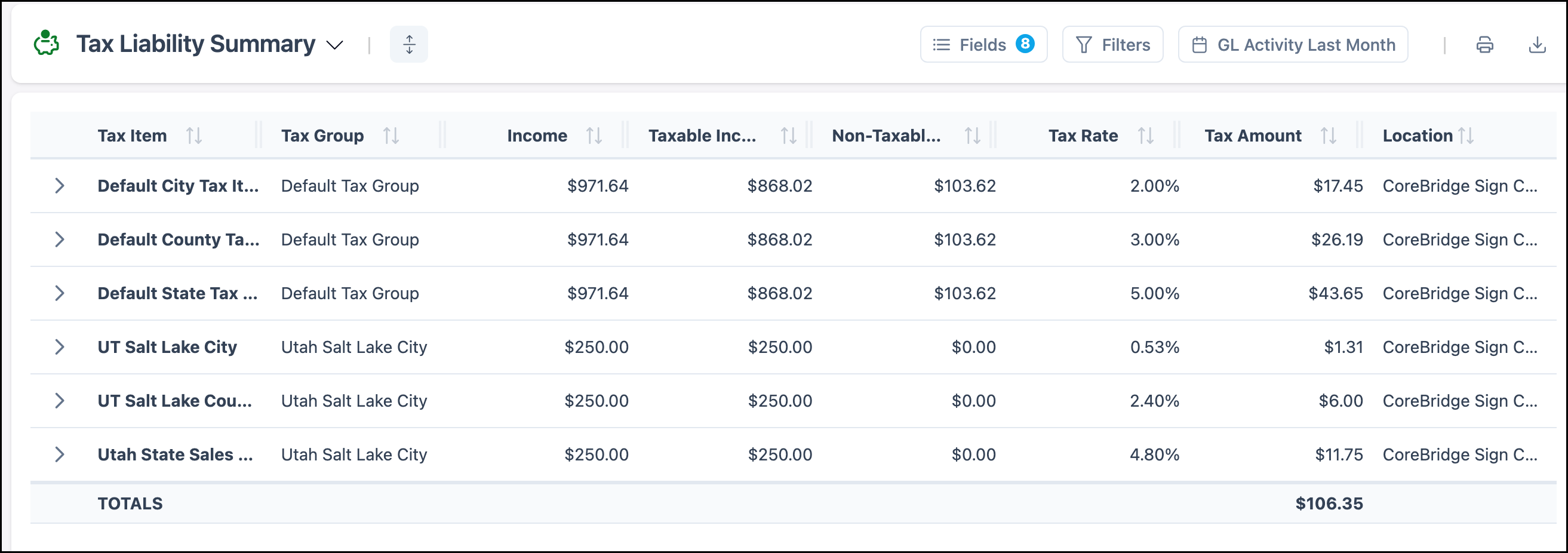
The report includes these columns:
- Tax Item
- Tax Group
- Income
- Taxable Income
- Non-Taxable Income
- Tax Rate
- Tax Amount
- Location
Note: The date control defaults to GL Activity Last Month. To change Date Type or Date Range, see Sorting and Filter Options in Reporting.
Note: Tax Liability Detail remains useful when you need invoice-level activity. On Detail, rows start by Tax Group. Expand a row to see invoice-level activity.
Frequently Asked Questions
1. Why does Tax Liability Detail show a combined Tax Group name?
Answer: Online tax lookup builds a Tax Group that includes every authority that applies to the destination, such as city, county, and state. Detail reports that group as one combined label. Summary separates those authorities into individual Tax Items.
2. Can I still export the data for my accountant?
Answer: Yes. Run Tax Liability Summary for the period, then export or print from the report tools. For more information, see Reporting Overview.
Related Articles
Available Reports
Reporting Overview
Sorting and Filter Options in Reporting
Tax Groups
Tax Items