
Inventory Warehouses provides storage locations for Material quantities, so stock can be organized by where it is kept and which Location it serves. Inventory Warehouses is available in Inventory. An Internal warehouse stores inventory for your business, and a Vendor Held warehouse is linked to a Vendor.
Table of Contents
Important Information
- A warehouse is a storage location for Material quantities. At least one warehouse must exist before stock can be added.
- Use Internal for inventory your business stores. Use Vendor Held when the warehouse is linked to a Vendor. When you select Vendor Held, Vendor appears and is required.
- Default for this location is the warehouse Orders for that Location reserve from first. Only one warehouse can be the default for each Location.
- If Inventory is not currently available, contact CoreBridge Support at supportdesk@corebridge.net to request access.
- For more information on the Inventory Module, please see Inventory Module Overview.
Adding Warehouses
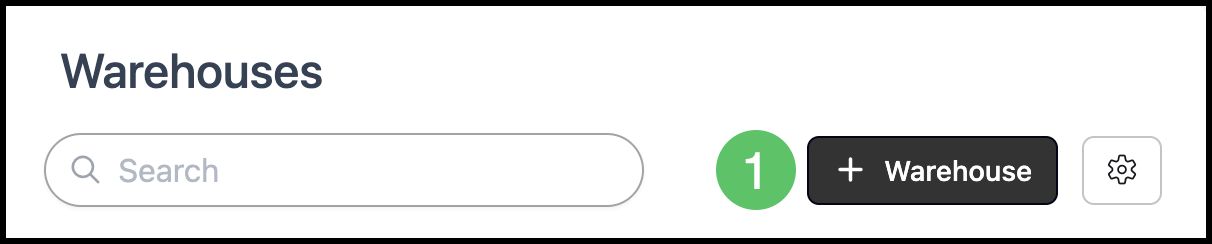
Navigate to Inventory / Warehouses.
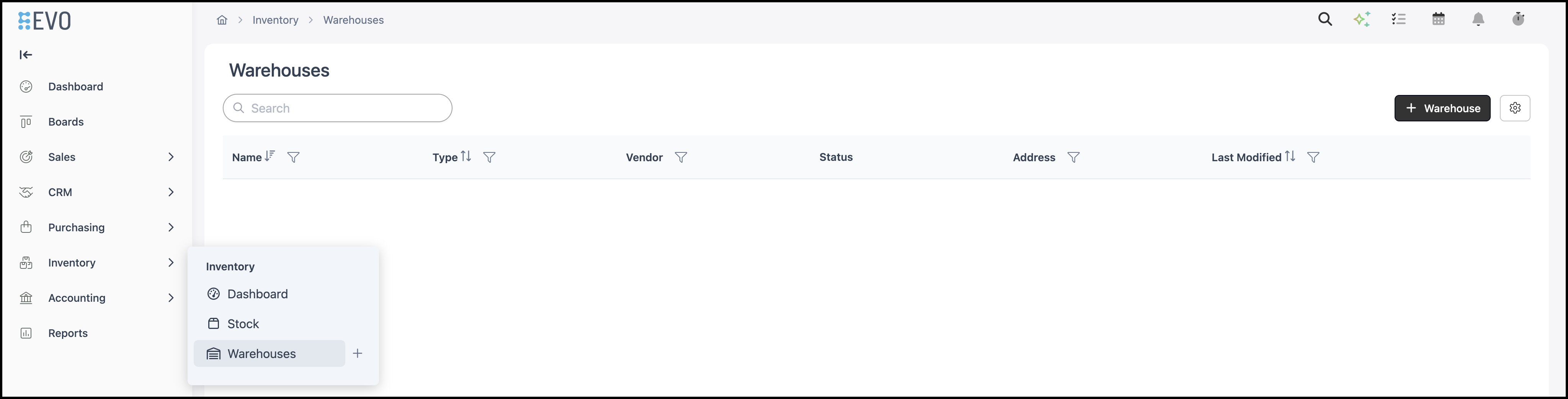
1. Click Warehouse. New Warehouse opens.
2. Fill in the warehouse information on the General tab. Name is required. Required fields are indicated with a red asterisk.
a. Type - Select Internal or Vendor Held. Internal is inventory stored by your business. Vendor Held links the warehouse to a Vendor. When you select Vendor Held, Vendor appears and is required. Select the Vendor for this warehouse.
b. Active - Controls whether the warehouse is available for use. Inactive warehouses are hidden from selectors but kept for history.
c. Location - Optional. Associates the warehouse with a Location. Orders for that Location default to this warehouse.
d. Default for this location - When this is on, Orders for the selected Location reserve stock from this warehouse first. Only one warehouse can be the default for each Location. Select a Location to enable this option.
e. Notes - Stores information about the warehouse. Notes are visible only to staff with inventory access.
Note: Address is optional. It stores the street address for the warehouse, including Address, Address 2, City, State, Postal Code, and Country.
3. Click Save.
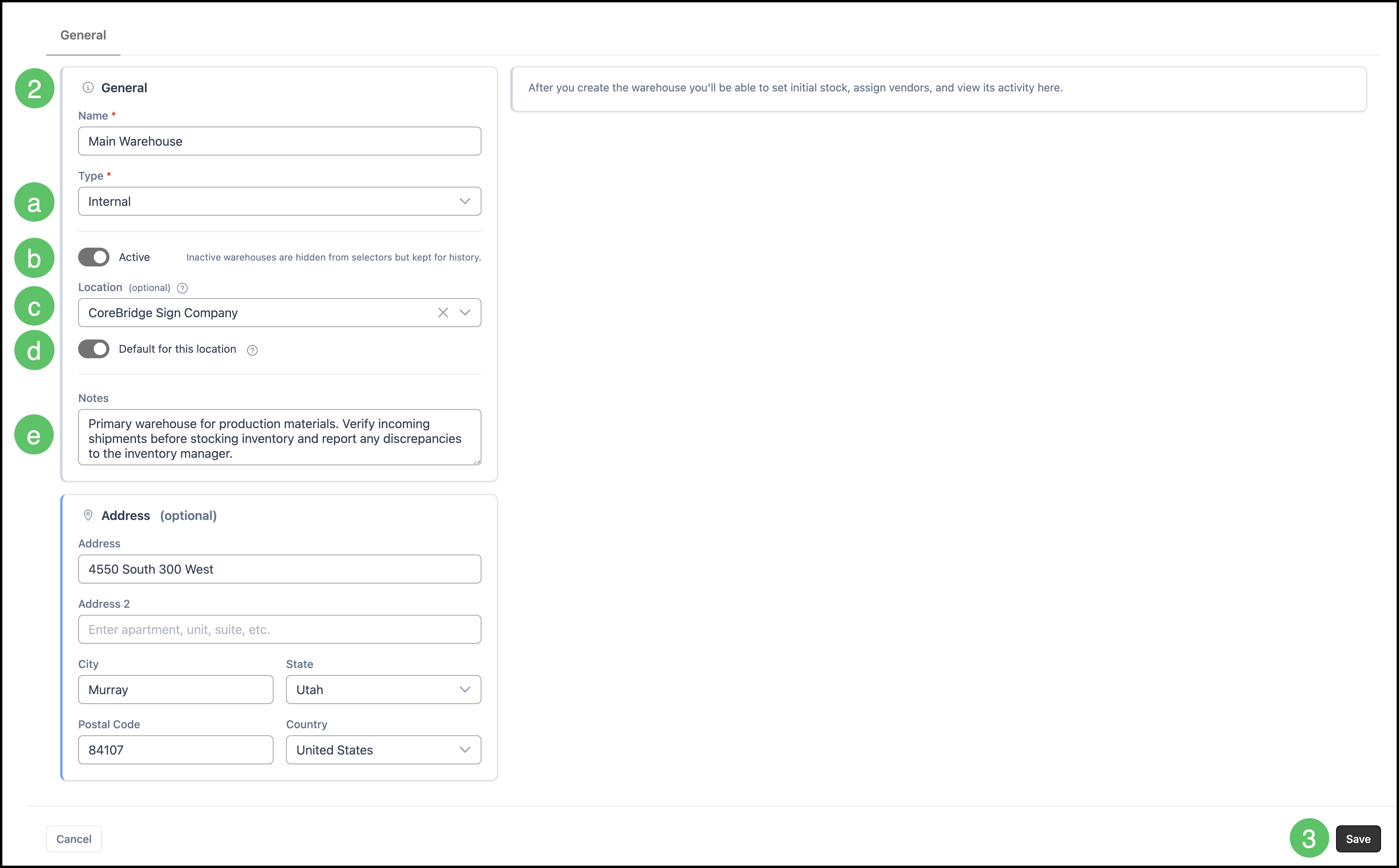
After you save, you can set initial stock, assign vendors, and view activity for the warehouse. For more information on stock, please see Understanding and Managing Stock.
Frequently Asked Questions
1. What is the difference between Internal and Vendor Held?
Answer: Internal stores inventory for your business. Vendor Held links the warehouse to a Vendor. When you select Vendor Held, Vendor appears and is required.
2. Can more than one warehouse be the default for a Location?
Answer: Only one warehouse can be the default for each Location. Orders for that Location reserve stock from that warehouse first.