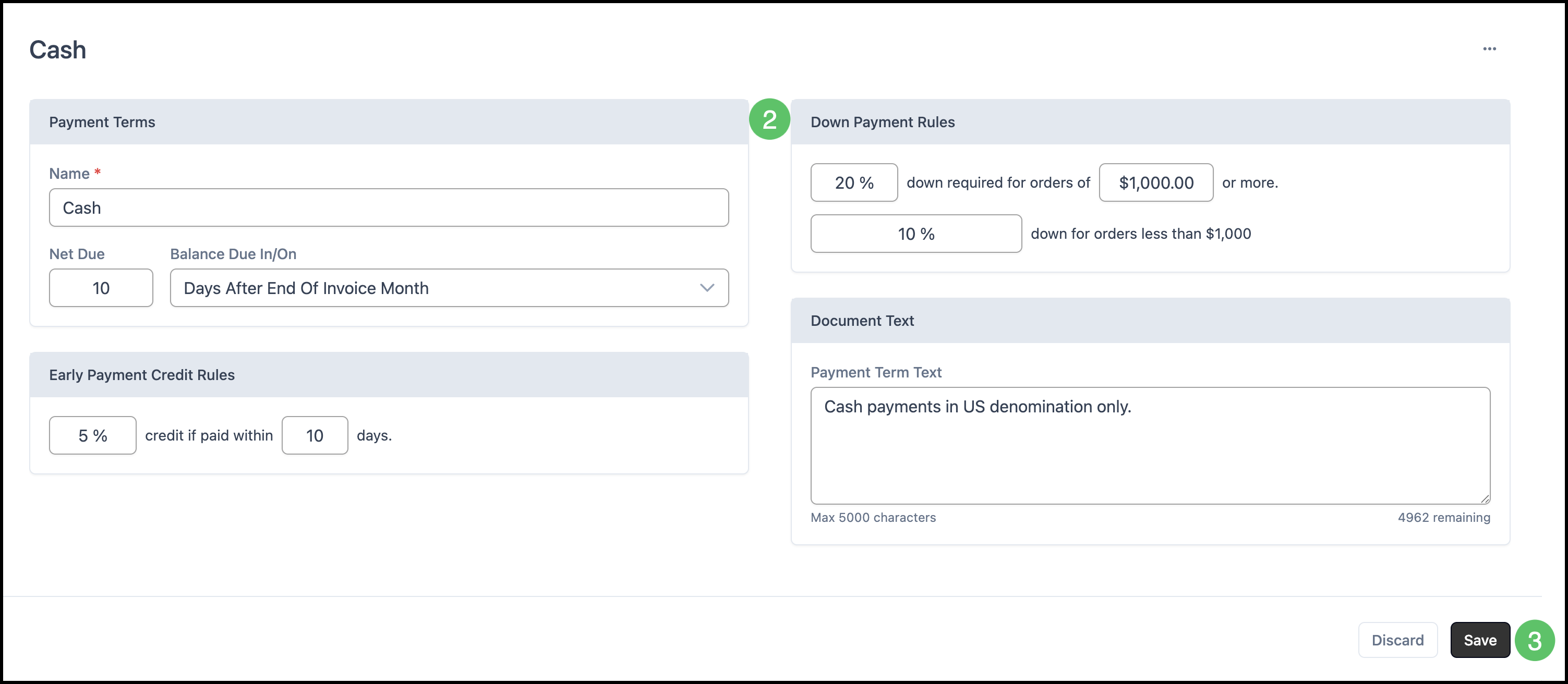
Payment Terms are conditions for how and when a buyer pays a seller for goods or services. These can include such considerations as early payment credits, down payment requirements, and when payments must be completed.
Payment terms can be assigned to Customers to ensure payments are taken following your business' standards and regulations. This can be done in Company details by going to Sales / Company. For more information, please see Creating Companies.
Table of Contents
Adding Payment Terms
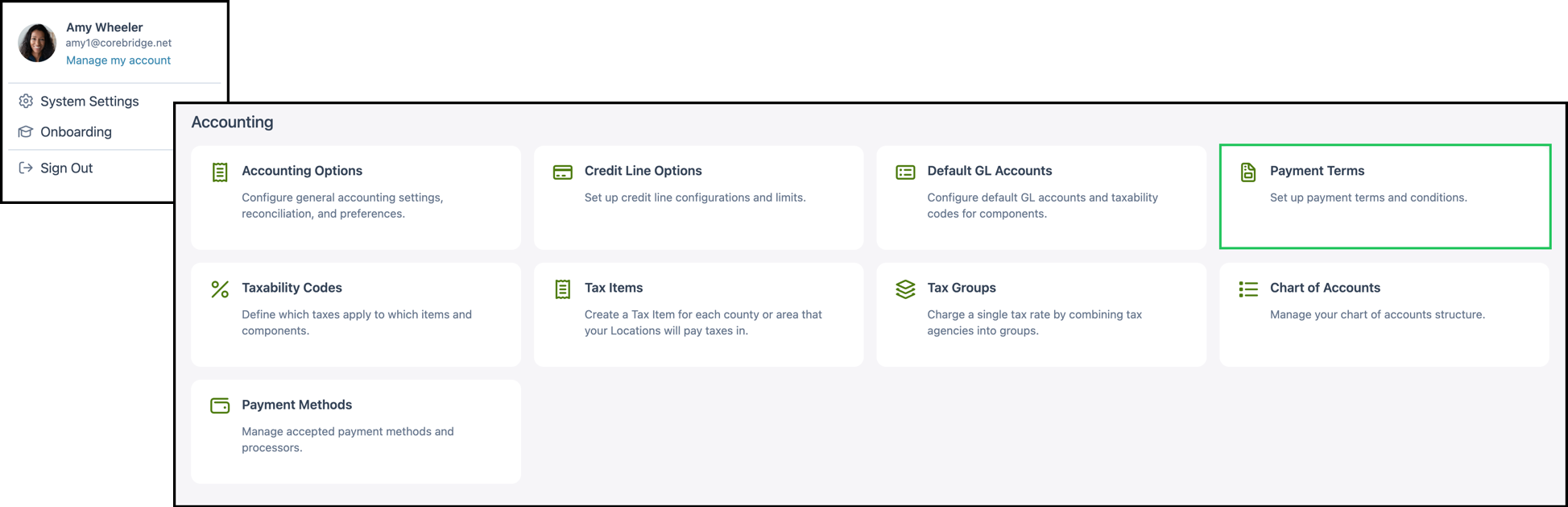
Navigate to System Settings / Accounting / Payment Terms.
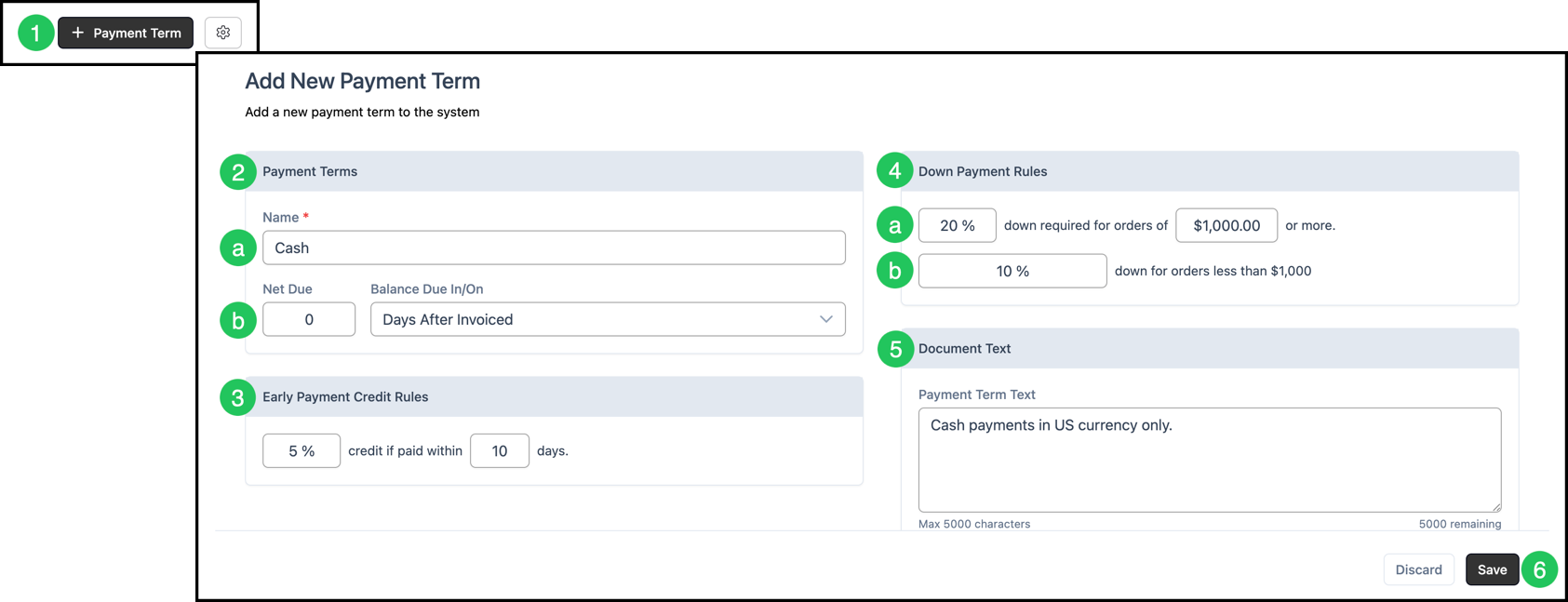
1. Click the Add Payment Term button.
2. Enter Payment Terms information.
a. Name - Name of the Payment Term. This is required.
b. Net Due and Balance Due In/On - Enter the Net Due value and select from the dropdown when the invoice should be paid by (e.g. Days After Invoiced).
3. In the Early Payment Credit Rules section, enter the percentage of credit the customer receives if paid within a selected number of days.
4. Enter Down Payment Rules information.
a. Enter the percentage Down Payment required for Order amounts over a specified value.
b. Enter the percentage Down Payment required for Order amounts under that value.
5. In the Document Text section, enter the text that will appear to the Customer when this Payment Term is used (e.g. on invoices). This field allows up to 5000 characters.
6. Click Save.
Updating Payment Terms
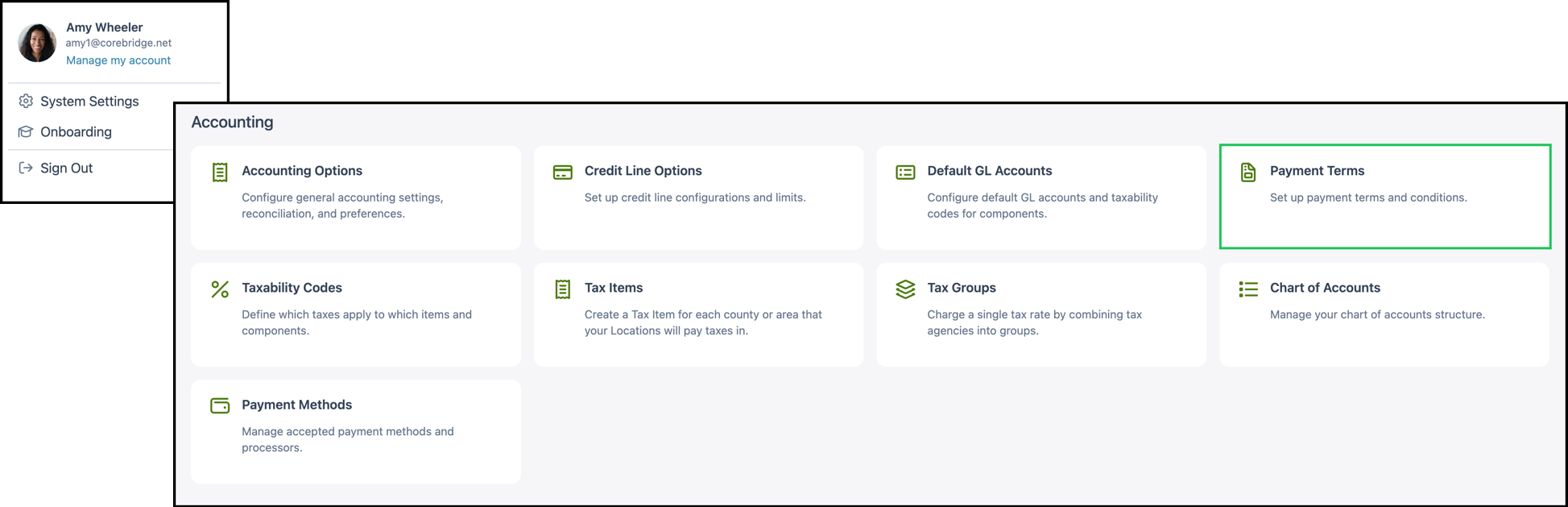
Navigate to System Settings / Accounting / Payment Terms.
1. Select the appropriate Payment Term.
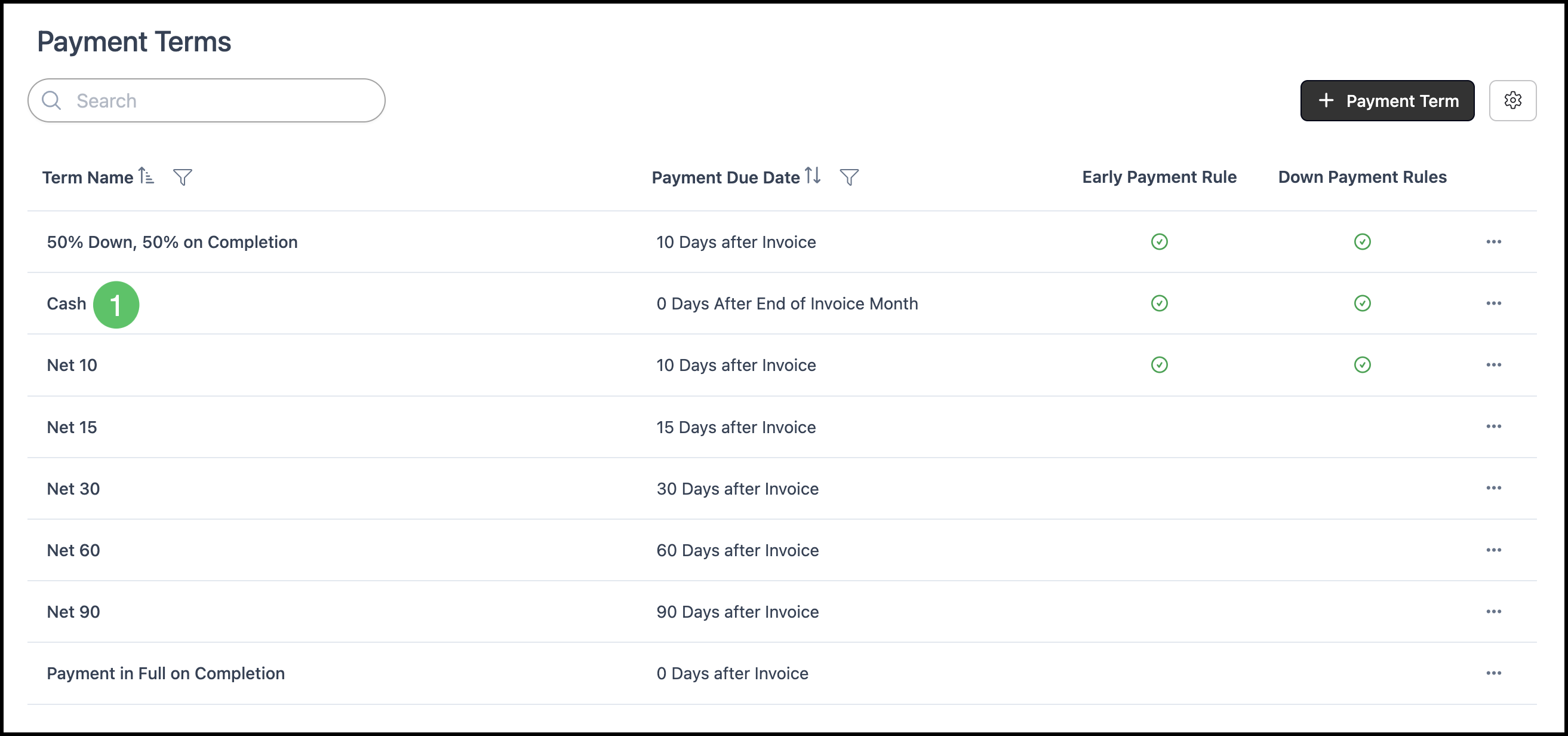
2. Edit the fields as needed in the Payment Terms, Early Payment Credit Rules, Down Payment Rules, and Document Text sections.
3. Click Save to apply your changes.