
Reconciliation Download creates a file from a posted Reconciliation for desktop accounting software. The download is available on Reconciliation & Sync after the period is posted. You choose the File Name, the Export File Format, and the Export Options before the file downloads.
Table of Contents
Download a Reconciliation
Navigate to Accounting / Reconciliation & Sync.
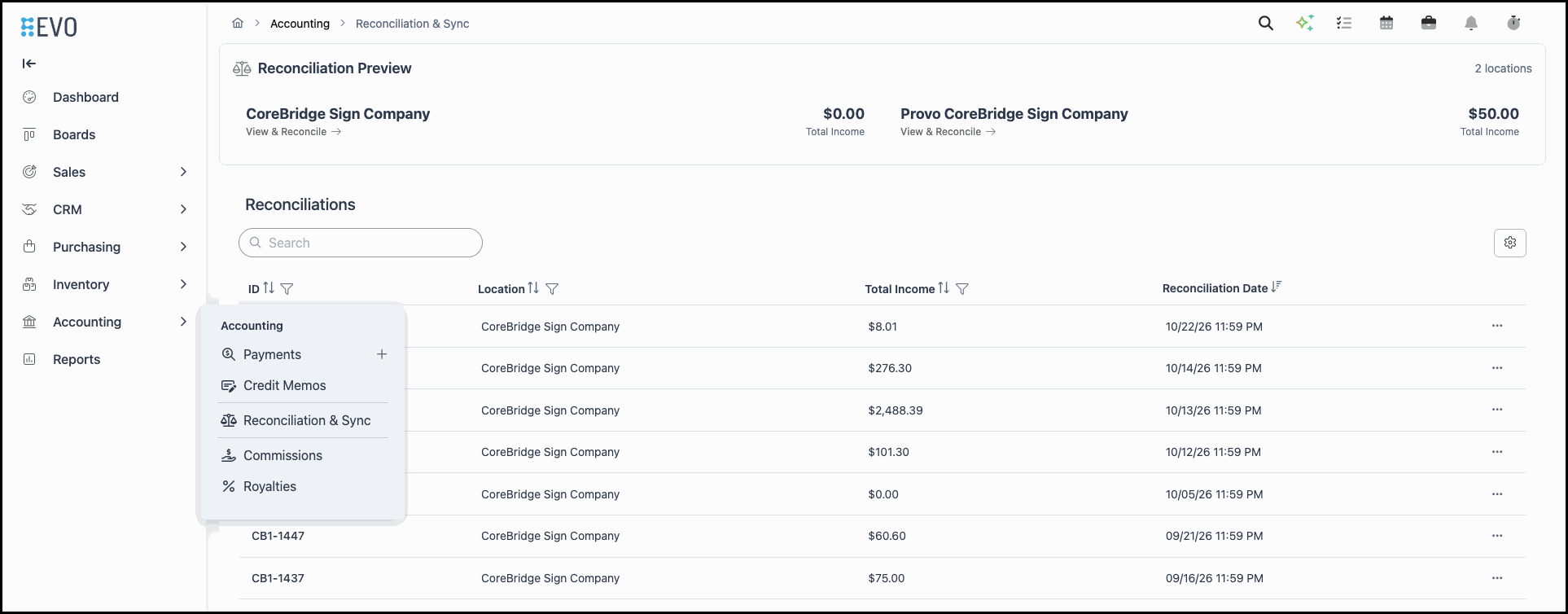
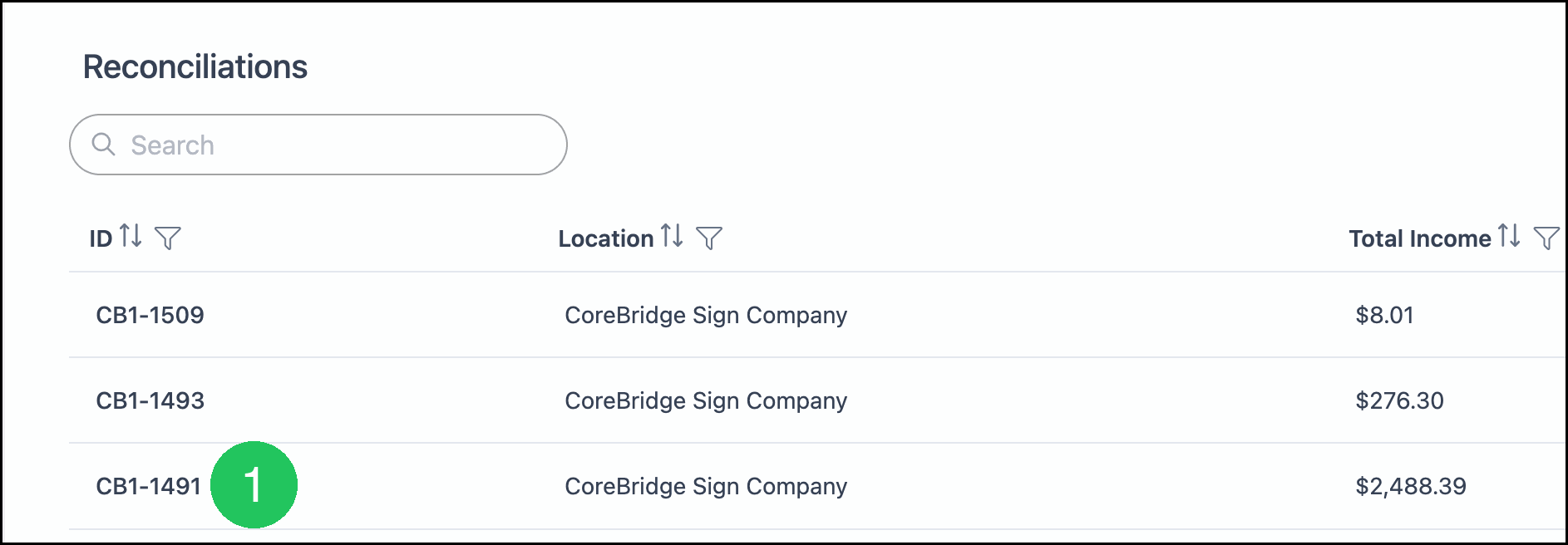
1. Click the posted Reconciliation ID.
2. Click Download.
Note: Download is also available in More Actions on the Reconciliation list.

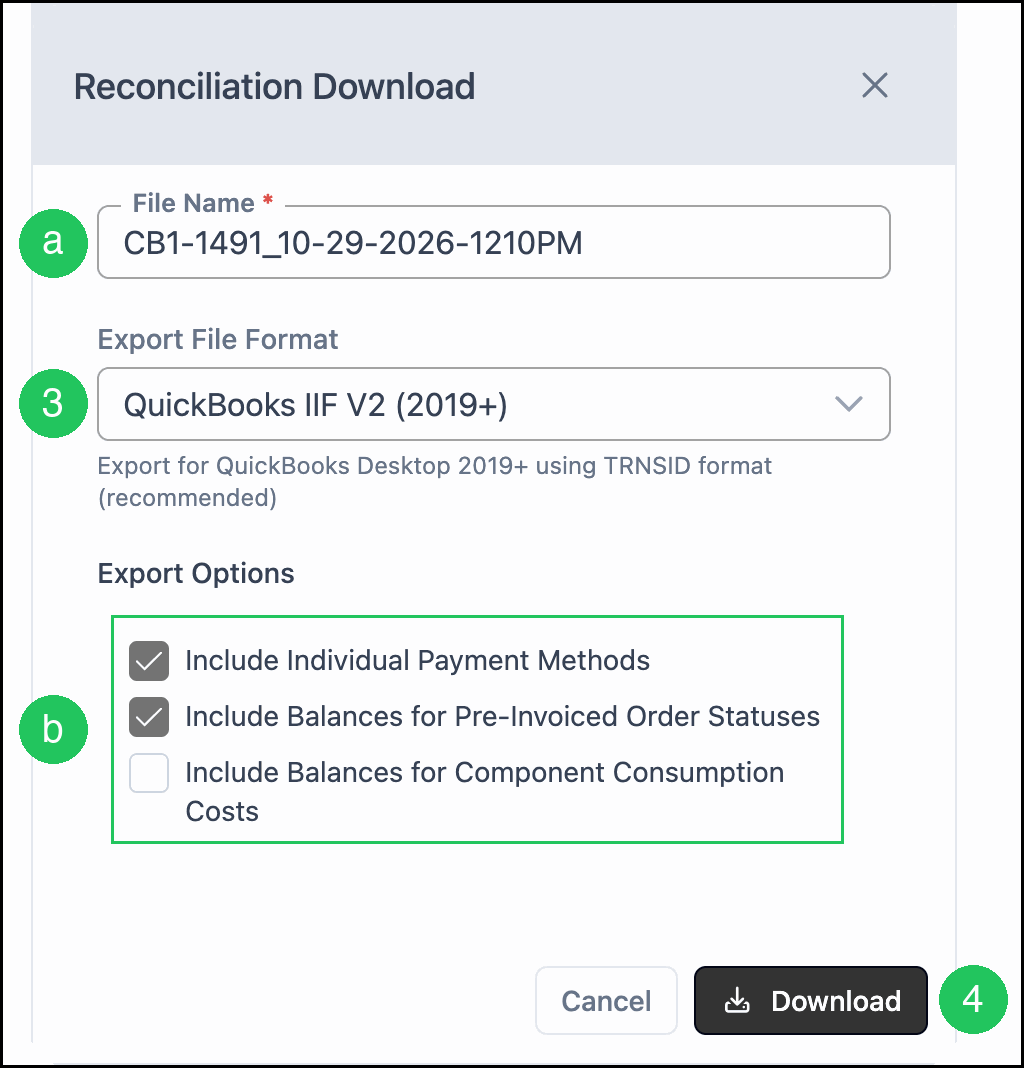
3. Select an Export File Format.
a. File Name - The name is filled from the Reconciliation number and the current date and time. You can change the File Name before the file downloads.
b. Export Options - These options choose which details the file includes. Include Individual Payment Methods and Include Balances for Pre-Invoiced Order Statuses are selected by default. Include Balances for Component Consumption Costs is not selected.
The Export File Format options are:
- QuickBooks IIF V2 (2019+) - Export for QuickBooks Desktop 2019+ using TRNSID format (recommended). This format is selected by default.
- QuickBooks IIF (Legacy) - Export for QuickBooks Desktop using TRANSID format (legacy).
- QuickBooks Canada - CSV format with CAD currency indicators for QuickBooks Canada.
- Generic CSV - Standard CSV format for Excel or other accounting software.
- Sage 2017 - Export format for Sage 50 2017.
- Sage 50 - Export format for Sage 50.
- Shireburn SFM - CSV format for Shireburn accounting software.
4. Click Download.
Frequently Asked Questions
1. When is Download available?
Answer: Download is available on a posted Reconciliation. Post the period from the Reconciliation Preview before downloading.
2. What is the difference between Download and Sync?
Answer: Download creates a file for desktop accounting software such as QuickBooks Desktop or Sage. Sync sends a posted Reconciliation to a connected accounting integration. When no accounting integration is connected, Sync Now is unavailable and Download creates the file.