
LED String Length calculates the total length of LED lighting used on a cabinet Line Item. This is found under Cabinet Lighting in LED Strings / Modules on an Estimate or Order.
Vertical and horizontal strokes represent LED runs along the height and width of the cabinet. Length (ft) remains at 0 until a stroke value is entered.
The process is the same for Estimates and Orders. This article uses an Estimate as the example.
Table of Contents
Enter the LED String Length
Navigate to Sales / Estimates.
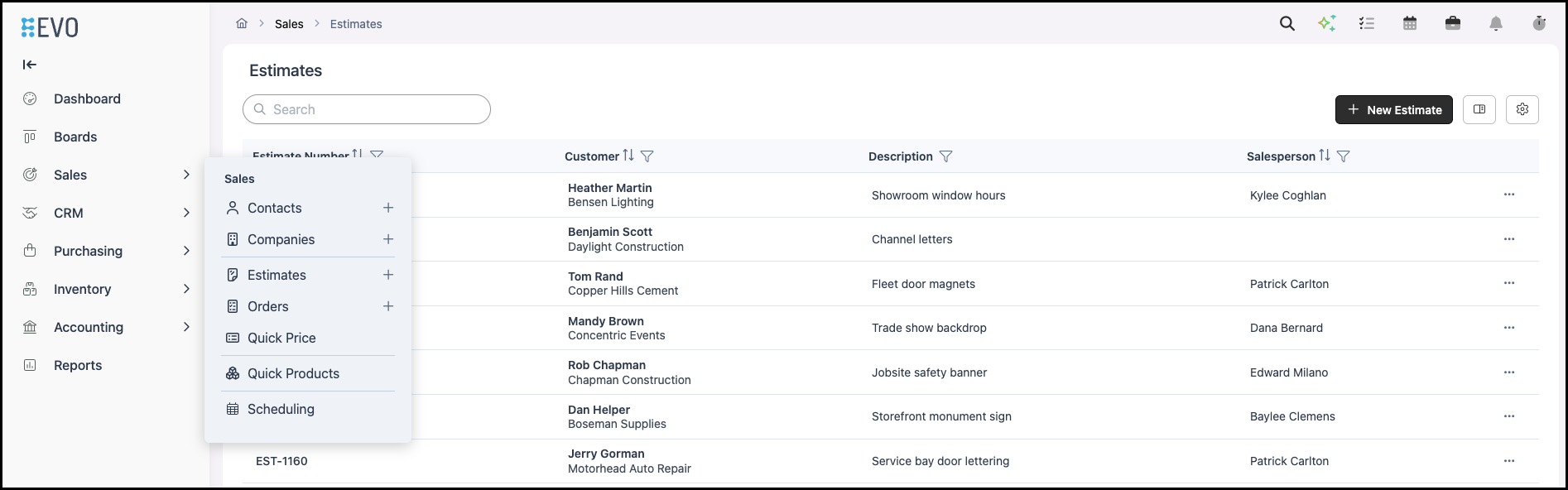
1. Click an Estimate Number. The Estimate opens.
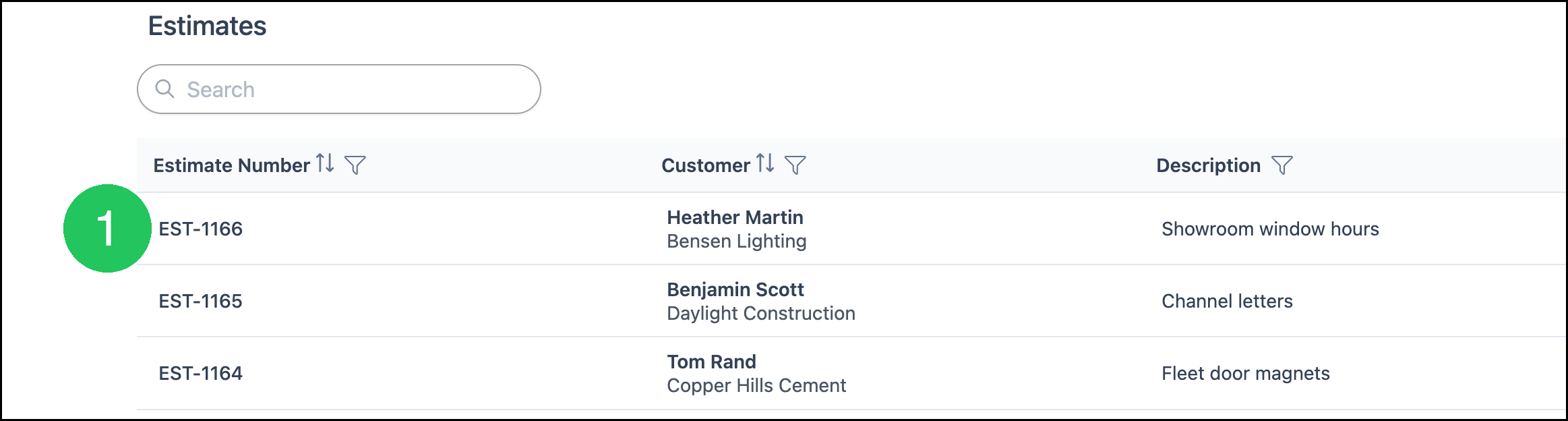
2. Click Line Item. The Add Line Item dialog opens.
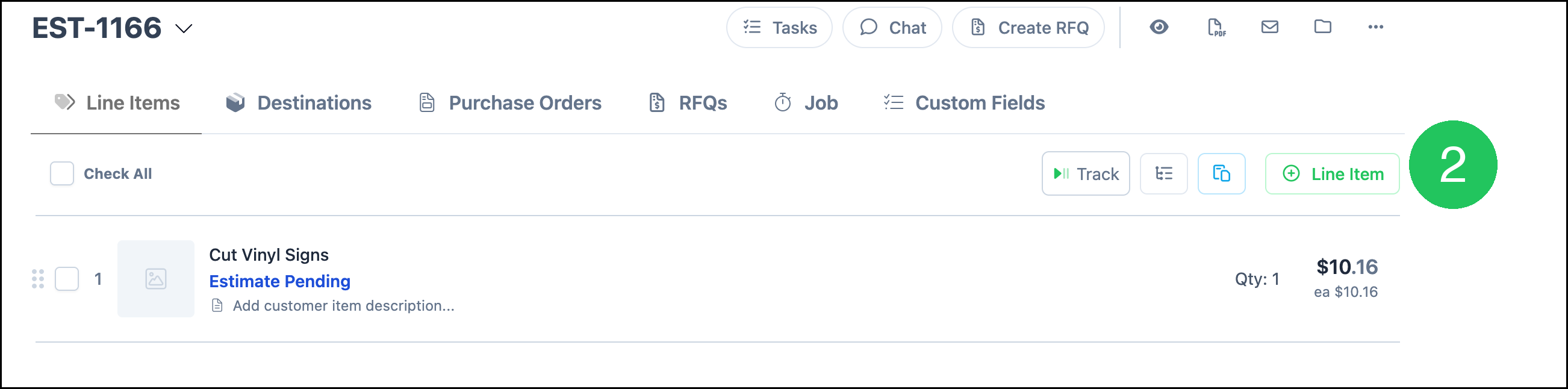
3. In Search Products, enter Custom Sign Cabinet. The matching product appears.
4. Select Custom Sign Cabinet.
5. Click Next. The Custom Sign Cabinet line opens.
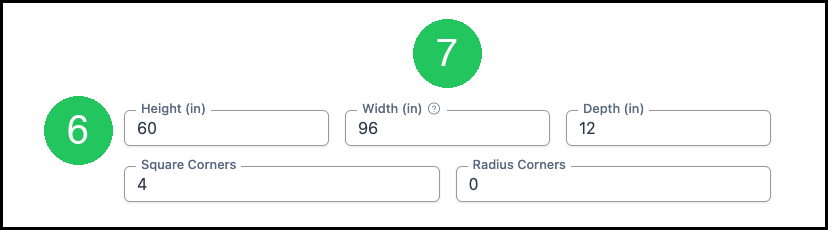
6. Enter Height.
7. Enter Width.
8. Under Additional Options, click Lighting. Cabinet Lighting is added to the line.

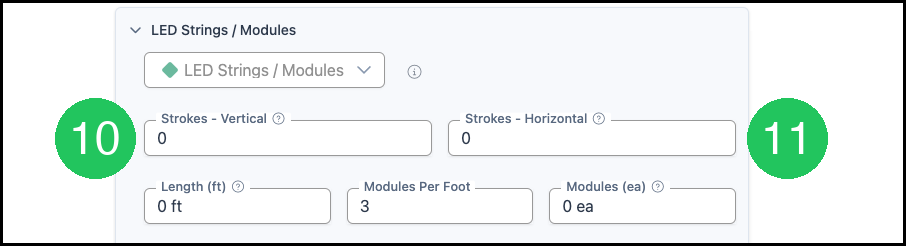
9. Expand LED Strings / Modules. The stroke fields open.

10. Enter Strokes - Vertical.
11. Enter Strokes - Horizontal.
Note: Length (ft) is the total LED string for the line. Modules Per Foot is how many modules are in each foot of that string. Modules (ea) is the module count.
Frequently Asked Questions
1. Why does Length (ft) show 0 ft?
Answer: Strokes - Vertical and Strokes - Horizontal are both 0. Length (ft) shows 0 ft in that case, and Modules (ea) shows 0 ea.
2. What is a stroke?
Answer: A vertical stroke is one LED run the height of the cabinet. A horizontal stroke is one LED run the width of the cabinet.