
Document Defaults and Document Templates lets you set how each document type starts and which layouts your team prints or emails. Set Document Defaults in Document Settings, then choose a Document Template in Documents. Those choices apply when a document is prepared for email, the portal, or print.
Table of Contents
- Important Information
- How Document Defaults and Document Templates Differ
- Opening Document Settings
- Opening Documents
- Frequently Asked Questions
- Related Articles
Important Information
- Document Defaults and Document Templates work together, and they do different jobs.
- Document Defaults are the starting settings for each kind of document, such as an Estimate or an Invoice. Paper size, language, which sections appear, and the starting text apply to every document of that type.
- Include turns an option on for that document type. When Include is off, the option is hidden on every document of that type, and Editable on Document turns off with it.
- Editable on Document lets someone change the option while they prepare the document. When it is off, the value stays locked to what you set.
- Default is the starting value for that option.
- Document Templates are the individual layouts your team opens when they print or email, such as Standard Estimate or Standard Invoice. You can keep more than one template for a type, change the wording and what shows on that layout, and choose which template is the default.
- Document Defaults answer this question: for every Invoice, how should it start, and can someone change that option while they prepare the document?
- Document Templates answer this question: which printable design is this, and what wording and layout does this design use?
- Change Document Defaults when every Invoice, Estimate, or Work Order should start the same way. Change a Document Template when you want a specific layout or wording for the document people select from Documents.
- When someone opens Documents on an Estimate or Order and chooses a template, preparation starts from that type's Document Defaults and uses the selected template's design.
How Document Defaults and Document Templates Differ
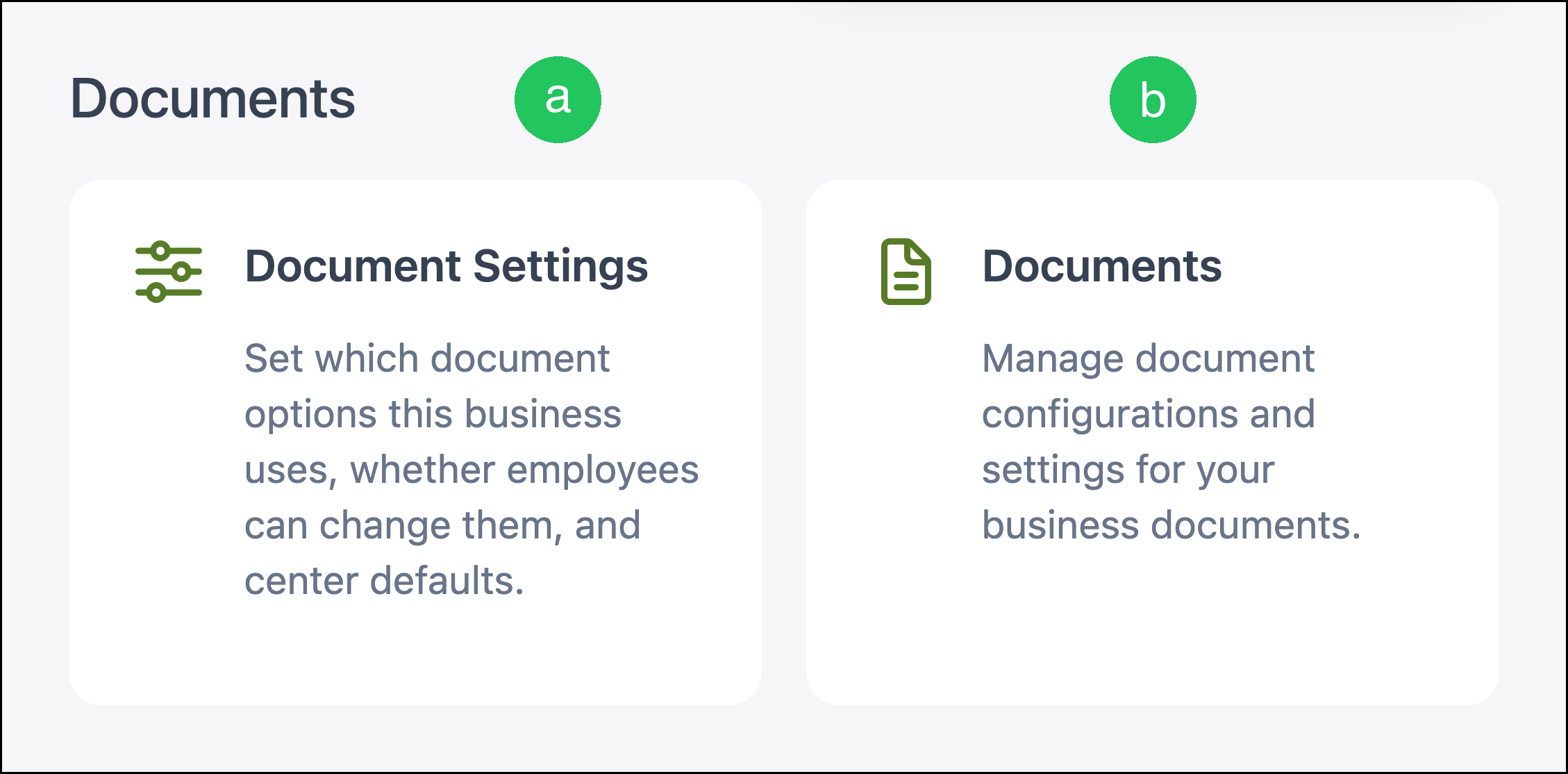
Document Defaults set the starting rules for a whole document type. Document Templates are the named layouts people open and print. Both cards are in the Documents section of System Settings.
a. Document Settings holds Document Defaults. There is one set of rules for each document type. Configure Page, Language, Layout, and Content. Those rules affect every document of that type when it is emailed, printed, or shown in the portal. Include, Editable on Document, and Default control whether an option is used, whether someone can change it while preparing the document, and what value it starts with.
b. Documents holds Document Templates. Each template is a named layout under a document type. Configure the template name, description, Text Options, Layout Options, the preview, and attachments. A template is used when someone selects it, or when it is the default template for that type.
Opening Document Settings
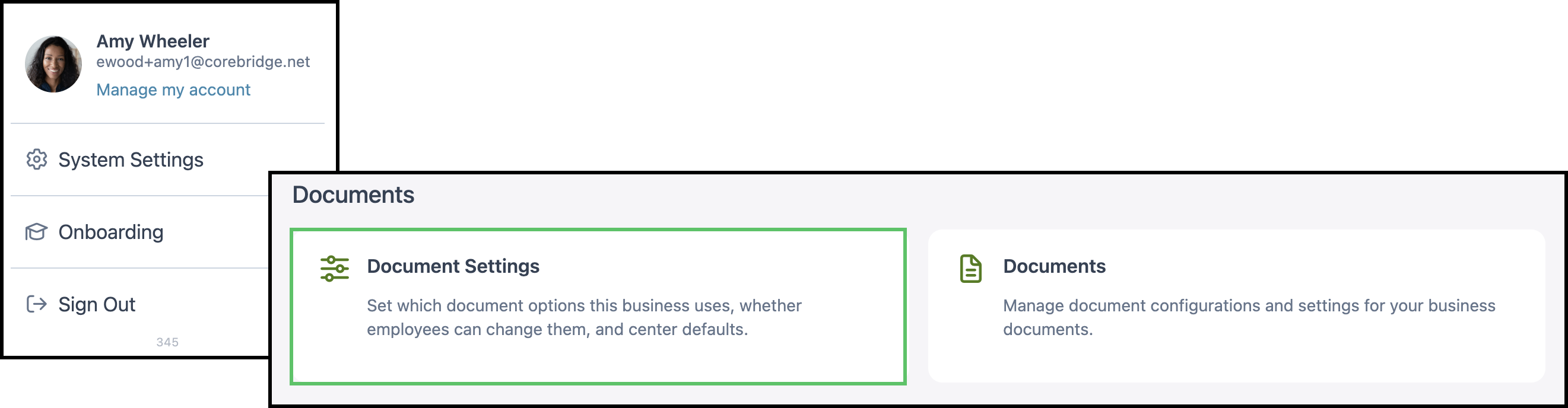
Navigate to System Settings / Documents / Document Settings.
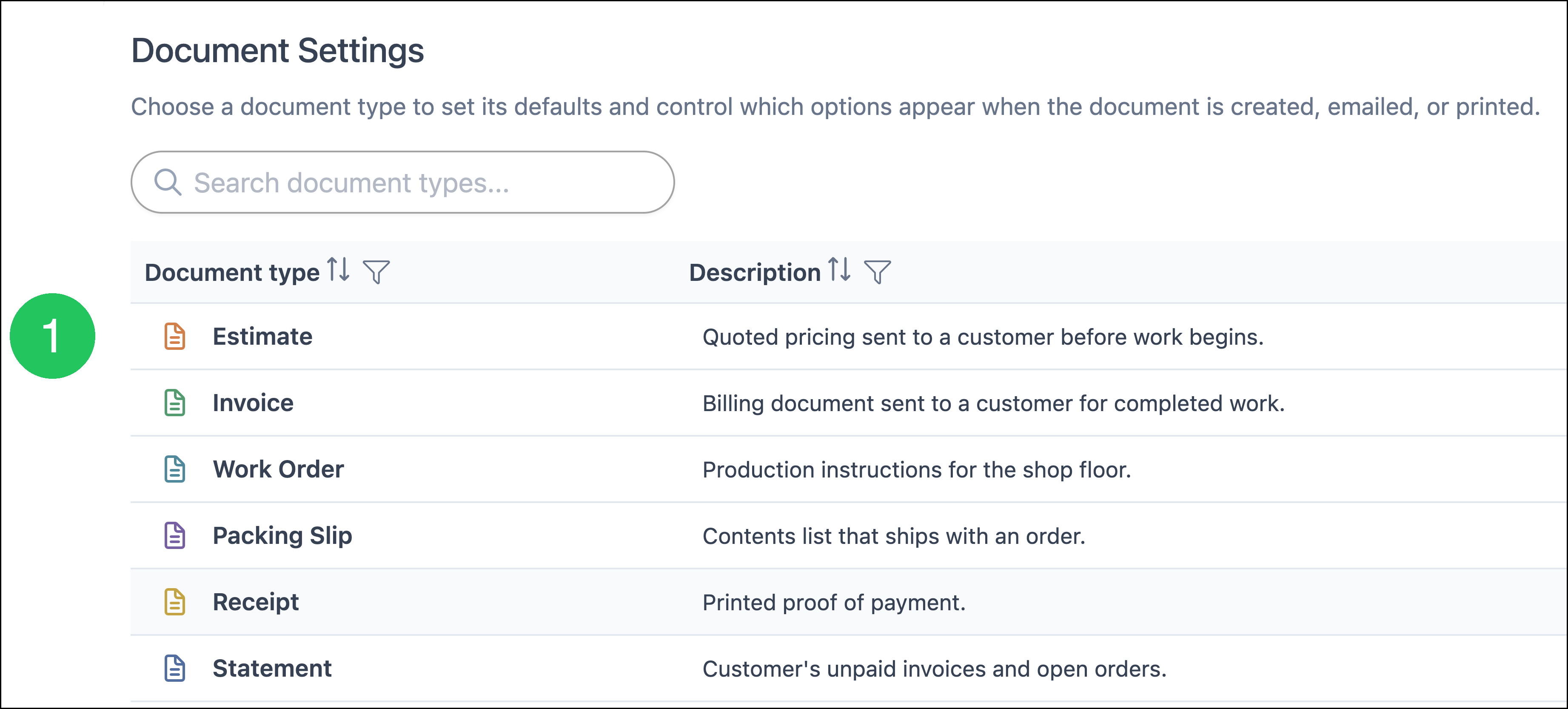
1. Click the document type you want to configure, such as Estimate. Page, Language, Layout, and Content open for that type. For more information, please see Document Settings.
Opening Documents
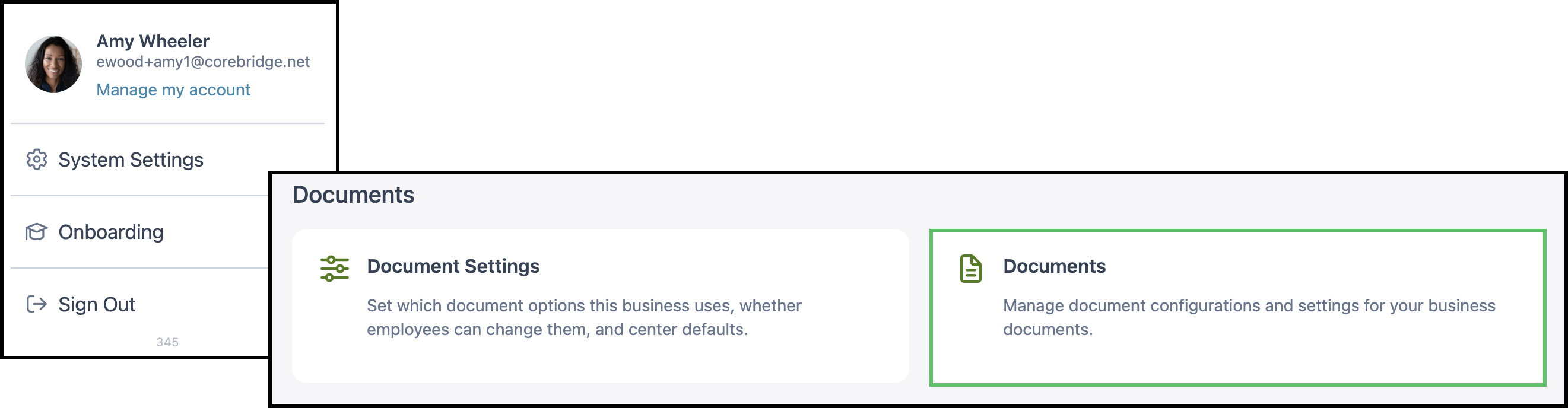
Navigate to System Settings / Documents / Documents.
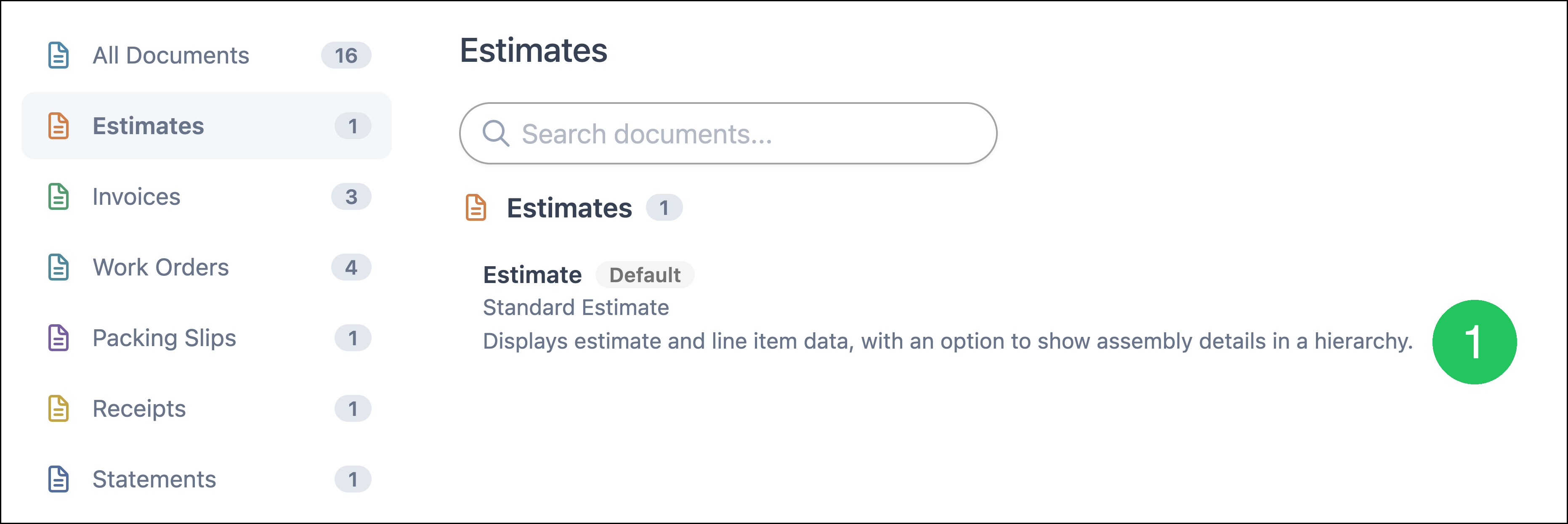
1. Click the template you want to edit, such as the Estimate template marked Default. The template editor opens so you can change that layout's wording and what it shows. For more information, please see Document Options.
Frequently Asked Questions
1. What is the difference between Document Defaults and Document Templates?
Answer: Document Defaults are the starting rules for a whole document type in Document Settings. Document Templates are the named layouts in Documents that people open when they print or email.
2. When do I change Document Defaults?
Answer: Change Document Defaults when every Invoice, Estimate, Work Order, or other document of that type should start the same way. Paper size for every Invoice is set on Invoice in Document Settings, in the Page area. For more information, please see Invoice Document Defaults.
3. When do I change a Document Template?
Answer: Change a Document Template when you want a specific layout or wording for the document people select from Documents, such as Standard Estimate. For more information, please see Document Options.
4. How do Document Defaults and Document Templates work together?
Answer: They do different jobs on the same document. Document Defaults set the starting rules for the document type, including which options someone can change while they prepare it. Document Templates are the layouts people open from Documents on an Estimate or Order. Preparation starts from the type's defaults and uses the selected template's design.